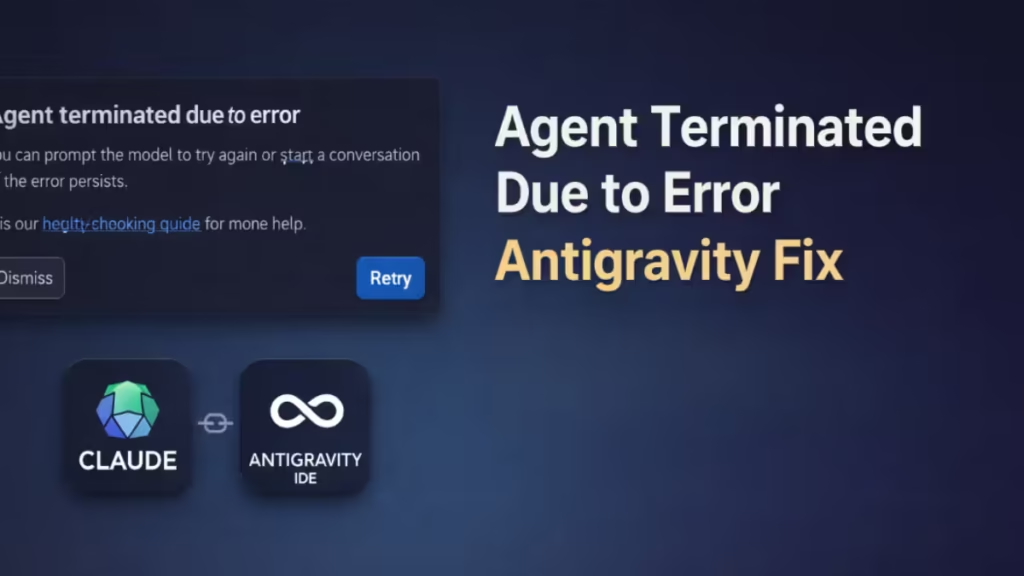
The error “Agent terminated due to error — you can prompt the model to try again or start a new conversation if the error persists” appears in Antigravity when using Claude models like Sonnet 3.5, Sonnet 4, or Claude 4.5.
This problem usually happens because of MCP (Model Context Protocol) server conflicts, not because of your prompt. Many users notice that Gemini models work normally, but Claude fails with this error.
Why the “Agent Terminated Due to Error” Happens
Antigravity uses MCP servers to connect the model with tools, files, and external services.
Examples of MCP tools:
- Stripe MCP
- Firebase MCP
- Repo MCP
- File MCP
- Custom MCP servers
Claude models use strict tool-calling rules.
If an MCP server sends incompatible data, the agent stops and shows the error.
This is why the error appears only with Claude but not with Gemini.
Common causes:
- Too many MCP servers enabled
- Incompatible MCP tool
- Large repo context
- Broken MCP configuration
- Old MCP version
Fix 1 — Disable MCP Servers (Fastest Solution)
Most users fix the error by turning off MCP.
Steps
- Open Antigravity
- Click the top-right menu (three dots)
- Select MCP Servers
- Click Manage MCP servers
- Disable all MCP servers
- Go back to Agent
- Run Claude again
If the error disappears, MCP caused the crash.
This is the most reliable fix.
Fix 2 — Disable Only the Problem MCP (Recommended)
You do not need to disable everything. Disable only the MCP that causes the crash.
Steps
- Open MCP Servers
- Disable all MCP
- Enable one MCP
- Test Claude
- Repeat until error appears
The last enabled MCP is the problem.
Common problematic MCP servers:
- Stripe MCP
- Firebase MCP
- Custom MCP
- Repo MCP with large project
- Old MCP plugins
Fix 3 — Reset MCP Configuration
Sometimes MCP settings become corrupted.
Resetting them fixes the error.
Steps
- Open MCP Servers
- Remove all MCP
- Restart Antigravity
- Add MCP again
- Test Claude
This method fixes many agent crashes.
Fix 4 — Reduce Context Size
Claude may crash if MCP sends too much data.
This happens when:
- Opening large files
- Searching full repo
- Loading logs
- Returning long tool output
Use smaller context instead.
Good practice:
- Open only needed files
- Avoid full project scan
- Limit search results
- Do not load huge folders
Large context often causes agent termination.
Fix 5 — Update Antigravity and MCP
Old versions may not work correctly with Claude.
Check for updates:
- Update Antigravity
- Update MCP servers
- Update extensions
- Restart IDE
Many users fix the error after updating.
Fix 6 — Use Fewer MCP Servers
Too many MCP servers increase the chance of failure.
Recommended:
- 0–3 MCP → stable
- 5–10 MCP → may fail
- 20+ MCP → error likely
If you see the error often, reduce the number of MCP servers.
Fix 7 — Use Gemini for Tools, Claude for Coding
Some users keep MCP enabled only for Gemini. Then they switch to Claude when writing code.
Example workflow:
- Gemini → MCP ON
- Claude → MCP OFF
This setup avoids crashes.
If you see the error repeatedly, check MCP first. In most cases, disabling or resetting MCP servers fixes the problem instantly.
Claude models are strict with tool calling, so even one bad MCP can stop the agent.

