Apple Music Replay 2025 is now live, giving listeners a clean, data-driven snapshot of everything they streamed throughout the year. Whether you spent the year looping the same artists or exploring new genres every month, Replay pulls all of that into a neat recap you can watch and share.
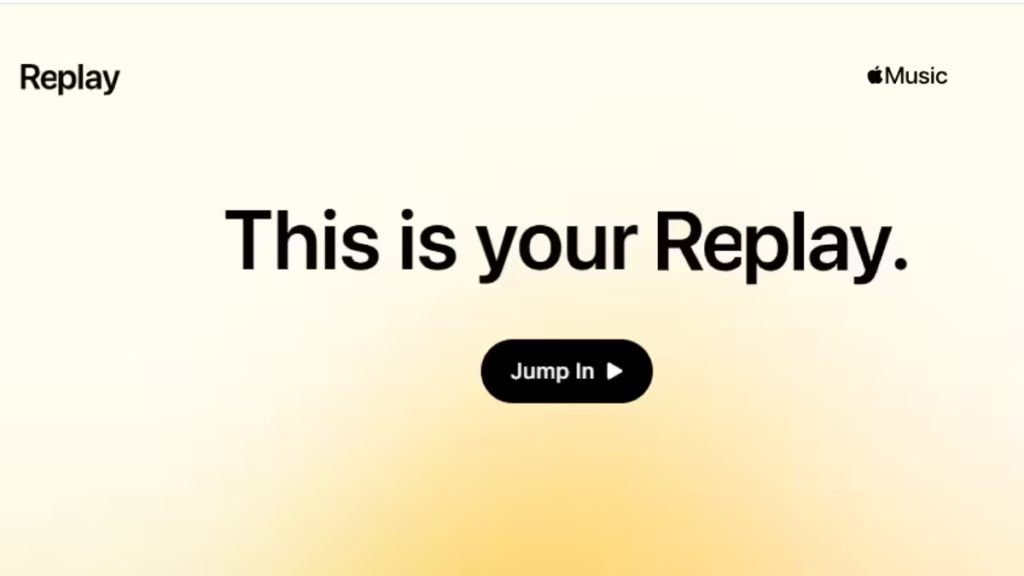
What Apple Music Replay 2025 Actually Shows You
Replay isn’t just a playlist anymore—it now functions like a complete listening report for your year.
Using your play history, it compiles:
- Your most-played songs, artists, and albums
- Total minutes listened
- Genre breakdowns
- The number of artists you explored
- Your listening streaks and returning artists
- Monthly listening summaries
- And your all-time top tracks since joining the service
2025 also adds three new insight categories: Discovery, Loyalty, and Comebacks, giving users a wider view of their listening habits over the year.
How to Check Apple Music Replay 2025 on iPhone or iPad
If you’re using the Apple Music app on iOS or iPadOS, the Replay carousel is integrated directly into your Home tab.
- Open the Apple Music app
- Go to the Home tab
- Look for the card titled Replay – Your music story is here
- Tap Replay your year in music
- Watch the slideshow recap, then swipe to explore individual stats
You can also generate share-ready highlight images or short, soundless videos directly from the app.
How to Check Apple Music Replay 2025 in a Web Browser
If you aren’t using an Apple device—or just prefer a computer—you can view Replay online:
- Visit https://replay.music.apple.com
- Sign in with the Apple ID tied to your Apple Music subscription
- Your Replay 2025 dashboard will appear instantly
- Scroll to see detailed stats, or play the recap slideshow
- Grab screenshots for sharing on social platforms
This method works on Mac, Windows, Android, or any device with a browser.
Can You Access Monthly Replays?
Yes. Apple Music updates monthly listening data throughout the year, letting you track:
- Monthly top artists
- Monthly top songs
- Genre trends
- Changes in listening time
All of these appear alongside your main 2025 recap.
What to Do If Replay 2025 Isn’t Showing
If the Replay banner doesn’t appear:
- Update iOS, iPadOS, or Apple Music to the latest version
- Ensure you listened to enough music this year (Replay requires a minimum activity threshold)
- Log out and log back into Apple Music
- Try checking through the web version, which often updates first
Replay typically rolls out globally in early December, so a short delay is normal depending on your region.
How to Share Your Apple Music Replay 2025
Apple offers several ways to share your recap:
- Save highlight images for Instagram, X, or Facebook
- Download the replay videos (no music included)
- Share your personalized Replay playlist
- Post individual stat cards directly from the app
Apple Music Replay 2025 continues to evolve, offering deeper year-end insights than ever before. Whether you want to revisit your top songs, track your monthly listening habits, or compare your stats with friends, the recap is easy to access and simple to share.
If you’re an Apple Music subscriber, all you need to do is head to the Home tab—or open the Replay website—and your 2025 music story is ready to explore.

