Looking for the latest Clash Royale codes? You’re in the right place. This guide lists all active redeem codes, QR codes, and creator codes that unlock free emotes, banner items, and other in-game rewards. We also explain exactly how to redeem them using your Supercell ID so you don’t miss out.

In Clash Royale, even small rewards can make a difference. Whether you’re pushing trophies, testing a new deck, or grinding seasonal challenges, free bonuses help you progress faster without spending gems. Below, you’ll find the newest working codes along with simple, step-by-step instructions to claim them through the Supercell Store or by scanning official QR codes.
All Working Clash Royale Redeem Codes February 2026
Here are currently active working Clash Royale codes, grant free emotes and cosmetics via the Supercell Store. Make sure you redeem them soon—some may expire without notice.
| Code | Reward |
|---|---|
| ROYALEAFFAIR | Royale affair emote |
| REINABARRIGA | Snoring Dragon banner set |
| WHENHOGSFLY! | Flying Royal Hogs emote |
| FIREANDICE!! | Ember Escape banner decoration and Firestorm banner frame |
| TRUSTYTURRET | Hero Musketeer emote |
Clash Royale QR code #1
Clash Royale QR code #2
Clash Royale QR code #3
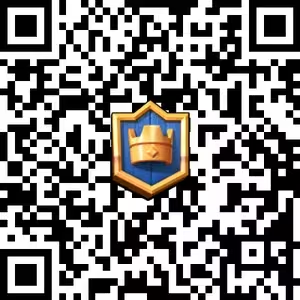
Clash Royale QR code #4
Clash Royale QR code #5
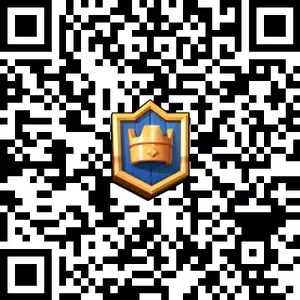
Clash Royale QR code #6
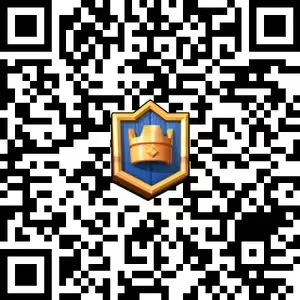
Clash Royale QR code #7
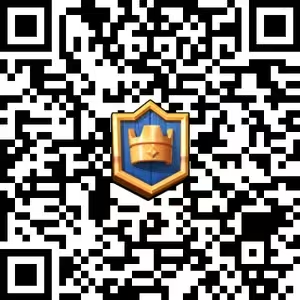
Clash Royale QR code #8
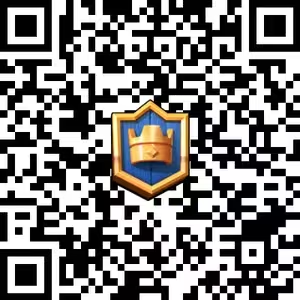
Clash Royale QR code #9
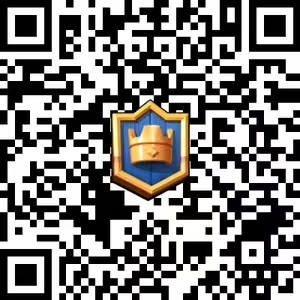
Clash Royale QR code #10
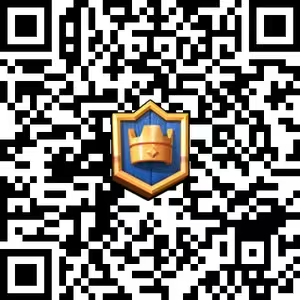
Clash Royale QR code #11
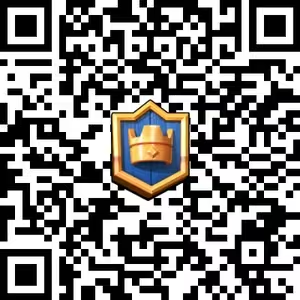
Clash Royale QR code #12
How to Claim QR Code Rewards:
- Visit the Skeleton Army Reserve page.
- Watch the awareness video and read the article.
- Log in with your Supercell ID.
- Tick the checkbox under the video and press “Claim Reward”.
- Scan the QR code that appears using your phone.
- Tap “Claim” in Clash Royale to collect your reward.
How to Redeem Clash Royale Codes (Step-by-Step)
You can redeem gift codes and receive rewards directly through the Supercell Store. Follow these instructions:
For Regular Redeem Codes:
- Open Clash Royale and finish the tutorial if you’re new.
- Tap the Menu (☰) > Supercell ID to log in.
- Go to the Supercell Store – Clash Royale Section.
- Scroll down to “Redeem a Store Code.”
- Enter a working code and hit Submit.
- Rewards will be automatically added to your in-game account.
For QR Codes:
- Complete the tutorial if you haven’t already.
- Scan a Clash Royale QR code using your smartphone’s camera.
- Follow the prompt in the app to claim the reward.
Clash Royale Creator Codes (Support Your Favorites)
Creator codes don’t give in-game items, but they help support your favorite content creators. A percentage of your in-game purchases will go to the creator when you use their code.
How to Use Creator Codes:
- Open Clash Royale.
- Go to the Shop tab.
- Scroll down to “Creator Boost”.
- Tap Enter Code, input the creator’s name, and hit OK.
Popular Creator Codes:
Some top creator codes include:
judo, itzu, kairos, clashjo, trymacs, ashbs, surgicalgoblin, royaleapi, zsomac, bt1(For the full creator code list, see the Supercell Creator Program page.)
Expired Codes
These codes are no longer valid and should not be used:
SHARETHEGOLDONEMAGICGIFTFIREFIREFIRE
When Are New Codes Released?
Clash Royale codes often drop during seasonal events, collaborations, or social media campaigns. Based on trends, expect 1–2 new codes every 3–4 weeks. Stay updated by:
- Following Clash Royale on Twitter, Facebook, and Instagram.
- Checking the Supercell Store page weekly.
- Bookmark this page – We’ll keep this article updated with the latest active codes.
Whether you’re a casual player or a ladder climber, redeeming free Clash Royale codes is a smart way to enhance your account without spending a dime. From flashy emotes to exclusive banners, each item gives you more ways to stand out in battle. And if you’re feeling generous, don’t forget to support a content creator with a code at checkout.

