Remote Desktop (RDP) to a Windows server hosted in Microsoft Azure can fail when you use Microsoft Entra ID for authentication. In most cases, the problem comes from missing identity configuration, not from Azure downtime or a broken VM.
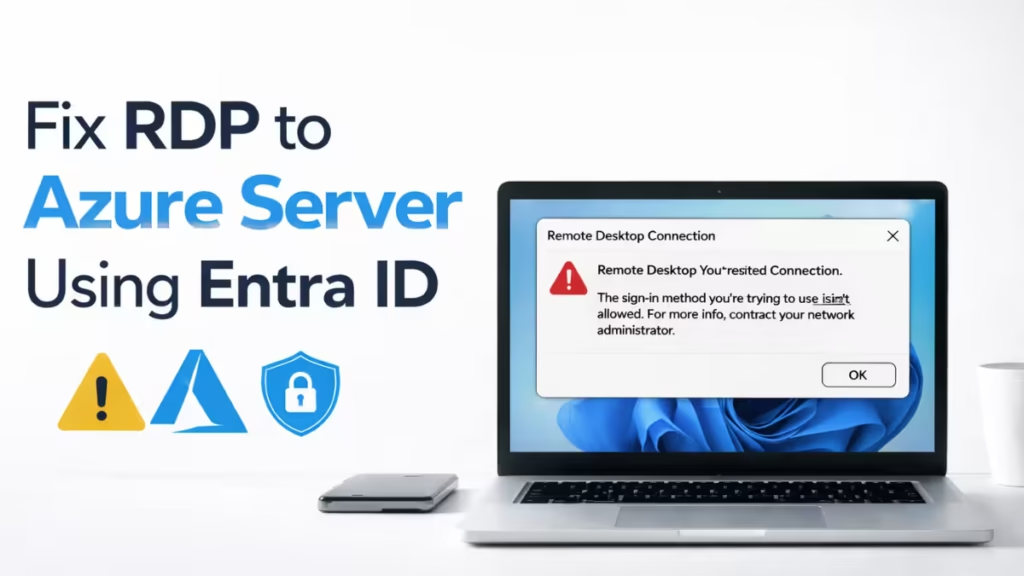
This guide shows exact steps to fix RDP issues when Entra ID login does not work.
Step 1: Confirm the Windows Version Supports Entra ID RDP
Entra ID authentication works only on supported Windows images.
Supported operating systems
- Windows Server 2019 or 2022
- Windows 10 / 11 Pro or Enterprise
What to do
Open the Azure Portal and check:
Virtual Machine → Overview → Operating systemIf the VM runs an unsupported OS, Entra ID RDP will not work. Switch to a supported image.
Step 2: Verify the VM Is Azure AD (Entra ID) Joined
Many VMs show as “connected” but are not fully Entra ID joined.
Check inside the VM
Run this command:
dsregcmd /statusYou must see:
AzureAdJoined : YESFix if it shows NO
The VM is not properly joined. Leave and rejoin Entra ID, then reboot the server.
Step 3: Install the Azure AD Login Extension (Mandatory)
Entra ID RDP fails instantly if this extension is missing.
Check in Azure Portal
VM → Extensions + applicationsLook for:
- AADLoginForWindows
Fix
If it is missing:
Extensions → Add → Azure AD Login for WindowsWait until the status shows Provisioning succeeded.
Step 4: Assign the Correct Azure RBAC Role
This is the most common cause of Entra ID RDP failure.
Required role (assign one)
- Virtual Machine User Login
or - Virtual Machine Administrator Login
How to assign
VM → Access Control (IAM) → Add role assignmentAssign the role directly to the user or group.
Being a Global Admin alone does not allow RDP access.
Step 5: Enable Entra ID Authentication on the VM
Azure keeps this disabled by default.
Check
VM → Configuration → Azure AD authenticationRequired setting
EnabledRestart the VM after enabling this option.
Step 6: Use the Correct RDP Username Format
Wrong username format breaks login even if everything else is correct.
Correct formats
AzureAD\[email protected]or
[email protected]Do not use
- DOMAIN\username
- Local admin usernames
- Short aliases
Step 7: Check Network Security Group (NSG) Rules
Identity may work, but networking can still block RDP.
Required inbound rule
- Port: 3389
- Protocol: TCP
- Source: Your VDI IP or trusted range
- Action: Allow
Where to check
VM → Networking → Network Security GroupStep 8: Use a Supported RDP Client
Older or third-party RDP tools may fail with Entra ID.
Supported clients
- Windows built-in Remote Desktop (mstsc)
- Latest Microsoft Remote Desktop app
Avoid outdated macOS or third-party RDP clients for Entra ID login.
Step 9: Fix “The Sign-in Method You’re Using Isn’t Allowed”
This error points to a policy or role issue.
Recheck the basics
- VM is Azure AD joined
- AADLoginForWindows extension installed
- Correct RBAC role assigned
- Entra ID authentication enabled
- Correct username format used
Step 10: Review Conditional Access Policies
Conditional Access can silently block RDP.
Check here
Entra ID → Security → Conditional AccessLook for:
- Device compliance requirements
- MFA enforcement for Windows sign-in
- Location restrictions
Temporarily exclude the user to confirm whether a policy blocks access.
Temporary Workaround
If access is urgent:
- Log in using the local admin account
- Fix Entra ID configuration
- Switch back to Entra ID login afterward
This avoids downtime while you correct identity settings.
FAQs
Why is RDP to Azure server using Entra ID not working?
RDP usually fails when the VM is not Azure AD joined, the AADLoginForWindows extension is missing, or the required Azure RBAC login role is not assigned to the user.
Does Azure VM support RDP login using Entra ID by default?
Azure does not enable Entra ID authentication by default, so you must manually enable it and install the Azure AD Login for Windows extension on the VM.
Which role is required to fix RDP to Azure server using Entra ID?
You must assign either the Virtual Machine User Login or Virtual Machine Administrator Login role at the VM or resource group level.
What username format should I use for Entra ID RDP login?
You must use [email protected] or AzureAD\[email protected], as local usernames and domain formats do not work with Entra ID authentication.
Can a Global Admin access an Azure VM using RDP without RBAC roles?
A Global Admin cannot sign in via RDP unless the correct VM login role is explicitly assigned through Azure RBAC.
What is AADLoginForWindows and why is it required?
AADLoginForWindows is the Azure VM extension that enables Entra ID authentication for Windows RDP and is mandatory for Entra ID sign-in.
Can Conditional Access policies block RDP to Azure server?
Conditional Access can block Entra ID RDP silently if device compliance, MFA, or location rules are not met.
Which Windows versions support RDP to Azure server using Entra ID?
Only Windows Server 2019 or 2022 and Windows 10 or 11 Pro or Enterprise editions support Entra ID-based RDP login.
Can Network Security Group rules cause Entra ID RDP login failure?
An NSG that blocks inbound TCP port 3389 will prevent RDP access even if Entra ID authentication is configured correctly.
What is the fastest workaround if Entra ID RDP fails?
You can sign in using the local administrator account, fix the Entra ID configuration, and then switch back to Entra ID login.

