Need to create PowerPoint slides quickly without starting from scratch? These free AI tools help you generate, design, and export professional presentations in minutes—perfect for students, professionals, and teams. Whether you’re a professional, student, or entrepreneur, using free AI tools for PowerPoint presentations can help you create stunning presentations in a fraction of the time. This guide highlights the best free AI-powered tools for PowerPoint presentations, detailing their features, pricing and pro benefits.

Top 5 Free AI Tools for PowerPoint Presentations
- Gamma AI PowerPoint Generator
- Presentations.AI
- Pitch AI Presentation Maker
- Visme AI Presentation Maker
- Slidesgo AI Presentation Generator
1. Gamma AI – Fastest Free AI PowerPoint Generator
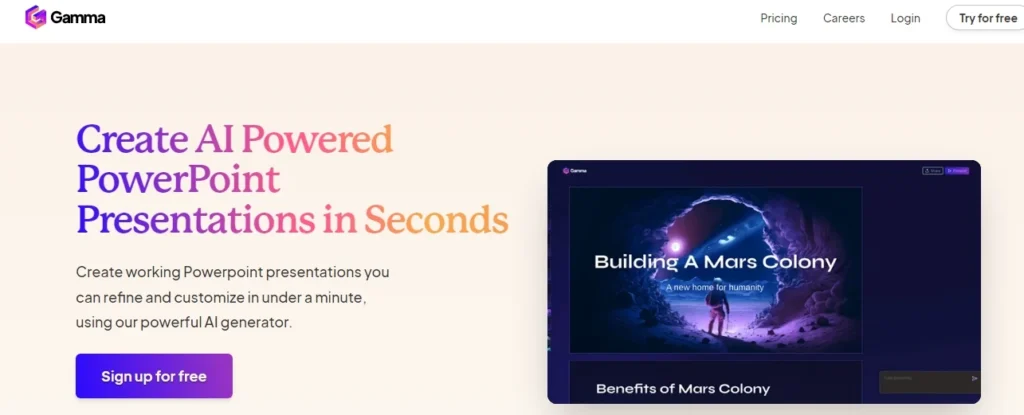
Gamma leverages AI to create professional, dynamic PowerPoint presentations in just a few clicks. It’s perfect for users seeking a quick solution without compromising on quality.
Key Features
- Instant Slide Generation: Enter your topic or content, and Gamma produces ready-to-use slides.
- Editable Slides: Customize layouts, text, and visuals to suit your needs.
- Professional Design: Access modern templates designed for business and educational use.
Pricing
- Free Plan: Includes basic AI features, 400 AI credits, and basic exports.
- Plus Plan: ₹400/month, offering unlimited AI creation, advanced image generation, and priority support.
- Pro Plan: ₹750/month, providing premium features like custom domains, detailed analytics, and enhanced editing tools.
Best For: Users who want the fastest way to generate editable PowerPoint-style slides with minimal setup.
Limitations: The free version offers basic functionality, but advanced design elements are limited.
2. Presentations.AI
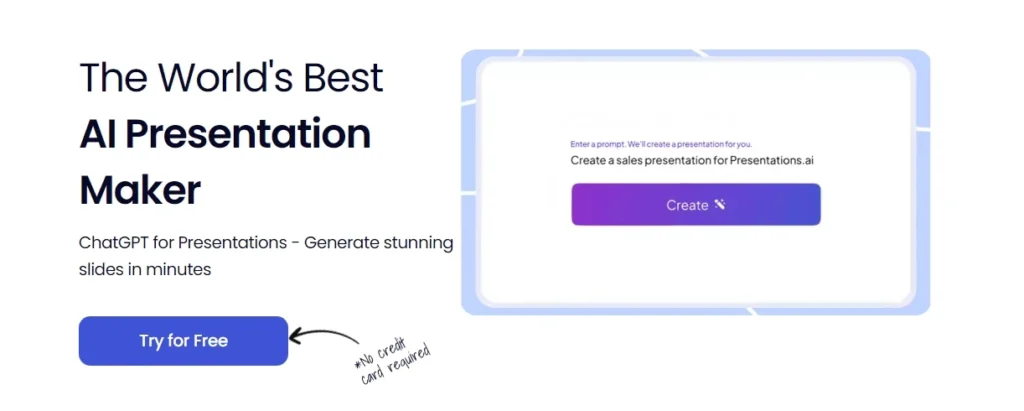
Presentations.AI is an advanced tool designed to simplify the creation of professional presentations. Its AI-driven features enable users to generate slides tailored to specific themes, topics, or tones, making it an excellent choice for both beginners and professionals.
Key Features
- Text-to-Slide Generation: Enter a topic or a detailed prompt, and the tool creates an entire presentation outline and slides for you.
- Customizable Templates: Choose from a wide variety of templates to suit different industries and purposes.
- Collaboration-Friendly: Work on slides with your team in real-time.
- Export Options: Save your work in multiple formats, including PowerPoint and PDF.
Pricing
- Starter Plan: Free for a limited time. Includes limited AI credits, basic functionality, team collaboration, and seamless sharing.
- Pro Plan: $198/year (limited time, discounted from $600/year). Includes Additional AI credits, Pro templates, Custom fonts and colors, Analytics, Export to PDF, Advanced features.
Best For: Users who want structured, professional PowerPoint decks generated from prompts with minimal manual editing.
Limitations: While the free version offers basic functionality, some advanced templates and collaboration features may be locked behind a premium subscription.
3. Pitch AI Presentation Maker
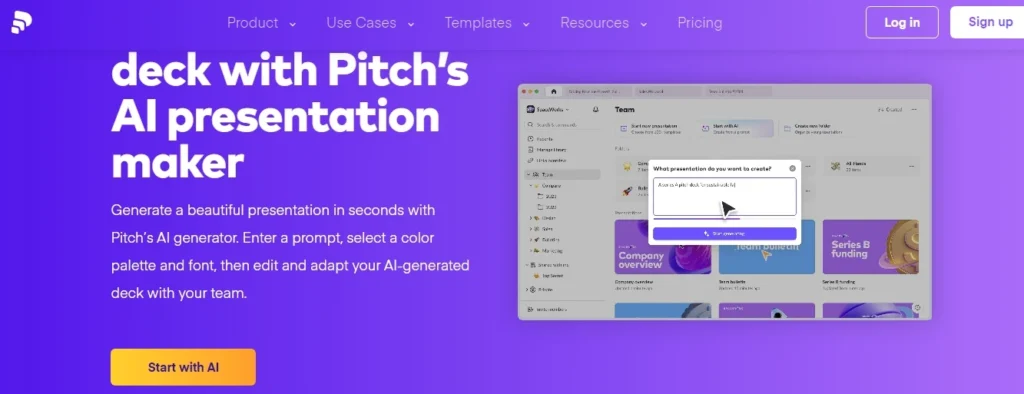
Pitch is designed to create impactful presentations in seconds. With its AI-driven features, you can craft polished decks that are perfect for pitches, client meetings, or internal reviews.
Key Features
- AI Content Generation: Generate slide content and layouts based on a few prompts.
- Customization Options: Choose your preferred color palette, fonts, and themes.
- Collaborative Workspaces: Collaborate in real-time with team members.
- Presentation Analytics: Track how viewers engage with your slides.
Pricing
- Free Plan: Includes unlimited presentations, AI generation, branded exports, and up to 5 members.
- Pro Plan: $20/month for small teams, offering unbranded exports, video uploads, and custom fonts.
- Business Plan: $80/month for larger teams, with unlimited analytics links, advanced roles, and priority support.
Best For: Teams creating pitch decks, internal reports, and collaborative presentations with real-time editing..
Limitations: Some features, such as advanced analytics and premium templates, require a subscription.
4. Visme AI Presentation Maker
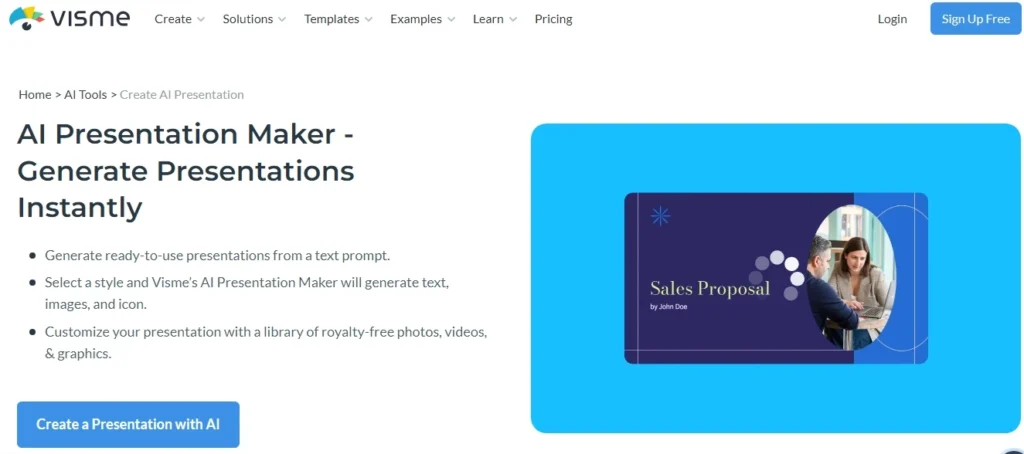
Visme stands out for its robust library of visual assets and its ability to combine them with AI-powered slide generation. Whether you need business proposals, educational slides, or marketing decks, Visme’s versatility ensures you’ll find the perfect solution.
Key Features
- Text-Based AI Slide Creation: Input your content, and Visme generates slides with appropriate formatting and visuals.
- Royalty-Free Assets: Access a large collection of photos, videos, icons, and animations.
- Brand Kit Integration: Maintain consistent branding by incorporating your logo, colors, and fonts.
- Interactive Features: Add animations, transitions, and interactive elements to your slides.
Pricing
- Basic Plan (Free): Includes unlimited projects, limited templates, and regular support.
- Starter Plan: $12.25/month, providing access to premium assets, full templates, and PDF downloads.
- Pro Plan: $24.75/month, offering additional features like PPTX downloads, privacy controls, and analytics.
- Enterprise Plan: Custom pricing for advanced security, management, and collaboration needs.
Best For: Users who need design-heavy presentations with charts, animations, and brand customization options.
Limitations: The free version limits access to some assets and advanced customization features.
5. Slidesgo AI Presentation Generator
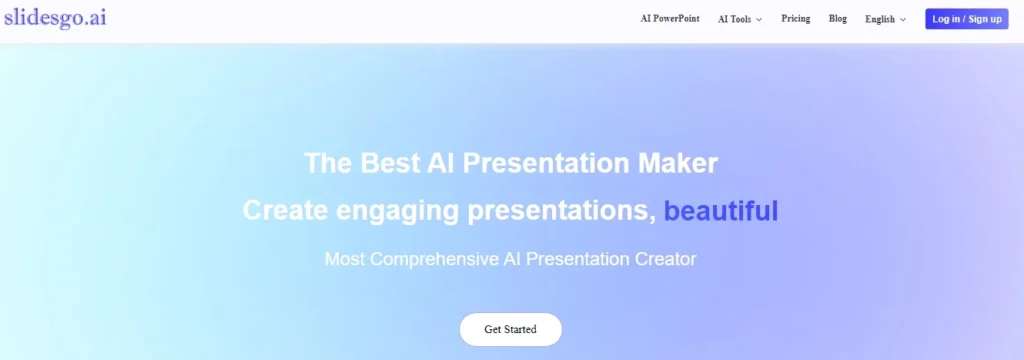
Slidesgo AI is known for its creative and highly customizable templates. This AI-powered tool for PowerPoint presentations focuses on creating engaging and visually dynamic slides, making it ideal for those looking for a balance between automation and creative control.
Key Features
- AI-Powered Template Suggestions: Based on your topic, Slidesgo suggests templates that best suit your needs.
- Multiple Tones: Choose from fun, casual, professional, or formal tones for your slides.
- Export Options: Export your presentations directly as PDFs.
- Template Library: Access a vast library of pre-designed slides, ideal for diverse industries and niches.
Pricing
- Free Plan: Includes up to 20 AI PPT generations, 20 template changes, 5 text uploads, 20 summarizer uses, and limited GPT-3.5/GPT-4 usage.
- Pro Plans:
- Monthly: $19.99/month
- Quarterly: Discounts apply.
- Yearly: Best value with unlimited features such as template changes, AI generation, and premium GPT usage.
Best For: Users who prefer visually rich templates and want AI assistance mainly for design, not full slide automation.
Limitations: The tool is more focused on templates, so users seeking more automated slide content generation might need additional tools.
Why Use Free AI Tools for PowerPoint Presentations?
- Saves Time: AI tools significantly reduce the time required to create presentations, enabling you to focus more on content delivery and strategy.
- Ensures Consistency: Many of these tools offer brand integration features, ensuring that your slides are consistent in terms of colors, fonts, and overall design.
- Enhances Creativity: Even with limited design experience, you can produce visually appealing and innovative presentations.
- Promotes Collaboration: Real-time editing and collaboration features make it easier to work on presentations as a team.
FAQs AI Tools for PowerPoint Presentations
Q. Are free AI tools for PowerPoint really free to use?
Yes. Most tools offer a free plan with limited AI credits, templates, or exports. Paid plans unlock higher limits and premium features.
Q. Can I export AI-generated slides to PowerPoint (PPTX)?
Yes. Tools like Gamma, Presentations.AI, Pitch, and Visme support PPT or PPTX exports on free or limited plans.
Q. Which free AI PowerPoint tool is best for students?
Gamma and Slidesgo are ideal for students due to fast slide creation, simple workflows, and usable free limits.
Q. Do I need design skills to use AI presentation tools?
No. These tools automatically handle layout, colors, and structure, making them suitable for beginners.
Q. Are free AI presentation tools good for professional use?
Yes, for basic decks and internal presentations. Client-facing or branded presentations may require a paid plan.
Q. Can AI tools create slides from text or prompts?
Yes. Most tools can generate complete slide outlines and content from short prompts or pasted text.
Q. Do these AI tools work on mobile devices?
Most tools are web-based and work on mobile browsers, but full editing is best on desktop.
Q. Are the presentations editable after generation?
Yes. Text, layouts, visuals, and themes remain fully editable after generation.
Q. Do free plans include watermarks?
Some tools apply watermarks or branding on free exports. This depends on the platform.
Q. Which AI tool is the fastest for creating PowerPoint slides?
Gamma is currently the fastest option for instant slide generation with minimal setup.
Free AI Presentation Makers for PPTX Export are revolutionizing the way we create and deliver content. With options like Presentations.AI, Slidesgo, Visme, Pitch, and Gamma, you can choose a tool that aligns with your goals, whether it’s efficiency, creativity, or collaboration. Start exploring these free tools today, and if you like them, consider subscribing to their pro plans.