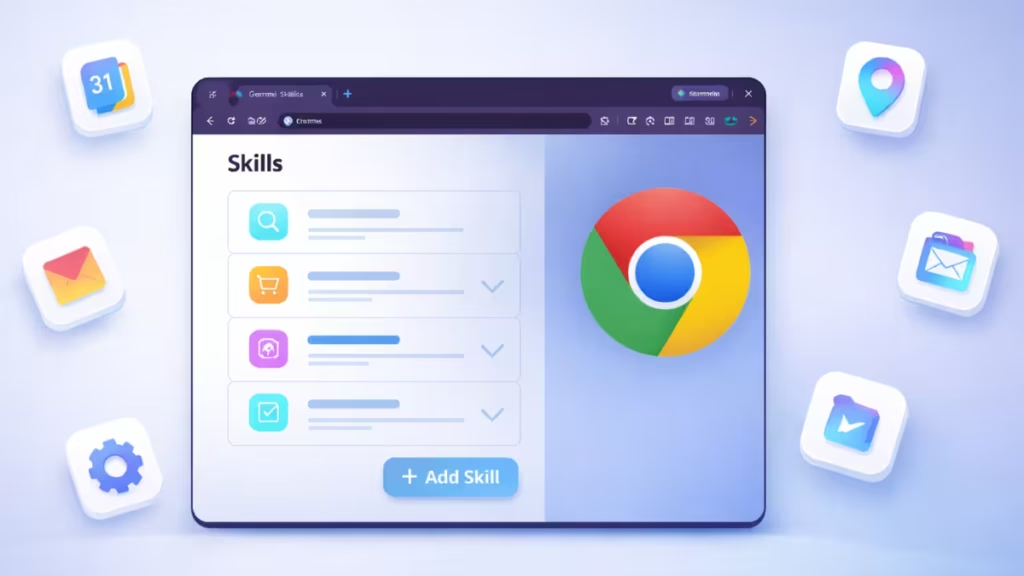
Google has started testing a new “Skills” feature inside Chrome that allows Gemini to perform specialized tasks automatically. The feature introduces a dedicated chrome://skills page where users can create custom skills by defining a name and instructions.
Leopeva64 first observed the feature while analyzing recent Chromium builds. The finding revealed internal UI strings and backend changes tied directly to Skills management and Gemini integration.
Once enabled, Skills will allow Gemini to execute repeatable workflows directly inside the browser instead of responding only to individual questions.
Chrome Adds a Dedicated Skills Management Page
Chrome now includes a hidden internal page at chrome://skills. The page currently shows a basic header and no active controls in most builds, which indicates the feature remains under development.

However, Chrome’s internal UI strings already define the full management flow. Users will be able to:
- Add a new skill
- Edit an existing skill
- Assign a name and instructions
- Save or cancel changes
The interface description explains that Skills help simplify and automate repetitive tasks. This confirms that Google intends to let users customize Gemini behavior instead of relying only on default prompts.
Gemini Will Run Skills Directly From the Side Panel
Chrome engineers updated the Gemini side panel — internally known as the Glic panel — to support skill execution. When users open Gemini, Chrome can now pass a specific skill directly into the panel.
This change allows Gemini to launch with a preselected task instead of starting from a blank prompt. For example, a user could create a skill that summarizes research pages, extracts pricing data, or validates form entries across websites.
See also: Windows 11 Mica Title Bar Returns in Chrome Canary
The system stores skills as a structured map instead of a simple list. This improves performance and scalability as users add more skills over time.
Skills Turn Gemini Into an Agent Inside Chrome
Today, Gemini acts mainly as a contextual helper inside Chrome. Users ask it to summarize pages, explain content, or compare information across tabs.
Skills push Gemini beyond passive assistance. The feature allows Gemini to follow instructions consistently and execute multi-step actions inside the browser environment.
This shift aligns with Google’s broader strategy to evolve Gemini into an autonomous agent that can:
- Perform repeated workflows
- Maintain task consistency
- Operate across multiple tabs
- Integrate more deeply with browser services
Instead of rewriting prompts every time, users will rely on saved skills to trigger predictable actions.
Feature Remains in Internal Testing
Chrome currently hides the Skills interface behind internal flags. Most users will only see an empty page when opening chrome://skills. Google has not announced a public rollout timeline yet.
The presence of completed UI labels and backend plumbing suggests active development rather than experimental exploration. Chrome typically exposes such features to Canary and Dev channels before expanding to wider audiences.
How Gemini Skills Could Change the Way People Use Chrome
Once released, Skills could dramatically change how users interact with Gemini in Chrome:
- Faster automation without manual prompting
- Custom workflows tailored to individual needs
- Better productivity across research, shopping, and browsing tasks
- Reduced repetitive browser actions
The feature positions Chrome as more than a browser. It turns Chrome into an AI-powered automation platform driven by Gemini.
Google continues expanding Gemini’s capabilities across its ecosystem, and Skills appear to be the next step toward intelligent browser automation.

