Blooket is an innovative educational platform that merges learning with interactive gaming, making it a favorite among students and educators. While joining a live Blooket game typically requires a code provided by the host, but there are several other ways to engage with Blooket without one. Here's a complete guide on how to do so:
1. Create an Account: To access Blooket's features without a game code, you'll need to create a free account:
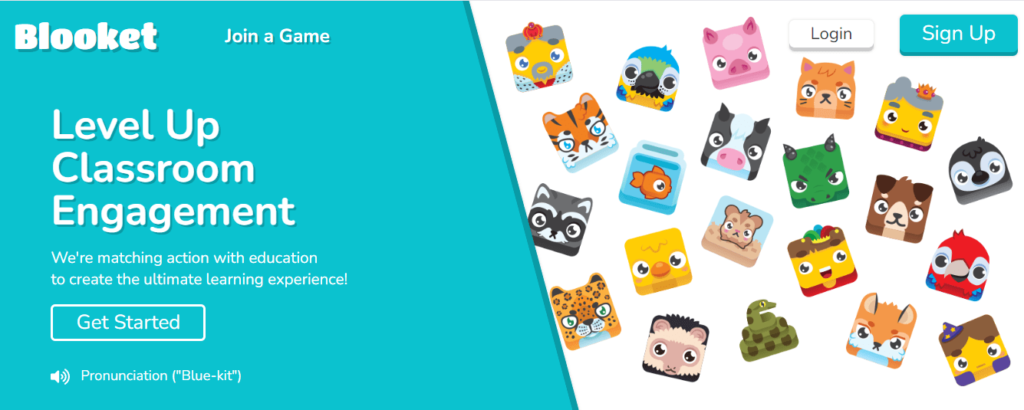
- Go to Blooket.com.
- Click on "Sign Up" and choose to register as a student or teacher.
- Provide the necessary information, such as a username, email, and password.
- Complete the registration process by verifying your email, if required.
2. Exploring Question Sets: Once logged in, you can explore a vast array of question sets:
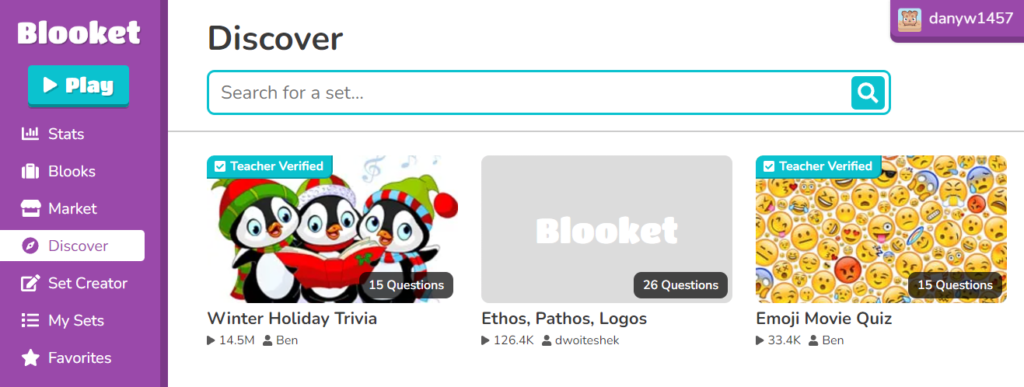
- Click on the "Discover" button in the top navigation bar.
- Browse through featured, verified, or popular sets, or use the search function to find sets that match your interests or study needs.
- Select a question set to view its details and questions.
3. Playing Solo Games: Blooket allows users to play games solo, without needing a host or game code:
- On the question set page, click the "Solo" button.
- Choose from the available game modes suitable for solo play, such as Tower Defense, Cafe, Factory, Crazy Kingdom, or Tower of Doom.
- Customize the game settings to your preference and click "Start" to begin playing.
4. Assigning Homework to Yourself: If you're an educator or a student looking to practice specific content, you can assign homework to yourself:
- Navigate to the desired question set.
- Click on the "Assign HW" button.
- Set the parameters for the assignment, such as due date and game mode.
- Generate a link to the homework assignment, which you can then use to access the game without a code.
5. Joining Public Games: Occasionally, Blooket hosts public games or events that don't require a specific game code:
- Check Blooket's official announcements regularly or follow our page, FDayTalk Games, for the latest updates.
- When a public game is available, we provide instructions on how to join on our FDayTalk Gaming page, often without the need for a code.
By following these steps, you can fully enjoy Blooket's educational games and resources without the necessity of a game code. This flexibility allows for independent learning and practice, making Blooket a versatile tool for enhancing your educational experience.