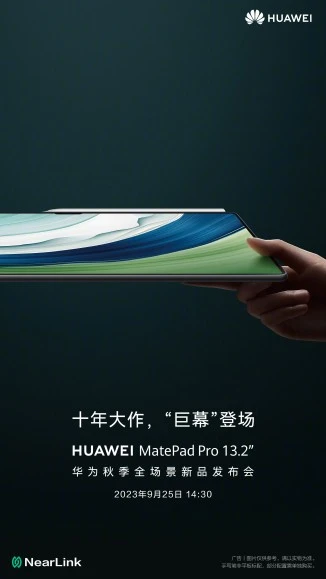
Huawei, the Chinese tech giant, has announced that it will launch its largest tablet ever, the MatePad Pro 13.2, on September 25 in China. The tablet will feature a massive 13.2-inch screen, a dual-camera setup, a Kirin 9000s chipset, and StarLight connection technology.
The MatePad Pro 13.2 will be the first tablet to use StarLight connection technology, which is developed by Huawei. The StarLight connection technology is said to be faster, more stable, and more energy-efficient than traditional wireless connections, such as Bluetooth and Wi-Fi. It comes with 60% lower power consumption, 6 times higher speed, 1/30 delay, and 10 times higher number of network connections compared to traditional wireless connections.
The tablet will also have a dual-camera setup on the back long with 3D ToF for 3D face recognition, face payment. It will also support face unlock and gesture control, hands-free operation.
The MatePad Pro 13.2 will be powered by the Kirin 9000s chipset, its an 8-core chipset that was announced on August 29, 2023, and is manufactured using a 7-nanometer process technology. The tablet is likely to have a 10,000 mAh battery, Huawei M-Pencil stylus and the Huawei Smart Magnetic Keyboard.
Price and availability
On September 25th, Huawei announced the launch of the MatePad Pro, along with the Huawei Watch Ultimate Gold Edition, featuring 18-karat pure gold in the bezel, the crown button, and a gold PVD titanium strap.

This luxurious watch will be available for purchase in Europe starting in October at a price of €2,999.

