Microsoft is preparing several practical upgrades for Outlook, focused on faster folder sharing, smoother file sending, and tighter admin control. These updates appear on the official Microsoft 365 roadmap and target both end users and IT administrators .
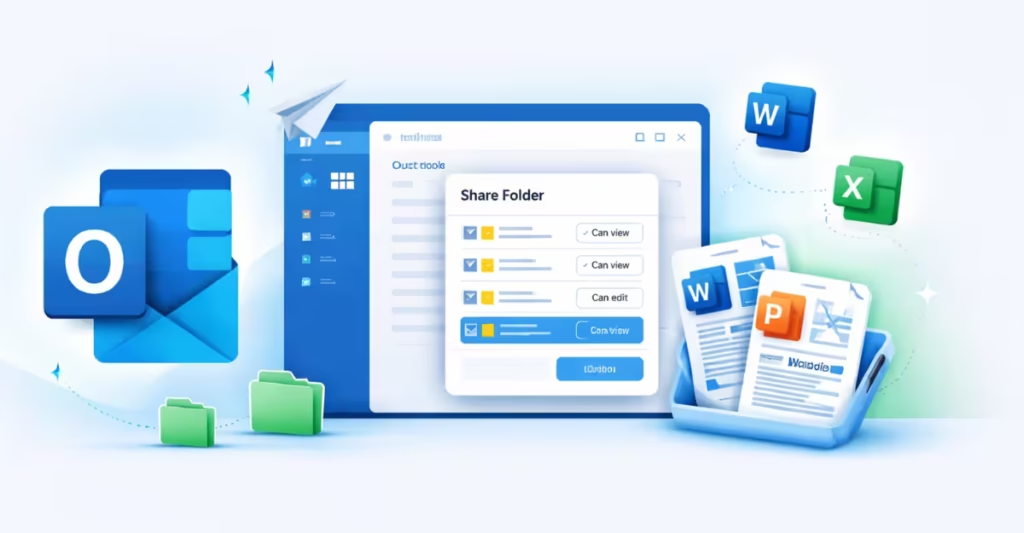
Outlook: One-Step Folder Sharing (Preview May 2026)
Today, sharing a folder in Outlook requires users to manually share each parent folder in the hierarchy. That process creates confusion and increases setup time.
Microsoft is fixing that.
With the new one-step folder sharing feature, users will:
- Share a folder in a single action
- Automatically apply required permissions to parent folders
- See a clear preview of all folders that will be shared before confirming
This approach removes manual effort while keeping full visibility and control.
Rollout Details
- Preview Available: May 2026
- General Rollout Start: June 2026
- Platforms: Outlook Desktop and Outlook Web
- Cloud Instances: GCC, GCC High, DoD
This update simplifies permission management for teams that rely heavily on shared mailboxes and structured folder systems.
Share Local Word, Excel, and PowerPoint Files in New Outlook for Windows
Microsoft is also improving how users send locally stored Office files.
Soon, when working inside a locally saved:
- Word document
- Excel spreadsheet
- PowerPoint presentation
Users will send a copy directly through the new Outlook for Windows without manually attaching the file.
This integration removes extra steps between Office apps and Outlook. It speeds up document sharing and reduces friction in daily workflows.
Rollout Details
- Rollout Start: May 2026
- Platform: Outlook Desktop
- Cloud Instances: Worldwide (Standard Multi-Tenant), GCC
This change benefits users who frequently email updated versions of locally stored documents.
New Admin Policy: Tenant-Wide Delimiter Settings (April 2026)
Microsoft is introducing a new admin policy that gives organizations more control over email formatting.
Admins will define a tenant-wide default delimiter setting for Mail Compose and Reply. This setting controls whether Outlook uses commas to separate recipients.
Instead of users configuring this individually, admins can standardize it across the organization.
Rollout Details
- Rollout Start: April 2026
- Platform: Outlook Web
- Release Phase: General Availability
This update improves consistency in enterprise environments where formatting standards matter.
How Outlook One-Step Folder Sharing Improves Workflow
Microsoft is focusing on three clear goals:
- Reduce friction in everyday tasks
- Improve permission management
- Strengthen tenant-level control for IT teams
One-step folder sharing solves a long-standing usability issue. Local file sending improves cross-app workflow. The delimiter policy strengthens administrative governance.
These are practical improvements, not cosmetic changes.
Outlook 2026 Roadmap Snapshot
| Feature | Rollout Start | Platform |
|---|---|---|
| One-Step Folder Sharing | June 2026 (Preview May) | Desktop, Web |
| Share Local Office Files | May 2026 | Desktop |
| Delimiter Admin Policy | April 2026 | Web |
All rollout timelines are based on the Microsoft 365 roadmap and remain subject to change .
If your organization depends on shared folders, structured mailboxes, or frequent document collaboration, these updates will directly impact daily productivity in 2026.

