If you’re trying to access Royal Road and suddenly see “Error 526: Invalid SSL Certificate,” it can look alarming. The page refuses to load, and you may wonder whether the site is down or if something is wrong on your end.
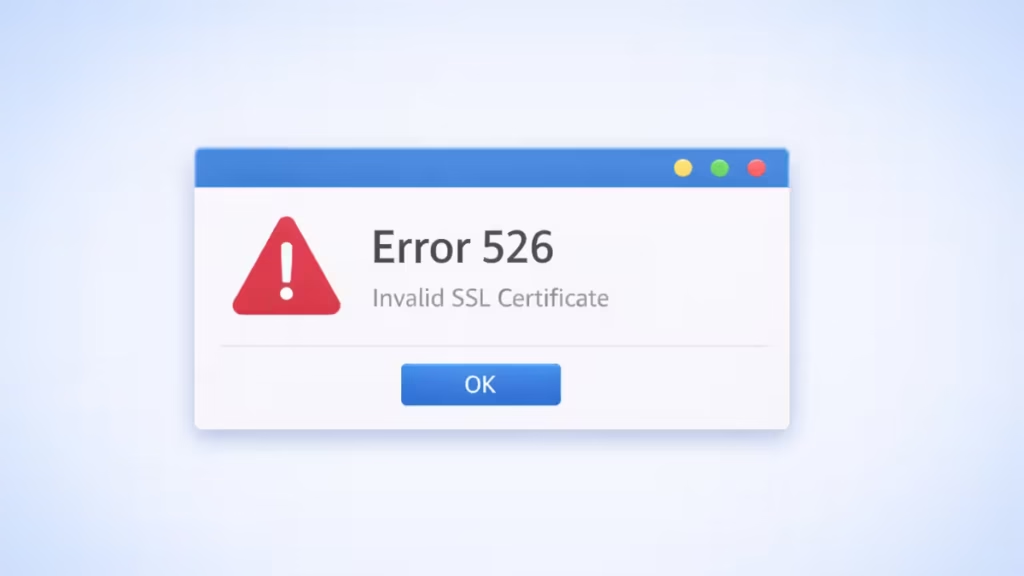
What Is Royal Road Error 526?
Error 526 is a Cloudflare security error, not a browser or device issue.
Royal Road uses Cloudflare to protect its servers. When Cloudflare cannot verify the SSL certificate on Royal Road’s origin server, it blocks the connection to keep users safe. As a result, the site fails to load even though the server itself may still be running.
Is Royal Road Down Right Now?
Not always. When Error 526 appears, Royal Road is usually not “down” in the traditional sense. Instead, there is a temporary security handshake failure between Cloudflare and one of Royal Road’s servers.
How to Check Royal Road’s Status Properly
Before trying fixes, confirm whether this is a global issue:
- Check Royal Road’s official status page
Visit:status.royalroad.com
This page updates during real outages or maintenance. - Check Downdetector
Search “Royal Road Downdetector” to see if other users are reporting the same problem in real time.
If reports spike suddenly, the issue is on Royal Road’s end.
Why Royal Road Shows Error 526
Error 526 usually happens due to one of these server-side reasons:
- An expired or misconfigured SSL certificate
- Cloudflare set to Full (Strict) SSL mode
- A temporary issue on a specific server node
- DNS or certificate renewal delays
- Traffic routed through problematic IP ranges (often VPN-related)
None of these are caused by your browser or internet connection directly.
How to Fix Royal Road Error 526 (User-Side Fixes)
Because Error 526 is mostly server-related, you can’t fully fix it yourself. However, these steps often help bypass temporary routing issues.
1. Turn Off Your VPN (Most Effective Fix)
Royal Road frequently runs into SSL handshake issues with certain VPN IPs.
- Disable your VPN
- Refresh the page
- Try opening Royal Road again
This resolves the issue for many users immediately.
2. Perform a Hard Refresh
This forces your browser to request a fresh SSL connection.
- Windows:
Ctrl + F5 - Mac:
Cmd + Shift + R
Useful if your browser cached a failed SSL response.
3. Open Royal Road in Incognito / Private Mode
If it works in Incognito mode, your browser cache or cookies may be corrupted.
- Open a private window
- Visit
https://www.royalroad.com - If it loads, clear cookies for royalroad.com in your main browser
4. Double-Check the Website URL
Make sure you’re using the correct and secure URL: https://www.royalroad.com
Old bookmarks pointing to http:// or outdated subdomains can trigger SSL redirect failures.
5. Try a Different Network
If possible:
- Switch from Wi-Fi to mobile data
- Or use another ISP
Sometimes the issue is tied to a specific network route.
How Long Does Royal Road Error 526 Last?
In most cases, 15–30 minutes.
Once Royal Road’s administrators renew or correct the SSL configuration—or Cloudflare routes traffic away from the affected server—the site comes back automatically without any action needed from users.
FAQs
What is Royal Road 526 Error Code?
Royal Road 526 Error Code appears when Cloudflare cannot verify the website’s SSL certificate, causing the connection to be blocked for security reasons.
Is Royal Road down when Error 526 appears?
No, Royal Road is usually not fully down; Error 526 indicates a temporary SSL validation issue between Cloudflare and Royal Road’s servers.
Can users fix Royal Road 526 Error Code?
Users cannot directly fix this error because it is server-side, but disabling VPNs, refreshing the page, or switching networks may help.
Why does Royal Road Error 526 affect only some users?
The error may affect only certain users due to VPN usage, regional routing problems, or traffic being routed through an affected server node.
How long does Royal Road 526 Error Code last?
In most cases, Royal Road 526 Error Code resolves within 15 to 30 minutes once the SSL issue is corrected.
How can I check if Royal Road is officially down?
You can confirm Royal Road’s status by checking the official status page or monitoring real-time reports on Downdetector.
Is Royal Road 526 Error Code caused by DNS issues?
Sometimes yes, as temporary DNS or routing issues can prevent Cloudflare from securely connecting to the origin server.
Will clearing browser cache fix Royal Road Error 526?
Clearing cache alone usually does not fix Error 526, but it can help if the browser stored a failed SSL handshake.
Is Royal Road 526 Error Code a security risk?
No, this error is a protective security block by Cloudflare and does not indicate malware or hacking.
What should I do if Royal Road Error 526 keeps happening?
If the error persists, avoid VPNs, use the official Royal Road URL, and wait for the server-side fix.

