When you open a file in Vim and suddenly see a warning like “E325: ATTENTION – Found a swap file”, the editor blocks you from continuing. This usually happens after a crash, network disconnect, or an improper exit from Vim.
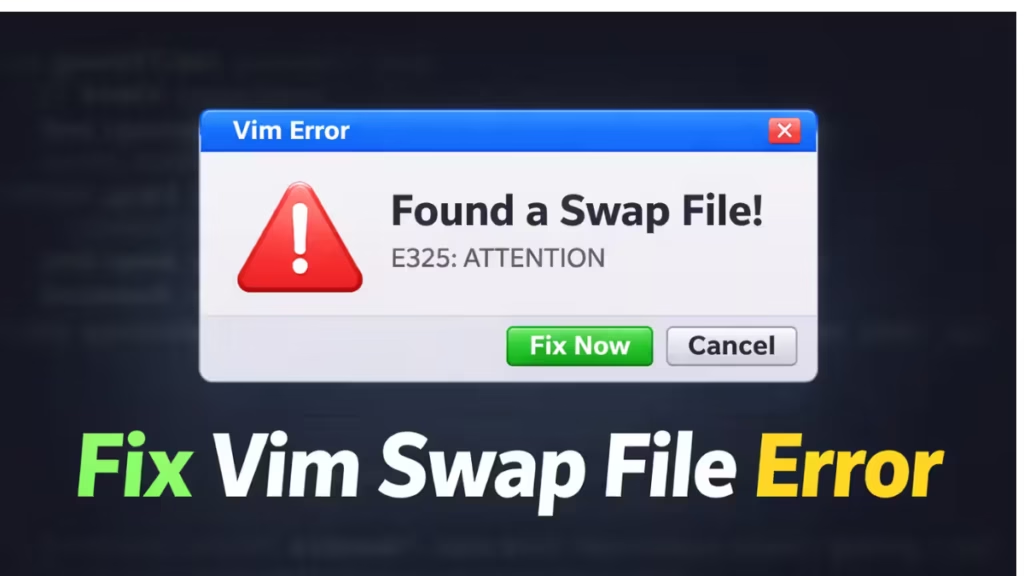
This guide shows you how to safely delete the swap file, recover your file if needed, and prevent the error from happening again.
What the E325 Swap File Error Means
Vim creates a temporary swap file whenever you edit a file. The swap file protects your work in case the editor crashes or the system shuts down unexpectedly.
When Vim finds an existing swap file, it assumes another editing session may still be active or previously crashed. To avoid data corruption, Vim displays the E325 warning and pauses your session.
A typical message looks like this:
E325: ATTENTION
Found a swap file by the name "/etc/ssh/.ssh_config.swp"
While opening file "/etc/ssh/ssh_config"
This warning does not mean your file is broken. It only means Vim detected leftover temporary data.
Step 1: Exit the Warning Screen Safely
When Vim shows the swap file warning, press:
ENTERThen exit Vim:
:qIf Vim refuses to close, use:
:q!This returns you to the terminal so you can remove the swap file safely.
Step 2: Delete the Swap File
Run this command in your terminal:
sudo rm /etc/ssh/.ssh_config.swpReplace the path with the exact swap file shown in your error message if it differs.
This command deletes only the temporary swap file. It does not delete your real configuration file.
Step 3: Reopen the File Normally
After deleting the swap file, reopen your file:
sudo vim /etc/ssh/ssh_configVim should open without showing the E325 warning.
Step 4: Recover Unsaved Changes (If Needed)
If Vim crashed while you were editing and you want to recover your unsaved changes, run:
sudo vim -r /etc/ssh/ssh_configVim loads the recovery data from the swap file and restores your previous edits.
After recovery, save the file normally:
ESC
:wq
Then delete the swap file if it still exists.
Step 5: Verify No Other Vim Session Is Editing the File
Before deleting a swap file on production systems, check whether another Vim session is still active:
ps aux | grep vimIf you see no active editing sessions, it is safe to remove the swap file.
Why the Vim Swap File Error Happens
Several situations trigger this error:
- SSH connection drops while editing.
- Terminal closes without exiting Vim properly.
- System reboots unexpectedly.
- Vim crashes due to memory or disk issues.
- Multiple users attempt to edit the same file.
Understanding these causes helps prevent repeat issues.
How to Prevent Swap File Errors in the Future
You can reduce the chance of seeing this error by following these practices:
- Always exit Vim using
:wqor:q. - Avoid closing terminal windows while Vim is open.
- Maintain stable SSH connections when editing remote servers.
- Avoid opening the same file in multiple sessions.
- Keep enough disk space available for temporary files.
These habits prevent leftover swap files from accumulating.
FAQs
What is the Vim swap file error?
The Vim swap file error appears when Vim detects a leftover temporary file from a previous editing session. It prevents accidental file corruption and alerts you that another session may have crashed or remained open.
How do I fix the Vim swap file error?
Exit Vim, delete the swap file using the terminal command, and reopen the file normally. This removes the stale temporary file and restores normal editing access.
Is it safe to delete a Vim swap file?
Yes. It is safe to delete a swap file if no other Vim session is editing the same file. The swap file only stores temporary recovery data, not the actual file contents.
How do I recover unsaved changes from a swap file?
Run the recovery command using vim -r filename. Vim loads the recovery data and restores the last unsaved edits from the swap file.
Why does Vim keep creating swap file errors?
Vim creates swap files to protect data during crashes or disconnects. Network drops, forced terminal closures, system restarts, or editing the same file in multiple sessions often trigger this warning.
What does “E325: Found a swap file” mean?
This message means Vim found an existing temporary file linked to the document you are opening. Vim pauses the session to prevent overwriting possible unsaved data.
Can a swap file block SSH configuration edits?
Yes. If a swap file exists for SSH configuration files like ssh_config or sshd_config, Vim blocks editing until you delete or recover the swap file.
How can I prevent Vim swap file errors in the future?
Exit Vim properly using save and quit commands, avoid closing terminals abruptly, keep stable SSH connections, and avoid opening the same file in multiple sessions.
Does deleting a swap file affect system files?
No. Deleting a swap file does not modify the actual configuration file. It only removes temporary recovery data created by Vim.
Does this fix work on all Linux systems?
Yes. This method works on Ubuntu, Debian, CentOS, cloud servers, routers, and most Linux distributions that use Vim.
The E325 swap file warning looks serious, but it usually takes less than a minute to fix. Delete the stale swap file, reopen the file, and continue working normally. Use recovery only when you need to restore unsaved changes.
This method works on Ubuntu, Debian, CentOS, VPS servers, routers, and most Linux environments running Vim.

