Running CI pipelines for modern .NET projects often looks simple on paper—until you mix legacy targets, code coverage, and container-based integration tests. That’s exactly where many developers hit a wall.
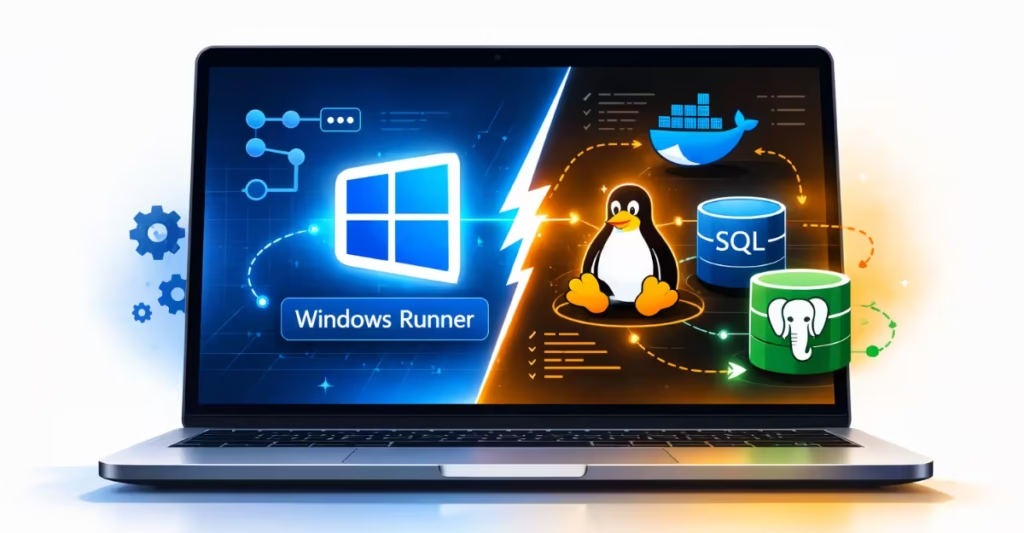
A common scenario involves a multi-target .NET project that includes net472 alongside newer frameworks like net8.0 or net10.0. While modern targets run fine on Linux, net472 forces the pipeline to use a Windows runner. At the same time, integration tests often rely on SQL Server or PostgreSQL Docker containers, which are typically Linux-based.
This creates a frustrating question:
If GitHub Actions can’t handle a Windows runner with Linux database containers, can Azure Pipelines (free) do it?
Why net472 Tests Fail on Linux CI Runners
The conflict starts with platform requirements:
- net472 tests require Windows
- Most database test images (SQL Server, PostgreSQL) run as Linux containers
- CI runners are locked to a single operating system per job
When code coverage is added to the mix, everything must run in the same job—making OS constraints unavoidable.
Why GitHub Actions Fails with Windows Runners and Linux Containers
In real-world pipelines, this usually plays out in one of two ways:
Linux runner scenario
- Linux Docker database containers start correctly
- Integration tests pass
- net472 tests fail, because .NET Framework is not supported on Linux
Windows runner scenario
- net472 tests run successfully
- Linux database containers fail to connect
- Integration tests fail immediately
This isn’t a misconfiguration. It’s a platform limitation of GitHub Actions.
Can Azure Pipelines Run Linux Database Containers on Windows?
Many developers assume Azure Pipelines might handle this better—especially since it supports service containers and offers free CI for open-source projects.
However, Azure Pipelines follows the same core rule:
- Linux containers require Linux (Ubuntu) agents
- Windows agents can only run Windows containers
- Microsoft-hosted agents cannot mix OS boundaries
So even on Azure Pipelines (free or paid, hosted agents), a Windows job cannot attach Linux-based SQL Server or PostgreSQL containers.
In simple words, Azure Pipelines behaves the same way as GitHub Actions for this scenario.
Why Windows Runners Can’t Host Linux Containers
This isn’t an arbitrary restriction—it’s a technical reality. Containers share the host operating system kernel. A Linux container needs a Linux kernel. A Windows hosted agent does not provide one.
While tools like Docker can run Linux containers on Windows using WSL2 or Hyper-V, CI providers do not allow this on hosted runners due to security, performance, and isolation concerns.
That’s why the limitation exists across platforms.
Practical Solutions for Windows CI and Linux Containers
Although you can’t solve this with a single hosted job, there are reliable approaches.
1. Split CI jobs by responsibility (recommended)
- Windows job
- Run
net472unit tests - Generate partial code coverage
- Run
- Linux job
- Run integration tests
- Start Linux database containers
- Run modern .NET targets
- Merge coverage reports at the end
This is the most common and maintainable solution for open-source projects.
2. Use a self-hosted Windows agent
A self-hosted Windows machine with Docker Desktop configured for Linux containers can run both:
- net472 tests
- Linux database containers
Azure DevOps allows one free self-hosted agent with unlimited minutes—but you must maintain the machine yourself.
3. Replace containers with managed databases
Instead of Docker containers, integration tests can target:
- Azure SQL
- Azure Database for PostgreSQL
This avoids OS conflicts but introduces cloud dependency and setup overhead.
What DevOps Teams Need to Know About This CI Limitation
This problem is not a GitHub Actions bug and not something Azure Pipelines fixes on hosted runners.
The limitation is architectural:
- One job
- One OS
- One container ecosystem
If your project combines legacy .NET Framework targets and Linux-based database containers, you must design your CI pipeline around that reality—not around the CI vendor.

