If you opened Microsoft Word today and noticed the Send to Kindle option is non-functional, Microsoft is retiring the built-in feature as part of its February 2026 rollout, and Word no longer lets you send documents to Kindle from the Export menu. The change feels sudden, but the fix is simple. You can still send Word documents to Kindle using the official method that works right now.
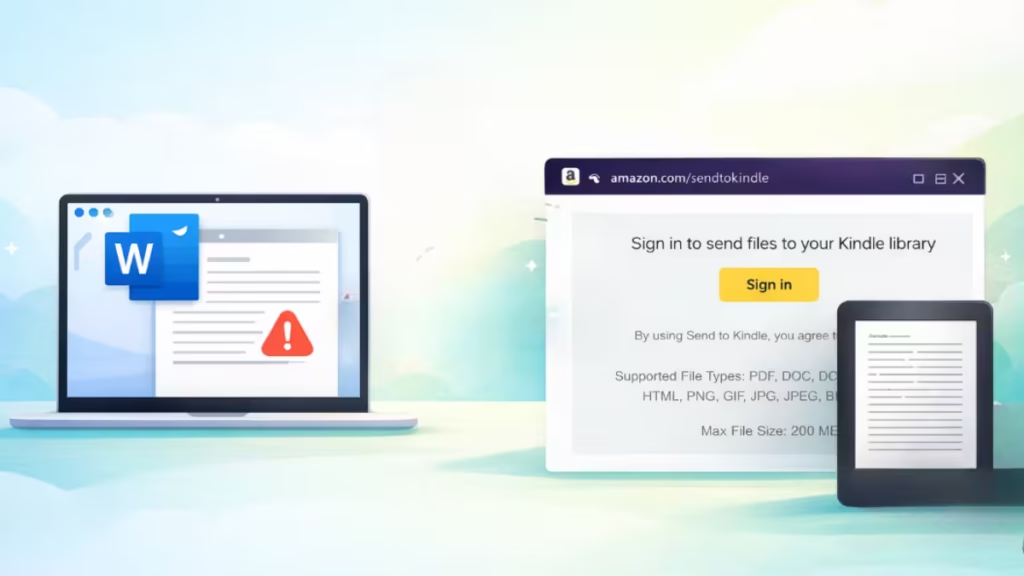
Earlier, users could transfer .doc and .docx files from Word to Kindle in just a few clicks.
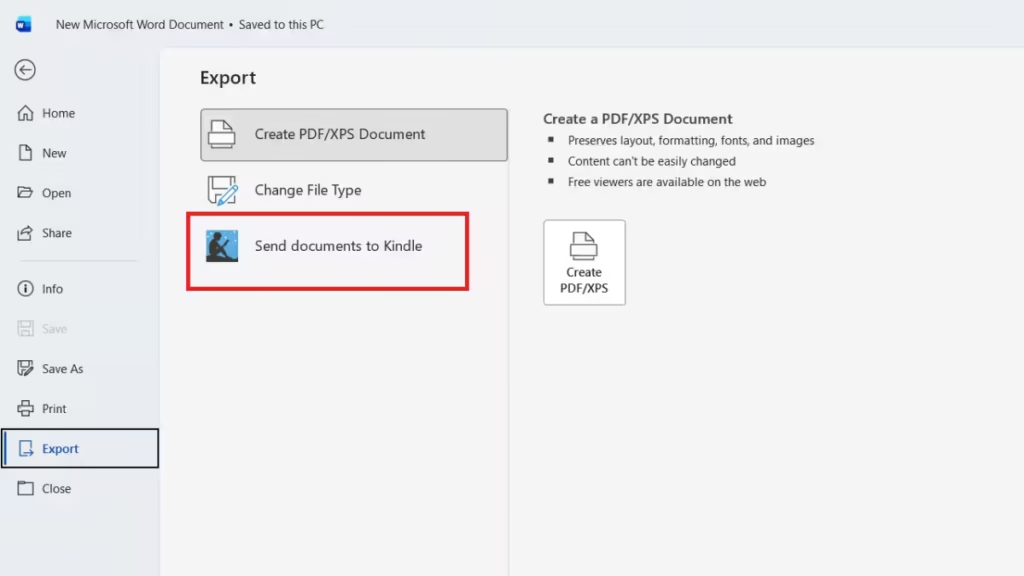
As the feature is phased out:
- Word no longer shows Send to Kindle in the Export menu for affected users
- Users can no longer authorize Kindle access from inside Word
- The document transfer process must happen outside the Word app
Microsoft has not shared an exact shutdown date. However, based on our testing today, the Send Documents to Kindle feature is no longer working for us.
Why Microsoft Is Retiring Send to Kindle in Word
Microsoft did not cite a specific technical issue, but the decision aligns with its broader move to simplify Word’s export options and rely on external web services for niche workflows.
See also: Microsoft Lens Retired: Support Ends on February 9
Instead of maintaining a dedicated Kindle integration inside Word, Microsoft now points users directly to Amazon’s web-based solution. This approach reduces feature overlap and removes the need for ongoing compatibility updates inside Word itself.
How to Send Word Documents to Kindle Right Now
You can still send .doc and .docx files to your Amazon Kindle library using Amazon’s web-based tool. This method works on Windows, Mac, and mobile browsers.
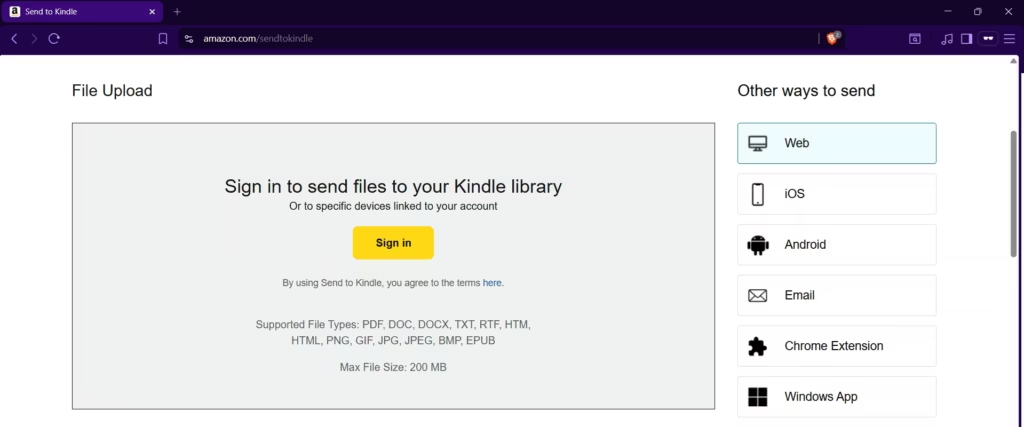
Step-by-Step Instructions
- Open a browser and visit amazon.com/sendtokindle
- Sign in with the Amazon account linked to your Kindle
- Upload your Word document (
.docor.docx) - Choose how the document should appear on Kindle:
- Kindle book format for adjustable fonts and reflowable text
- Printed document format to preserve the original layout
- Click Send
Your document appears in your Kindle library within minutes and syncs across all supported Kindle devices and apps.
Documents you sent to Kindle before the removal remain available in your Kindle library. The change only affects how documents are sent, not access to existing files.

