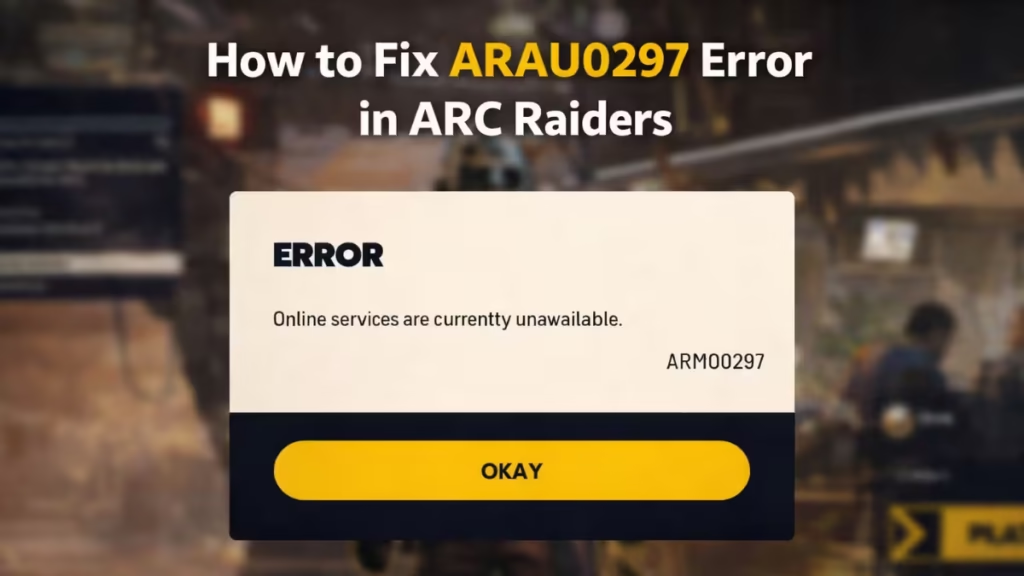
ARC Raiders is built as an always-online multiplayer experience, which means every match, menu load, and progression sync depends on a stable connection to Embark Studios’ servers. When something goes wrong in that chain, players often run into the ARAU0297 error, a connection-related issue that can stop you from logging in, reaching the main menu, or entering matchmaking.
Step One: Check If ARC Raiders Servers Are Down
Before changing any settings, confirm whether the issue is global.
ARAU0297 frequently appears during:
- Backend maintenance
- Authentication outages
- Regional server disruptions
- Large-scale internet routing issues
If Embark has acknowledged a server problem through official channels, there is nothing you need to fix locally. Close the game and wait until services are restored. Trying repeated fixes during an outage will not help and may only waste time.
If no outage is reported and friends or other players can connect normally, then it’s time to troubleshoot your setup.
Why System Time and Time Zone Matter in ARC Raiders
One of the most overlooked causes of ARAU0297 is incorrect system time or time zone settings.
ARC Raiders relies on secure authentication tokens during login. If your device’s clock is out of sync, even by a small margin, the game can reject the connection as invalid. This affects not just PC players, but console users as well.
Fix ARAU0297 on PC (Windows – Steam or Epic)
Follow these steps carefully and test the game after each fix.
1. Fully Close ARC Raiders and Your Launcher
Make sure ARC Raiders is not running in the background.
Exit Steam or Epic Games Launcher completely before continuing.
2. Correct Date, Time, and Time Zone Settings
- Right-click the clock in the Windows taskbar
- Open Adjust date and time
- Enable:
- Set time automatically
- Set time zone automatically
- If either option is greyed out, enable Location services, then return and toggle them again
- Apply changes and close the settings window
Incorrect or mismatched time data is a confirmed trigger for authentication failures in ARC Raiders.
3. Restart Steam or Epic as Administrator
Right-click your launcher and select Run as administrator.
This ensures the game and its services can properly access network and security components.
4. Verify Game Files and Repair Anti-Cheat
- Verify ARC Raiders’ game files through your launcher
- If available, manually launch the Easy Anti-Cheat repair tool once
- Restart your PC before testing again
Corrupted files or a failed anti-cheat handshake can block the login process.
5. Reboot Your Network Equipment
Power down your modem and router for a few minutes, then reconnect.
This refreshes your public IP and clears temporary routing issues that can interfere with ARC Raiders’ login servers, especially on shared or ISP-managed networks.
Fix ARAU0297 on PlayStation 5
On PS5, this error often appears after a failed matchmaking attempt or a sudden disconnect.
Recommended Steps
- Restart the PS5 completely
- Reboot your router
- Go to system settings and re-enable:
- Automatic date and time
- Automatic time zone
- Relaunch ARC Raiders
If the game was recently purchased or reinstalled, restoring licenses from account settings may also help.
For persistent issues, clearing the system cache and rebuilding the database in Safe Mode can resolve underlying connection conflicts.
Fix ARAU0297 on Xbox Series X|S
Xbox users typically encounter ARAU0297 due to network configuration or clock sync issues.
Try the Following
- Restart the console and router
- Set time and time zone to automatic, then reboot
- Check NAT status and ensure it is Open
- Test another online game to confirm general connectivity
In rare cases, switching console region temporarily or testing cloud streaming can help isolate whether the issue is network-related or game-specific.
FAQs ARAU0297 Error ARC Raiders
What does the ARAU0297 error mean in ARC Raiders?
The ARAU0297 error indicates a connection or authentication issue that prevents ARC Raiders from accessing online services, matchmaking, or the main menu.
Is the ARAU0297 error caused by server downtime?
Yes, in many cases the ARAU0297 error appears during ARC Raiders server outages or backend issues. If servers are down, players must wait until services are restored.
Can incorrect system time cause the ARAU0297 error?
Yes, incorrect date, time, or time zone settings can trigger the ARAU0297 error by breaking secure login authentication, especially on PC and consoles.
Does restarting the router fix the ARAU0297 error in ARC Raiders?
Restarting your router can help fix the ARAU0297 error if the issue is caused by temporary network routing, IP conflicts, or unstable connectivity during login.
The ARAU0297 error in ARC Raiders is frustrating, but it is rarely permanent. In many cases, the issue comes down to server availability or simple system settings like time and date synchronization.
Start by confirming whether the servers are online. If they are, carefully apply the fixes relevant to your platform. Most players regain access after correcting clock settings, restarting network equipment, or allowing the game to re-authenticate properly. Play Now!

