Yakuza Kiwami 3 & Dark Ties modernizes one of the most debated entries in the Like a Dragon series, but PC mods push the experience even further. Some mods fix combat limits, others reduce unnecessary grind, and a few restore classic character designs fans missed.
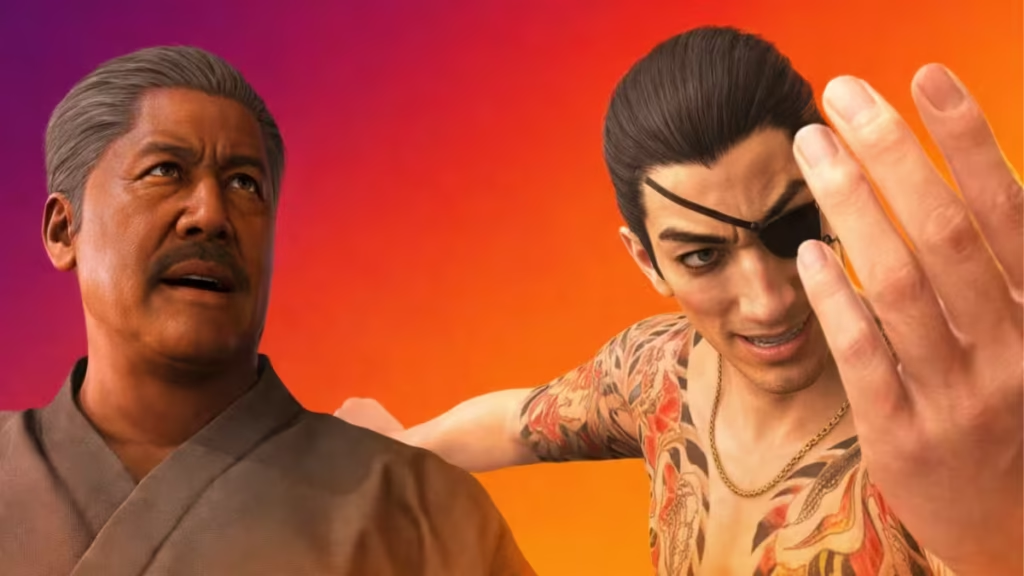
If you want smoother combat, better pacing, and stronger nostalgia without breaking the game’s balance, these are the best 7 mods to install right now, based on stability, usefulness, and overall impact .
1. No Juggle Limit Kiwami 3
Category: Gameplay
This mod removes the forced super-armor limit that activates after hitting an aura-broken boss too many times. Combat immediately feels more skill-driven and responsive.
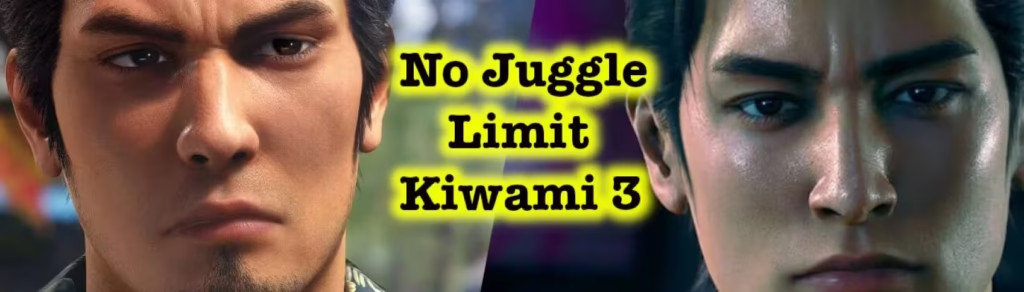
Boss fights reward clean execution instead of cutting combos short. The optional add-on also extends the time bosses stay out of Heat mode, which gives aggressive players more room to pressure enemies.
What you get: This Mod restores classic Yakuza combat flow without touching Heat-mode limits.
2. Original Kiryu
Category: Visual / Character Model
Original Kiryu reshapes and retextures Kiryu’s face to resemble his PS3-era design while preserving Dragon Engine quality. The result feels authentic rather than outdated.
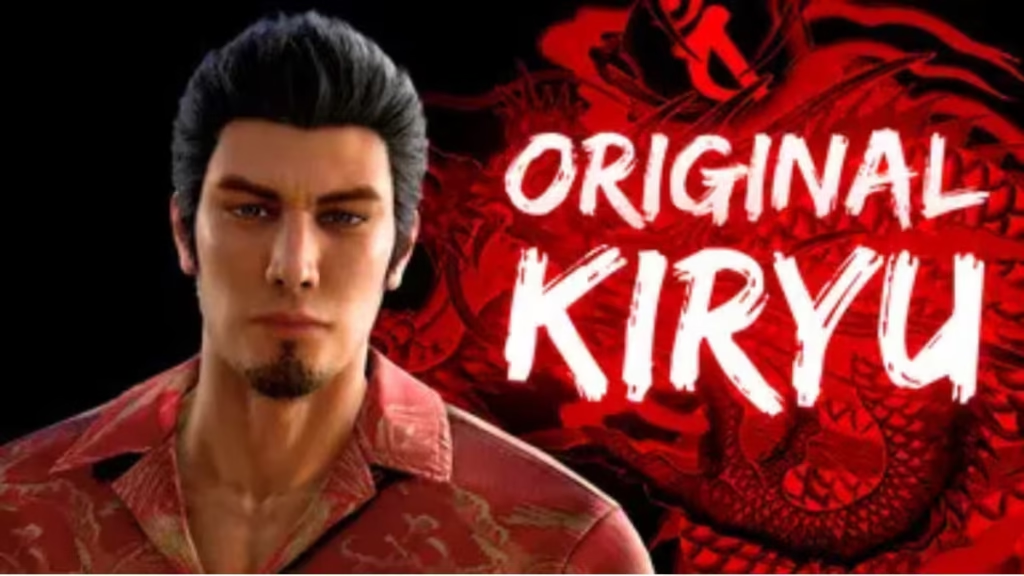
The mod avoids exaggerated features and blends smoothly with modern lighting, making it ideal for long story playthroughs.
What you get: This Mod brings back classic Kiryu without sacrificing visual polish.
3. Half Cost Upgrade Skill
Category: Gameplay / Progression
This mod cuts every skill upgrade cost in half. It reduces grind but keeps the money-based progression system intact.
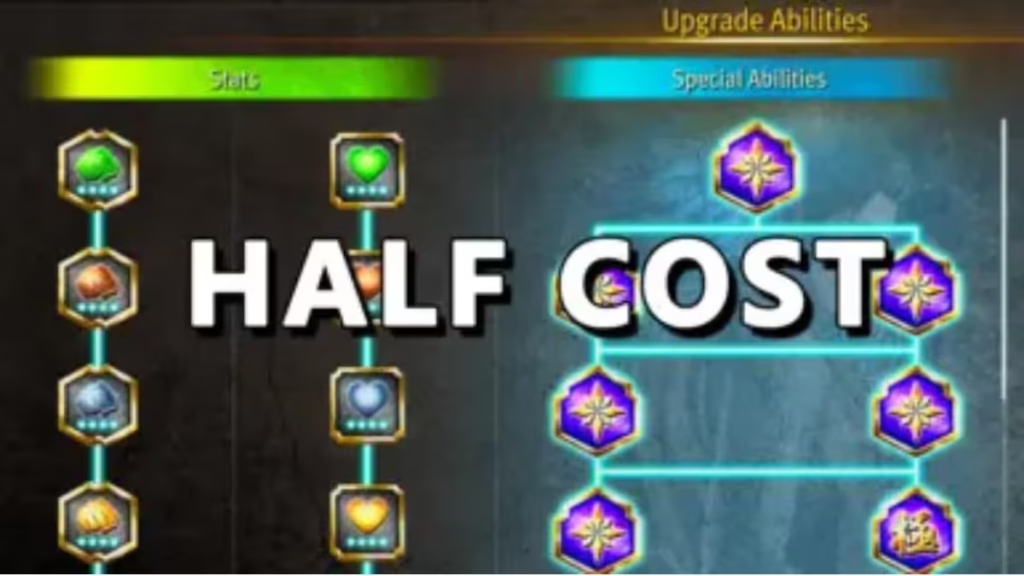
You still earn upgrades naturally, but you no longer feel forced to overfarm side content just to stay competitive in later chapters.
What you get: This Mod improves pacing without trivializing progression.
4. Ponytail Majima
Category: Outfits / Character Design
Ponytail Majima gives Majima his Yakuza 0 hairstyle with working hair physics and adds a tuxedo option. The model integrates cleanly with both English and Japanese versions.
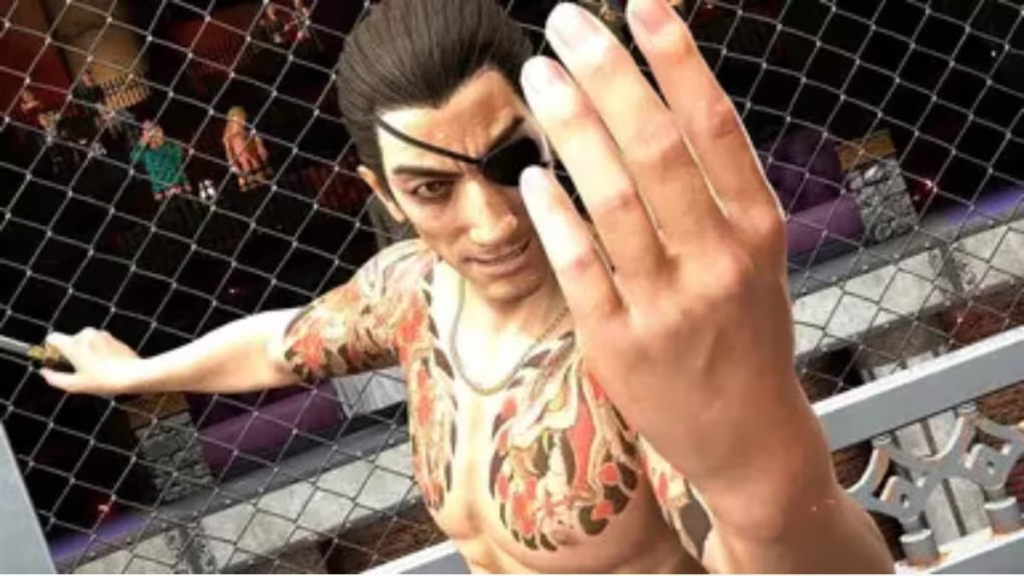
The change feels natural and never distracts during cutscenes or combat.
What you get: This Mod restores a fan-favorite Majima look with modern polish.
5. Low Baddies Weapons Cost and Cheap Price
Category: Gameplay / Weapons
This mod lowers both the purchase price and usage cost of Baddies weapons. Weapons finally feel like a real combat option instead of an expensive novelty.

You can experiment freely without worrying about burning money after a few swings.
What you get: This Mod makes weapon-focused combat viable and fun.
6. Classic Inspired Nakahara
Category: Visual / NPC Design
This mod reworks Nakahara’s appearance to better match his Yakuza 3 look. It removes the beard, adjusts hair color, and updates related UI elements for consistency.
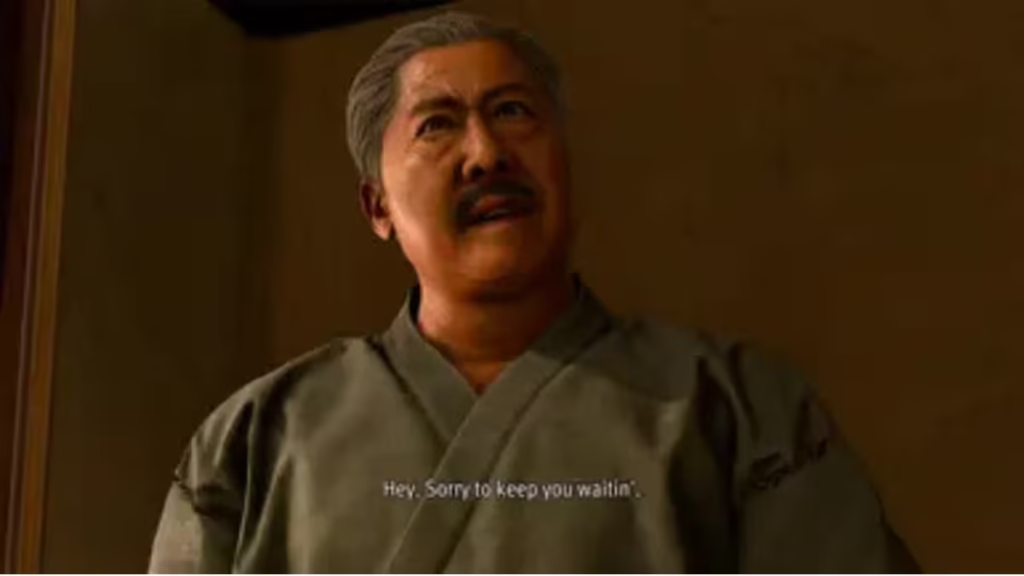
The changes stay subtle and lore-friendly.
What you get: This Mod restores character identity without clashing with the remake’s style.
7. Brawler’s Hell (Boss Edition) – Dark Ties
Category: Gameplay / Endgame Content
This mod replaces standard Brawler’s Hell encounters with boss fights and unlocks them from the start. It targets experienced players with near-maxed saves.
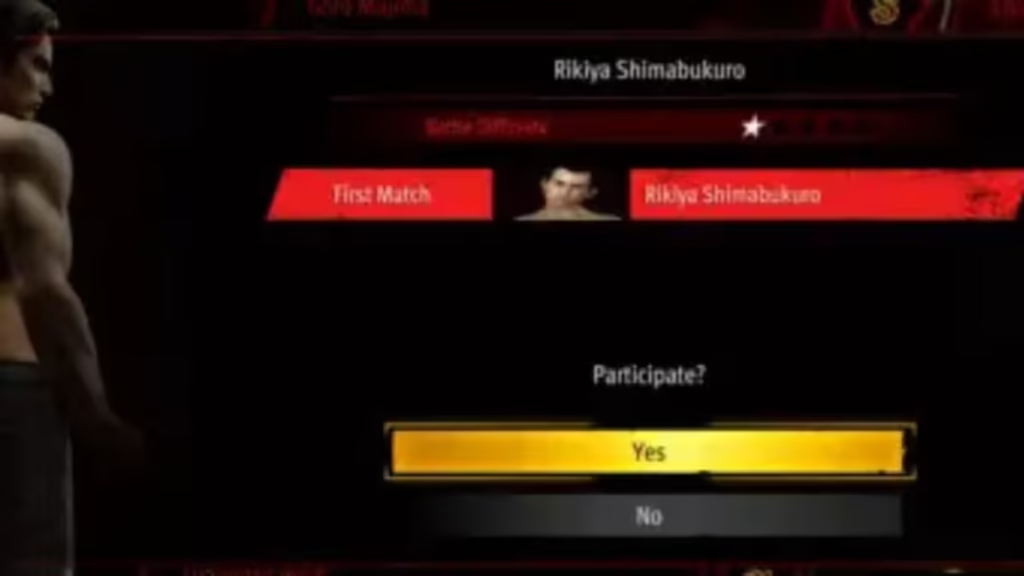
The challenge level rises sharply, and every fight demands proper mastery of mechanics.
What you get: This Mod adds real endgame replay value for combat-focused players.
Best Mod Combination (Recommended Setup)
For a balanced experience:
- No Juggle Limit Kiwami 3
- Half Cost Upgrade Skill
- Original Kiryu
- Ponytail Majima
This setup improves combat flow, pacing, and visuals without breaking difficulty or immersion.
How to Install Mods in Yakuza Kiwami 3 & Dark Ties (PC)
Installing mods for Yakuza Kiwami 3 & Dark Ties is simple if you follow the correct method. Almost all mods use Shin Ryu Mod Manager (SRMM), so you only need to set it up once.
Step 1: Download Shin Ryu Mod Manager (SRMM)
- Download Shin Ryu Mod Manager from its official source.
- Extract the files using WinRAR or 7-Zip.
- Place the extracted folder inside the game’s main directory:
SteamLibrary\steamapps\common\YakuzaKiwami3\- Make sure
ShinRyuModManager.exesits in the same folder as the game executable.
Step 2: Launch SRMM Once
- Double-click
ShinRyuModManager.exe. - Let it create the required mods folder automatically.
- Close SRMM after it finishes setup.
This step ensures the manager detects your game correctly.
Step 3: Install Mods
- Download the mod you want (ZIP or RAR file).
- Extract the mod folder.
- Copy the extracted folder into:
YakuzaKiwami3\runtime\media\mods\Do not nest folders.
Correct example:
mods\NoJuggleLimitK3\NoJuggleLimitK3.asiIncorrect:
mods\NoJuggleLimitK3\NoJuggleLimitK3\filesStep 4: Enable Mods in SRMM
- Open
ShinRyuModManager.exe. - Tick the checkbox next to each installed mod.
- Click the green checkmark to apply changes.
- Launch the game.
The mod activates immediately—no extra steps required.
Load Order Tip (Important)
- Place gameplay mods (like No Juggle Limit) below visual mods.
- If a mod author mentions load order, always follow it.
- When two mods affect the same system, the lower mod wins.
These seven mods respect the core design of Yakuza Kiwami 3 & Dark Ties while fixing its biggest friction points. They enhance combat freedom, reduce grind, and restore classic character identity—all without turning the game into a cheat sandbox.
If you want the definitive PC experience, start here.

