PEAK’s Roots update brought a handful of new features — a dense, fungal biome, mysterious Shroomberries, and several survival items that can change how you play. Among these, the Checkpoint Flag might look like a simple decorative item, but it’s actually one of the most useful tools for surviving the climb. Here’s everything you need to know about how it works, how to use it properly, and when to rely on it.
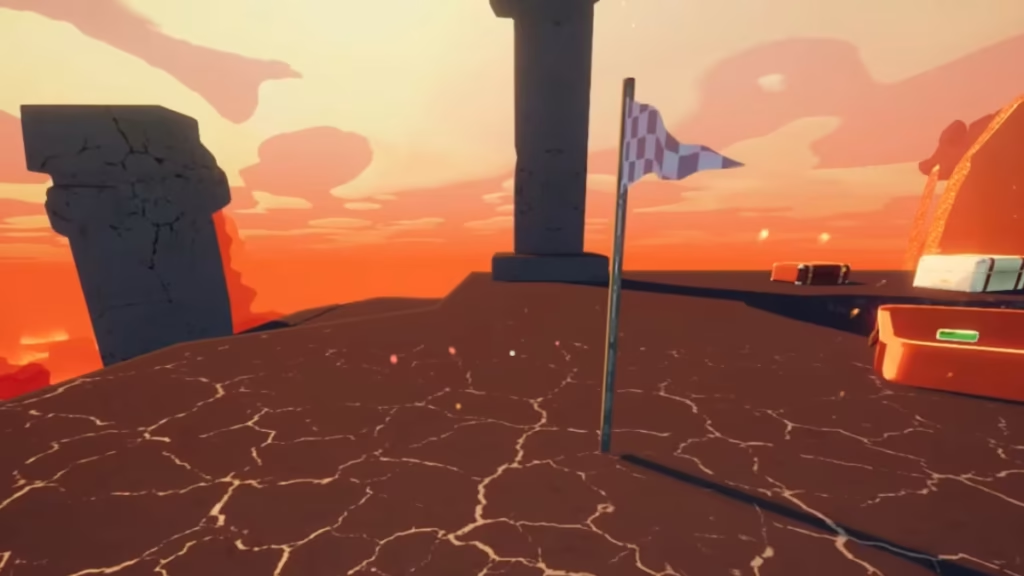
The Checkpoint Flag is a placeable item that acts as a temporary respawn point for the player who places it. When you die — whether by fall damage, poison, or a bad encounter — you’ll respawn next to your flag instead of turning into a ghost. Once it triggers, the flag disappears, making it a single-use checkpoint.
All placed flags are destroyed automatically when a new biome loads, so you’ll need to replant one every time the environment changes.
How to Use the Checkpoint Flag
You can plant a Checkpoint Flag by holding the interact (or “plant”) button while standing on a valid surface. It can be used anywhere in the level, giving you the flexibility to choose strategic respawn spots during tough climbs or combat encounters.
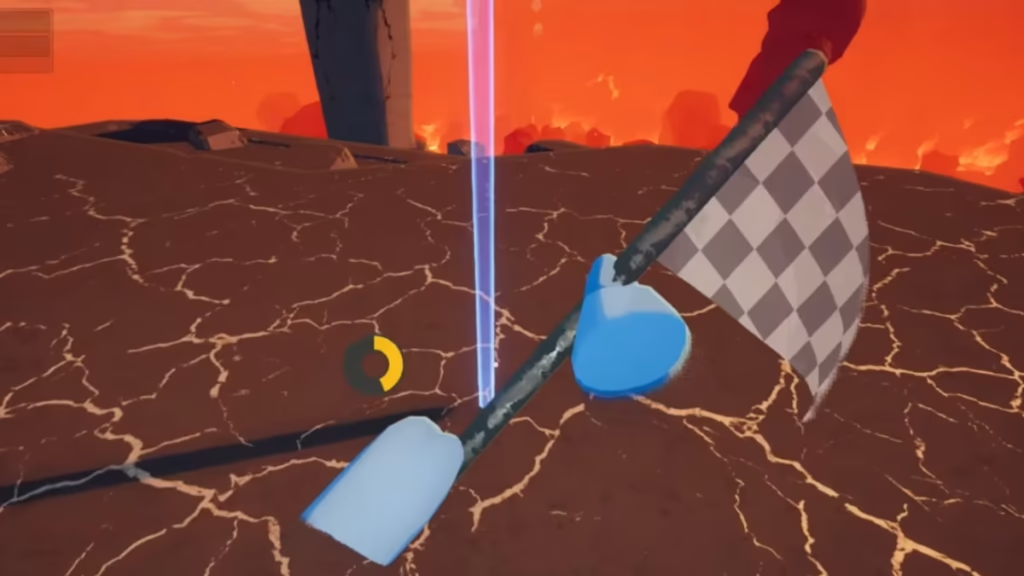
If you or a teammate dies after planting it:
- The fallen player will respawn next to the flag.
- The flag will then disappear immediately after use.
- If you placed it before a risky move or jump, it gives you one more chance to retry without restarting from the bottom.
This mechanic is especially useful for solo players attempting challenging vertical climbs or trying to cross dangerous areas filled with enemies or environmental hazards.
Best Times to Use the Checkpoint Flag
The Checkpoint Flag is best used before attempting dangerous climbs or when entering areas prone to sudden death, such as:
- Tall cliffs or unstable bridges
- Areas with poisonous spores or environmental decay
- Enemy-infested zones, including spiders, scorpions, and fungal zombies
If you’re playing in co-op, coordinate with your team — only one person can benefit from each placed flag. A teammate might accidentally use your checkpoint, leaving you without one if you fall afterward.
Limitations You Should Know
While the Checkpoint Flag can save your run, it has a few trade-offs to consider:
- One-time use: Once triggered, it vanishes.
- Biome resets: Flags are wiped when the map transitions to a new biome.
- Backtracking risk: If you fall from a high area, the respawn might place you far from your last progress.
- Enemy ambushes: Respawning players may appear near hostile creatures if the area wasn’t cleared beforehand.
Always double-check your surroundings before planting the flag — it’s meant to help you retry safely, not drop you into another trap.
Related Guides You Might Like:
- How to Cure a Zombie Bite in PEAK
- PEAK Scorpions Guide: How to Avoid Poison and Cook Them for Food
- How to Use the Scout Cannon Glitch in Peak for Quick Speedruns
- PEAK All Cosmetics and How to Get Them: Outfits, Hats & Facial Features
- PEAK Looker Guide: Who the Looker Is, Where to Find It, and Lore Explained
- PEAK Scout Cannon Glitch Guide: How to Fly, Skip Levels, and Get the Speed Climber Badge
- How to Get and Use the Parasol in PEAK – Location, Uses & Tips
The Roots biome emphasizes risk and exploration, featuring unstable terrain and aggressive new creatures. The Checkpoint Flag fits perfectly into this theme, giving players a chance to recover after mistakes without ruining an entire run. It’s not tied to any badges directly, but its smart use can help you collect more badges overall by saving time and reducing frustration from constant respawns. Play Now!

