Most WordPress users rely on plugins just to change the login page. You don’t have to. WordPress already includes everything needed to create a clean, secure custom login page without installing any plugin. This guide shows the exact method to build it the right way while keeping WordPress authentication fully intact.
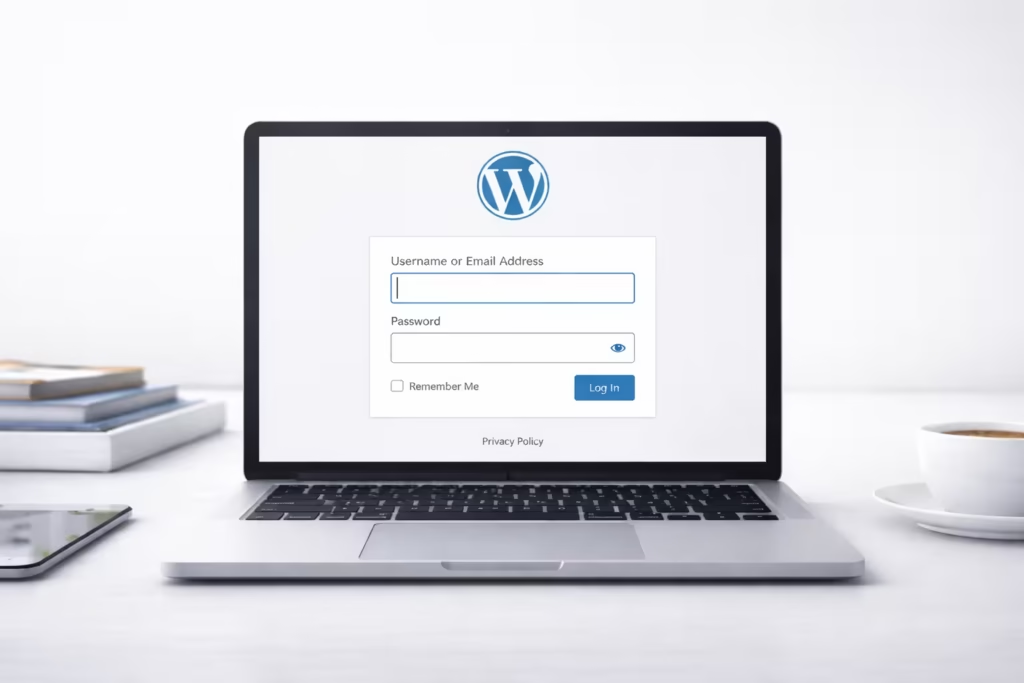
This guide explains exactly how to do it, step by step, using clean and safe methods that work on any standard WordPress theme.
Why Create a Custom WordPress Login Page?
A custom login page helps you:
- Replace the default
/wp-login.phppage - Improve site branding and user trust
- Create a cleaner frontend login experience
- Reduce exposure of the default login URL
- Maintain full WordPress security
You do not need any third-party plugin for this.
Method Used in This Guide
This method uses:
- WordPress’ native
wp_login_form()function - A custom page template
- No plugin, no database change, no core file edit
It works on:
- Shared hosting
- Managed WordPress hosting
- Any modern theme (including child themes)
Step 1: Create a Custom Login Page Template
Open your active theme folder:
/wp-content/themes/your-theme/Create a new file named:
page-login.phpNow paste the following code into the file:
<?php
/* Template Name: Custom Login Page */
get_header();

if ( is_user_logged_in() ) {
    wp_safe_redirect( home_url() );
    exit;
}
?>

<div style="max-width:420px;margin:60px auto;padding:30px;border:1px solid #eaeaea;border-radius:12px;">
    <h2 style="margin-bottom:20px;">Login</h2>

    <?php
    wp_login_form([
        'redirect'       => home_url(),
        'label_username' => 'Username or Email',
        'label_password' => 'Password',
        'label_remember' => 'Remember Me',
        'label_log_in'   => 'Log In',
        'remember'       => true
    ]);
    ?>

    <p style="margin-top:15px;">
        <a href="<?php echo esc_url( wp_lostpassword_url() ); ?>">
            Forgot your password?
        </a>
    </p>
</div>

<?php get_footer(); ?>
This code:
- Uses WordPress’ secure login system
- Redirects logged-in users automatically
- Shows a clean frontend login form
Step 2: Create the Login Page in WordPress
- Go to Dashboard → Pages → Add New
- Title the page: Login
- On the right sidebar, select Template → Custom Login Page
- Publish the page
Your custom login URL now works:
https://yoursite.com/login/Step 3: Test the Login Page
Open the login page in an incognito window and verify:
- Login works correctly
- Invalid credentials show errors
- Successful login redirects properly
- “Forgot password” link works
You now have a fully working custom WordPress login page.
Optional: Redirect wp-login.php to the Custom Page (Advanced)
Redirecting /wp-login.php improves security but must be done carefully.
Add this code to functions.php:
add_action('init', function () {
    if (
        basename($_SERVER['REQUEST_URI']) === 'wp-login.php' &&
        !is_user_logged_in()
    ) {
        wp_safe_redirect( home_url('/login/') );
        exit;
    }
});
This redirect:
- Sends normal visitors to your custom login page
- Keeps WordPress admin functions working
- Avoids breaking password reset and cron jobs
Do not use this on WooCommerce or membership sites without testing.
Common Mistakes to Avoid
- Editing
wp-login.phpdirectly - Blocking admin access with
.htaccess - Removing default WordPress login actions
- Using insecure custom authentication code
The method in this guide avoids all of them.
FAQs
Can I create a custom login page in WordPress without a plugin?
Yes. WordPress allows you to create a custom login page without a plugin by using the built-in wp_login_form() function inside a custom page template.
Does a custom login page work without redirecting wp-login.php?
Yes. A custom login page works fully without redirecting wp-login.php. Redirecting it is optional and only needed if you want to hide the default login URL.
Is it safe to use a custom login page without a plugin?
Yes. Using WordPress’ native login functions is safe because WordPress still handles authentication, validation, and security internally.
Will a custom login page affect WordPress updates?
No. A custom login page does not affect WordPress updates as long as you do not edit core files like wp-login.php.
Can I change the redirect after login?
Yes. You can control the post-login redirect using WordPress hooks such as login_redirect without using any plugin.
Can I block wp-admin access for non-admin users?
Yes. You can restrict /wp-admin/ access for non-admin users using role checks in functions.php while still allowing frontend login.
Is a custom login page better for SEO?
Yes. A custom login page improves branding and user experience. It also avoids exposing the default WordPress login URL publicly.

