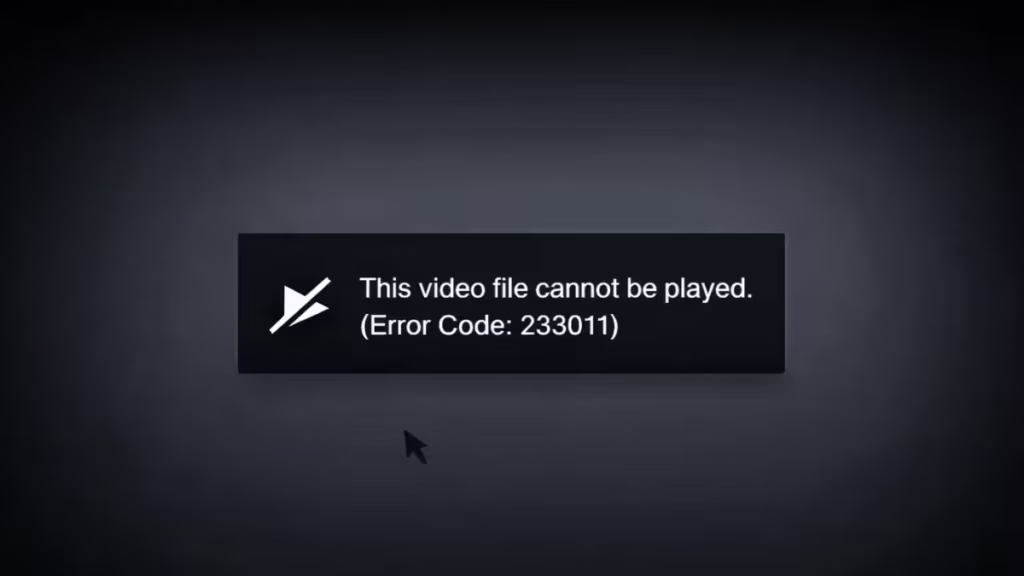
If you see error code 233011 while trying to watch a video, the player fails to load the file. Most users see this message:
“This video file cannot be played (Error Code 233011)”
This issue usually comes from browser problems, blocked scripts, or a broken video source. It affects Chrome, Edge, and Firefox across many streaming and embedded video sites.
This guide walks you through all working fixes step by step.
What Causes Error Code 233011
Before fixing the issue, you need to understand what triggers it. This helps you avoid repeating the same problem.
Common causes include:
- Corrupted browser cache or cookies
- Ad blockers or privacy extensions blocking video scripts
- Outdated browser version
- Hardware acceleration conflicts
- Weak or unstable internet connection
- Website or video server issues
In most cases, the problem comes from your browser environment—not the video itself.
Fix 1: Check Your Internet Connection
Start with the basics. A weak connection can interrupt video loading.
- Restart your WiFi router
- Switch between WiFi and mobile data
- Test another website or video
If other videos also fail, your network likely causes the issue.
Fix 2: Clear Cache and Cookies
Corrupted cache often breaks video playback.
Steps (Chrome/Edge):
- Open Settings
- Go to Privacy and Security
- Click Clear browsing data
- Select:
- Cookies and other site data
- Cached images and files
- Click Clear data
Restart your browser and try again.
Fix 3: Disable Browser Extensions
Extensions often block video scripts without warning.
Focus on disabling:
- Ad blockers
- VPN extensions
- Privacy or script blockers
How to check quickly:
- Open Incognito mode
- Play the same video
If it works, an extension causes the issue. Disable them one by one.
Fix 4: Update Your Browser
An outdated browser can fail to support modern video players.
Steps:
- Go to Settings → About
- Check for updates
- Install the latest version
Restart the browser after updating.
Fix 5: Disable Hardware Acceleration
Hardware acceleration can conflict with video rendering.
Steps (Chrome):
- Open Settings
- Go to System
- Turn off:
- Use hardware acceleration when available
- Restart the browser
This fix works well for playback crashes and black screens.
Fix 6: Try a Different Browser
Sometimes the issue stays limited to one browser.
Test the same video in:
- Another browser (Edge, Firefox)
- Or your mobile device
If it works elsewhere, your main browser has a configuration issue.
Fix 7: Check If the Website Is Down
Sometimes the video server fails. You cannot fix this from your side.
Signs of server issues:
- The same error appears for everyone
- Multiple videos fail on the same site
- The site loads slowly or partially
In this case, wait and try again later.
Error Code 233011 Issues and Fixes
Use this quick table to identify your issue faster:
| Problem | Likely Fix |
|---|---|
| Video not loading at all | Check internet |
| Works in incognito only | Disable extensions |
| Error after update | Clear cache |
| Black screen or crash | Disable hardware acceleration |
| Works on mobile only | Browser issue |
| Not working anywhere | Server problem |
FAQs
Why does error code 233011 appear suddenly?
Your browser cache or extensions may block the video script after an update or site change.
Can VPN cause error 233011?
Yes. Some VPNs block or reroute video servers, which breaks playback.
Is error code 233011 a server issue?
Sometimes. If the video fails for all users, the server likely causes the problem.
