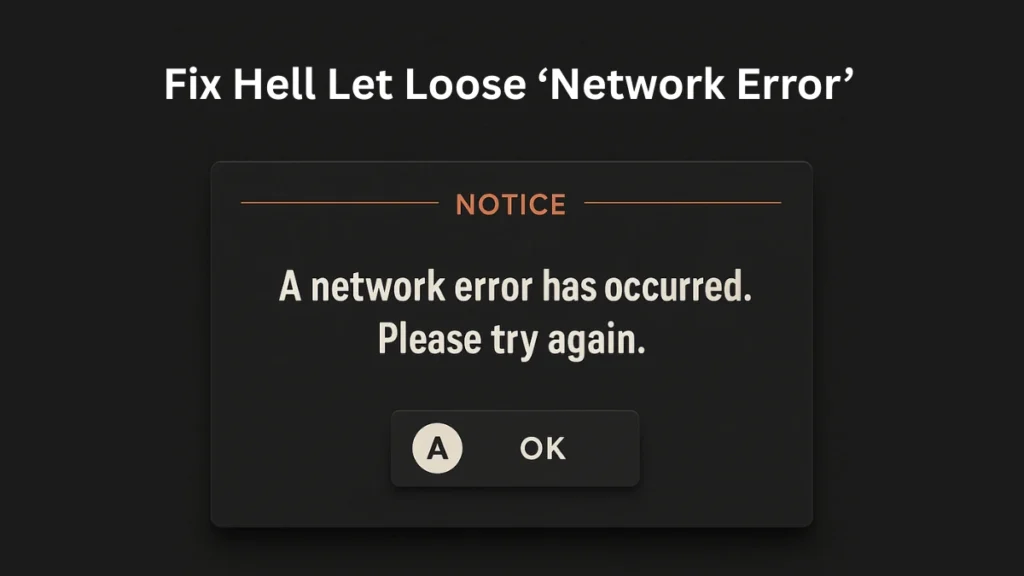
Many Hell Let Loose players encounter the message “A Network Error Has Occurred” when launching the game, logging in, or joining a server. This issue affects PC (Steam & Game Pass), Xbox Series X|S, and PlayStation 5, and usually appears without any error code, making it difficult to diagnose.
In most cases, the error is caused by temporary server authentication issues, corrupted local files, or network configuration problems. The good news is that the issue is usually fixable using the steps below.
Exact Error Message Players See
“A Network Error Has Occurred”This message typically appears:
- During game launch
- While connecting to online services
- When joining matchmaking or servers
No additional error code is shown.
Quick Fix Checklist (Try These First)
Before moving to advanced fixes, try these quick checks:
- Check if Hell Let Loose servers are online
- Restart the game and your device
- Test the game using a mobile hotspot
- Wait 30–60 minutes if a backend update is ongoing
If the issue persists, follow the detailed fixes below.
Fix Hell Let Loose Network Error on PC (Steam & Game Pass)
Fix 1: Delete LauncherInfo.hllinfo (Most Effective PC Fix)
A corrupted launcher configuration file can prevent the game from authenticating properly.
Steps
- Open Steam Library
- Right-click Hell Let Loose → Properties
- Go to Installed Files → Browse
- Delete the file:
LauncherInfo.hllinfo- Relaunch the game (the file is recreated automatically)
Fix 2: Run Steam and Hell Let Loose as Administrator
Running the game with admin privileges ensures network access is not restricted.
Steps
- Close Steam completely
- Navigate to:
C:\Program Files (x86)\Steam- Right-click steam.exe → Properties → Compatibility
- Enable Run this program as an administrator
- Apply and launch Steam again
Repeat the same steps for HLL.exe inside the game folder.
Fix 3: Allow Hell Let Loose Through Windows Defender
Security software can silently block game network traffic.
Add these files to exclusions
- HLL.exe
- HLL-Win64-Shipping.exe
- EasyAntiCheat.exe
- Launch_HLL.exe
Path
Steam\steamapps\common\Hell Let LooseFix 4: Flush DNS and Reset Network Stack
Network cache issues often cause unexplained connection errors.
Steps
- Open Command Prompt (Admin)
- Run these commands one by one:
ipconfig /flushdns
netsh winsock reset
ipconfig /release
ipconfig /renew- Restart your PC
Fix 5: Switch to Cloudflare DNS
ISP DNS servers may misroute game traffic.
Use these DNS values
- Preferred DNS: 1.1.1.1
- Alternate DNS: 1.0.0.1
Apply this under IPv4 settings of your active network connection.
Fix Hell Let Loose Network Error on Xbox Series X|S
Fix 1: Clear Alternate MAC Address
Cached MAC data can break server authentication.
Steps
- Go to Settings → General → Network Settings
- Open Advanced Settings
- Select Alternate MAC Address
- Choose Clear and restart the console
Fix 2: Reset Console (Keep Games & Apps)
This refreshes system data without deleting installed games.
Steps
- Go to Settings → System → Console Info
- Select Reset console
- Choose Reset and keep my games & apps
You’ll need to sign back into your account afterward.
Fix 3: Wait for Certificate Sync (If Update Just Released)
After backend or security updates, Xbox services may take time to resync authentication certificates.
If this is the cause, the error usually resolves itself within 30 to 60 minutes.
Fix Hell Let Loose Network Error on PS5
- Restart the console
- Restart your router
- Use wired internet instead of Wi-Fi
- Test with a mobile hotspot to rule out ISP issues
- Ensure system software is fully updated
If the error persists, it is likely server-side.
Test Using a Mobile Hotspot (Important Diagnosis Step)
Connect your PC, Xbox, or PS5 to a mobile hotspot and launch the game.
- If the game works: Your ISP or router is the problem
- If the game still fails: The issue is local or server-side
This step helps avoid unnecessary troubleshooting.
FAQs
Why does Hell Let Loose say “Network Error Has Occurred”?
This usually happens due to server authentication issues, corrupted local files, or network misconfiguration.
Is Hell Let Loose server down right now?
The error often appears during backend updates. Always check official announcements before troubleshooting.
Does changing DNS fix Hell Let Loose network errors?
Yes, switching to Cloudflare DNS can resolve routing issues caused by ISP DNS servers.
Why does Hell Let Loose work on hotspot but not Wi-Fi?
This indicates an ISP or router-level problem rather than a game issue.
Is this a Steam, Game Pass, or Xbox issue?
The error can affect all platforms and is usually related to server authentication or local network data.
The “Network Error Has Occurred” message in Hell Let Loose is most often linked to server authentication updates or local network corruption rather than account bans or permanent issues. In many cases, simply waiting for backend synchronization or deleting a corrupted launcher file resolves the problem.
If none of the fixes work, contacting Team17 Support with your platform details is recommended

