If you are seeing Pokémon HOME error code 9007 (Error 400), you are dealing with a login, sync, or app data issue that blocks access to your account. This error usually appears during sign-in, app launch, or while trying to load your Pokémon HOME data, and it can stop you from accessing your stored Pokémon completely.
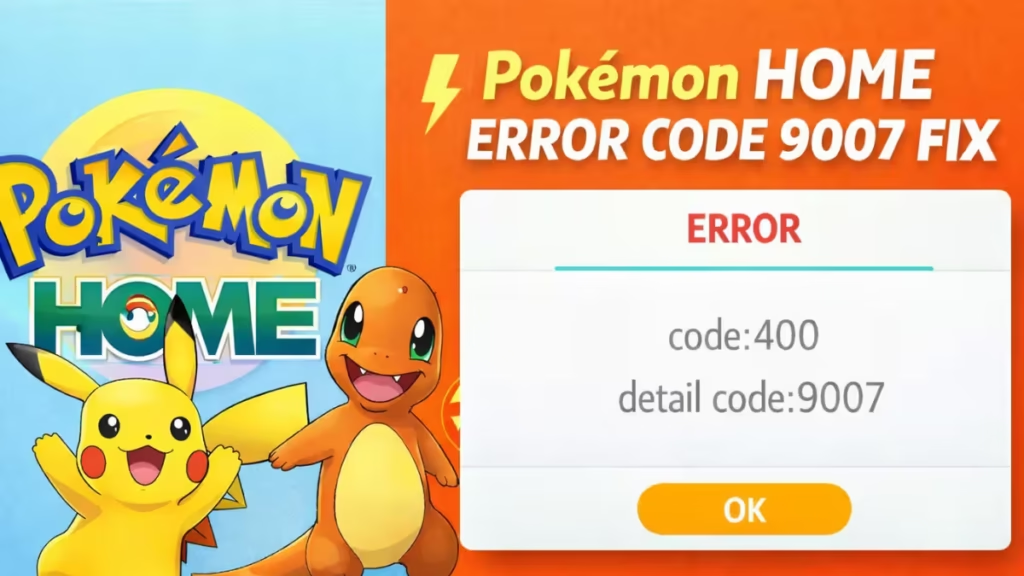
However this error does not delete your Pokémon. Your data stays linked to your Nintendo Account, and you can restore access by fixing the app session, clearing broken data, or relinking your account correctly. In this guide, you will learn exactly how to fix Pokémon HOME error code 9007 step by step and get back into your account quickly.
See also: Pokémon Champions Transfer Error Fix: Pokémon Stuck in Limbo
Before You Start
Check these basics first:
- Update Pokémon HOME to the latest version
- Use a stable internet connection
- Restart your phone or Nintendo Switch
- Sign in with the correct Nintendo Account
- On mobile, allow the app permissions it needs
If the error remains, follow the steps below in order.
How to Fix Pokémon HOME Error Code 9007
1. Restart Pokémon HOME and Your Device
Close Pokémon HOME fully and open it again. If the error still appears, restart your phone or Nintendo Switch and relaunch the app.
This step clears temporary glitches and failed background sessions.
2. Update Pokémon HOME
Open the App Store, Google Play Store, or Nintendo eShop and install the latest Pokémon HOME update.
An outdated version can block login, syncing, and server communication.
3. Switch Internet Connections
Change your connection and test again.
- If you use Wi-Fi, switch to mobile data
- If you use mobile data, switch to Wi-Fi
A weak or unstable connection can interrupt account verification and sync requests.
4. Clear the Pokémon HOME Cache on Mobile
If you use the mobile app, clear the cache from the title screen.
Follow these steps:
- Open Pokémon HOME
- Tap the Menu icon in the top-right corner
- Tap Clear Cache
- Tap OK
This step removes damaged temporary data that can block account loading and app syncing.
5. Reinstall Pokémon HOME on Mobile
If clearing the cache does not work, uninstall Pokémon HOME and install it again. Then sign in with the same Nintendo Account you used before.
This step resets broken app files, clears damaged session data, and restores access to your HOME account.
6. Delete Pokémon HOME Save Data on Nintendo Switch
If the error appears on the Switch version, remove the local save data for Pokémon HOME and launch the app again.
Follow these steps:
- Open System Settings
- Go to Data Management
- Select Delete Save Data
- Choose Pokémon HOME
- Select the affected user
- Confirm deletion
- Reopen Pokémon HOME
This removes broken local session data from the Switch without erasing the Pokémon stored in your linked HOME account.
7. Sign In With the Correct Nintendo Account
Always log in with the exact Nintendo Account linked to your Pokémon HOME data.
This matters most if you changed devices, reinstalled the app, or signed out recently. If you use the wrong Nintendo Account, Pokémon HOME opens a different profile and your stored Pokémon will not appear.
8. Reset Your Nintendo Account Password
If the error still continues, change your Nintendo Account password and then repeat the login and setup process.
This step helps when the issue comes from account authentication or expired sign-in data.
Is Your Pokémon Lost Forever?
No. This error does not delete your deposited Pokémon. Your Pokémon stay attached to your linked Nintendo Account.
The real problem is access. Once you repair the app session, clear broken local data, or relink the same Nintendo Account, your Pokémon HOME boxes should load normally again.
What to Avoid While Fixing Error 9007
Avoid these mistakes while troubleshooting:
- Do not sign in with the wrong Nintendo Account
- Do not keep retrying the same failed step
- Do not assume your Pokémon are deleted
- Do not skip app updates
- Do not ignore mobile permissions
- Do not use altered or unauthorized data
When to Contact Pokémon Support
Contact Pokémon Support if the error still appears after you complete every fix above.
You should contact support when:
- Error 9007 returns after reinstalling the app
- The error appears on both mobile and Switch
- Your Nintendo Account will not relink correctly
- A transfer looks stuck
- The app still cannot load your HOME data
Pokémon HOME error code 9007 comes from sync problems, broken app data, account session issues, or connection failures. It does not mean your Pokémon are gone.
See also: How to Fix Pokémon HOME Error Code 400
Follow the fixes in order. Start with restart, update, and connection checks. Then clear the cache, reinstall the app, sign in with the same Nintendo Account, and delete local save data on Switch if needed. If the error still remains, contact Pokémon Support for account-level help.