Stick drift makes gaming frustrating fast. Your character moves on its own, the camera spins randomly, or menus scroll endlessly even when you do not touch the controller. This issue affects PS5 DualSense controllers, Xbox controllers, and PC gamepads across Windows and Steam setups.
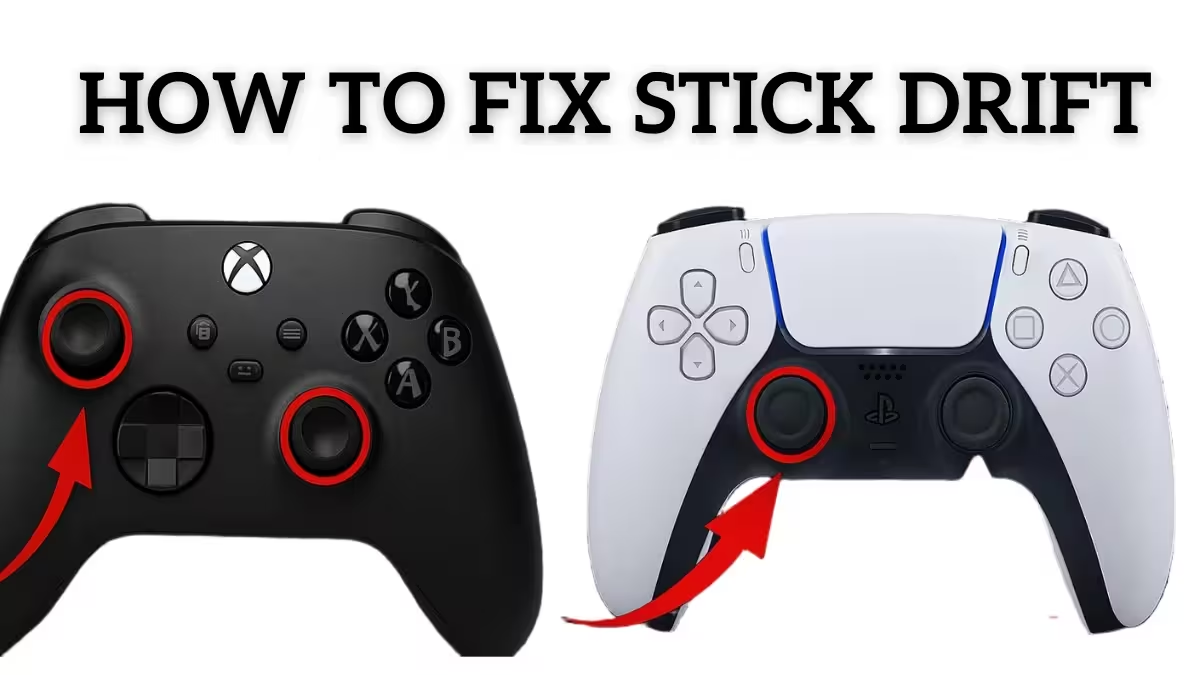
How to Fix Stick Drift on PS5, Xbox & PC Controllers
In many cases, stick drift is fixable without replacing the controller. If the drift comes from calibration errors, firmware bugs, or dust buildup, you can often restore normal performance in minutes. However, worn hardware requires a different solution.
What Is Stick Drift?
Stick drift happens when an analog stick sends movement signals even when you are not touching it. The controller incorrectly reads the stick’s neutral position, which causes unwanted movement in games.
How to Tell If Your Controller Has Stick Drift
- Character walks or turns automatically
- Camera moves without input
- Menus scroll on their own
- Crosshair drifts while aiming
- Vehicles pull in one direction
If any of these happen consistently, your controller likely has stick drift.
How to Confirm Stick Drift
You can verify stick drift using a quick input test.
On Windows PC:
- Open Control Panel and go to Devices and Printers.
- Right-click your controller and select Game Controller Settings, then Properties.
- Watch the axis movement. If the crosshair moves without touching the stick, drift is present.
On PlayStation or Xbox:
Use any controller test screen or open a game with a visible aiming reticle. If the stick moves while untouched, drift is confirmed.
Common Causes of Stick Drift
| Cause | What Happens |
|---|---|
| Dust and debris | Dirt blocks sensor readings |
| Wear and tear | Potentiometers degrade over time |
| Firmware issues | Incorrect calibration or bugs |
| Physical damage | Drops misalign internal parts |
| Manufacturing defects | Early failure in some batches |
| Faulty circuit board | Liquid damage or board-level failure causes incorrect input signals |
Software vs Hardware Stick Drift
Knowing whether your stick drift is software-based or hardware-based determines whether a permanent fix is possible.
Software Stick Drift
- Caused by calibration errors or firmware bugs
- Often temporary
- Improves with resets, updates, or recalibration
- Can usually be fixed permanently
Hardware Stick Drift
- Caused by worn sensors or damaged modules
- Cleaning provides only short relief
- Drift returns quickly
- Requires part replacement or controller upgrade
If fixes only work for a few hours or days, hardware wear is the likely cause.
| Drift Type | Can It Be Fixed? | How Long It Lasts | Best Solution |
|---|---|---|---|
| Software Drift | Yes | Long-term | Calibration and firmware updates |
| Hardware Drift | Temporary only | Short-term | Module replacement or new controller |
How to Fix Stick Drift on PS5 DualSense Controllers
1) Rotate and Reset the Thumbsticks
Before cleaning, try this quick physical reset.
- Gently lift and rotate each thumbstick in a full circle.
- Press both sticks down firmly for about 10 seconds until you feel them click.
- Rotate the depressed sticks clockwise for 10 seconds, then counterclockwise for 10 seconds.
- Release and test for drift.
This can reseat the stick mechanism and clear minor positional errors without any tools.
2) Clean the Analog Sticks
- Power off the controller.
- Tilt the stick sideways.
- Use a cotton swab with 90%+ isopropyl alcohol to clean around the base.
- Rotate the stick while cleaning to reach all sides.
- Use compressed air around the base to clear loose debris.
- Let it dry completely before powering on.
This removes dust that often causes early drift.
3) Reset the DualSense Controller
- Turn off the PS5.
- Insert a paperclip into the reset hole on the back for 5 to 10 seconds.
- Reconnect using a USB cable.
- Power on the console and pair the controller again.
This clears stored calibration data and often resolves software-based drift.
4) Update DualSense Firmware
- Connect the controller via USB cable.
- Go to Settings > Devices > Controllers > Update System Software.
- Accept the update if one is available and retest once complete.
- If drift continues, also check for a PS5 system software update under Settings > System > System Software Update and Settings.
- Update any games where drift is noticeable. Navigate to the game, press Options, and select Check for Update.
Firmware mismatches and game-level bugs can both cause incorrect input readings.
5) Adjust Deadzone on DualSense Edge
If you use a DualSense Edge controller, the PS5 has a built-in deadzone setting.
- Go to Settings > Accessories > DualSense Edge Wireless Controller > Custom Profiles > Create Custom Profile.
- Select Stick Sensitivity and Deadzone.
- Increase the deadzone slightly to offset minor drift.
- Also check individual game settings, as many titles have their own deadzone controls under the controller or input menu.
This does not fix hardware drift but can mask minor software-based movement.
6) Advanced PS5 Fixes (Risk Involved)
- Use compressed air inside the stick housing
- Open the controller and clean internally (voids warranty)
- Replace joystick modules
- Upgrade to Hall Effect joystick modules for long-term reliability
Note on circuit board issues: If drift persists after joystick replacement, inspect the controller’s circuit board for signs of liquid damage, burnt components, or corrosion. Clean any corrosion with isopropyl alcohol and a cotton swab. Board-level repair requires soldering skill and may not be cost-effective compared to replacing the controller.
When to Replace a PS5 Controller
| Situation | Recommended Action |
|---|---|
| Minor early drift | Clean, reset, update |
| Still under warranty | Contact Sony |
| Drift returns within 48 hours | Hardware wear |
| Deadzone above 20% required | Replace or upgrade |
How to Fix Stick Drift on Xbox Controllers
Basic Fixes
Rotate the Thumbsticks
Press both sticks down and rotate them clockwise for 10 seconds, then counterclockwise for 10 seconds. Release and test. This is the fastest first step before any cleaning.
Clean the Sticks
Blow compressed air around the base and follow with alcohol swabs to remove debris.
Update Firmware
- Xbox Console: Settings > Devices > Accessories > Update
- PC: Use the Xbox Accessories App
Recalibrate Using Xbox Accessories App
- Connect the controller.
- Open the app and select Configure, then Test Inputs.
- Calibration fixes software-based Xbox controller drift.
Deadzone Adjustment
Many games like Call of Duty, Fortnite, and Apex Legends allow deadzone tuning. Slight increases can mask minor drift without affecting accuracy.
Long-Term Solutions
- Microsoft repair service (paid outside warranty)
- Hall Effect controllers such as GameSir G7 SE
How to Fix Stick Drift on PC Controllers (Windows 10 and 11)
Software Fixes
Rotate the Thumbsticks First
Press and rotate both sticks as described in the PS5 section above. This applies to any gamepad before moving to software steps.
Recalibrate in Windows
- Open Control Panel and go to Devices & Printers.
- Right-click the controller and select Game Controller Settings, then Properties.
- Run the calibration wizard.
Update Drivers
- Check Device Manager for controller driver updates.
- Install manufacturer software if available.
Adjust Deadzones in Steam
- Open Steam and go to Settings > Controller > Calibration.
- Increase the deadzone slightly to reduce drift sensitivity.
Hardware Fixes
- Clean sticks using alcohol and compressed air
- Replace joystick modules (advanced users)
- Switch to Hall Effect controllers
Does Stick Drift Get Worse Over Time?
Yes. Hardware-based stick drift always worsens because mechanical sensors wear down. The internal potentiometer uses conductive wipers that move across a resistive pad with every stick movement. Over time, that resistive material wears away and voltage readings become inaccurate, causing drift that gets progressively harder to mask. Software fixes can delay symptoms but cannot reverse physical degradation. Early cleaning and calibration help slow progression.
Frequently Asked Questions
What causes stick drift on PS5, Xbox, and PC controllers?
Stick drift happens due to dust buildup, worn analog sensors, calibration errors, firmware bugs, or physical damage, causing the controller to register movement even when the stick is not touched.
Can stick drift be permanently fixed?
Stick drift can be permanently fixed only when the issue is software-related. Hardware-based stick drift caused by worn joystick components requires module replacement or a new controller.
Does cleaning the controller really fix stick drift?
Yes, cleaning removes dust and debris that interfere with sensor readings and often fixes early-stage stick drift if the joystick hardware is not worn out.
How do I fix stick drift on Windows 11 PC controllers?
You can recalibrate the controller in Control Panel, update drivers, adjust deadzones in Steam, and clean the analog sticks to reduce or eliminate software-based stick drift.
Why does stick drift come back after fixing it?
Stick drift returns when the internal joystick sensors are physically worn, making temporary fixes ineffective over time and requiring hardware replacement.
Is stick drift covered under PS5 or Xbox warranty?
Stick drift may be covered under warranty if the controller is within the manufacturer’s coverage period and shows no physical damage, depending on regional policies.
Are Hall Effect controllers better for preventing stick drift?
Yes, Hall Effect controllers use magnetic sensors instead of physical contact, making them more resistant to wear and long-term stick drift.
Does increasing deadzone fix stick drift completely?
No, increasing deadzone only hides minor drift and reduces sensitivity but does not repair the underlying hardware issue. If stick drift affects your controller, start with the thumbstick rotation technique, then move to cleaning, calibration, and firmware updates. If drift keeps returning, hardware replacement offers the only permanent solution. With proper care and smart upgrades, you can avoid recurring drift issues and keep your controllers performing reliably.

