Motion sensors promise hands-free automation, but anyone who has lived with one knows the reality. Lights switch off while you sit still. The TV pauses because the sensor "lost" you for half a second. An alarm fires because a curtain moved in a warm breeze.
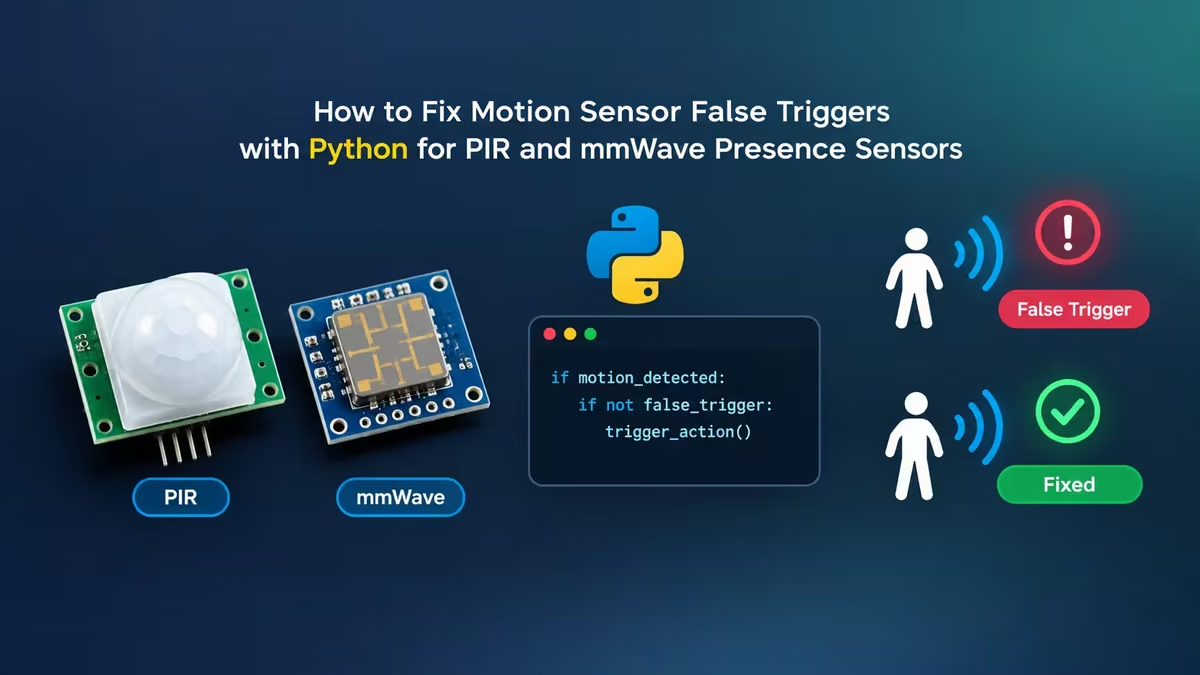
The hardware is rarely the real problem. Most sensors report raw, moment-to-moment readings, and most automations react to every single one of them. A few lines of Python can sit between the sensor and your automation, judge whether a change is real, and only then act. This guide explains why sensors misfire and shows practical Python patterns you can reuse with almost any motion or presence sensor.
PIR Motion Sensor vs mmWave Presence Sensor: What Is the Difference?
Before you fix bad readings, you need to know what kind of data your sensor gives you.
PIR (passive infrared) sensors watch for changes in infrared heat across their field of view. They output a simple signal: HIGH when something warm moves, LOW when nothing does. They are cheap, low power, and great at catching someone walking through a hallway. They are bad at noticing a person who sits perfectly still, because a still body produces no change in heat.
mmWave radar presence sensors (typically 24GHz or 60GHz) bounce radio waves off the room and measure what comes back. Better modules report far more than yes or no. Depending on the model, you can get:
- Whether anyone is present at all
- Whether a person is moving, stationary, or idle
- Distance to each target
- X and Y coordinates for multiple tracked people
- Micro-motion values from breathing
That richer data opens up smarter automations, such as zones around a sofa, a desk chair, or a bed. It also opens up new ways to fail.
Why Do Motion Sensors Give False Triggers?
Every false trigger traces back to one of a handful of causes.
Distance hurts accuracy. A radar sensor tracks a person three feet away with excellent precision. Put the same person across a large living room and the reported position starts to wobble. A target may appear to jump a foot sideways or vanish for a moment before the sensor picks it up again.
Single readings carry no context. If your automation says "pause the TV when the sofa zone count drops," one dropped frame is enough to pause the show. The automation cannot tell the difference between a person who stood up and a person the sensor briefly misplaced.
Electrical noise affects cheap PIR modules. Unstable power supplies on small boards like the Raspberry Pi Zero can cause random HIGH pulses. A small decoupling capacitor (around 0.1µF) across the sensor's power pins often cures this at the hardware level.
Target limits get exceeded. Multi-target radar modules usually track only a few people at once. When a fourth person walks in, the sensor drops someone, and your logic sees a "departure" that never happened.
The fix for most of these lives in software: stop trusting single readings and start looking at patterns over time.
How to Stop PIR False Triggers on Raspberry Pi with gpiozero
The simplest upgrade for a PIR sensor is to require motion to persist for a short window before you act. On a Raspberry Pi, the gpiozero library already supports this through its MotionSensor class.
from gpiozero import MotionSensor
from signal import pause

# queue_len stores recent samples; threshold sets how many must be HIGH
sensor = MotionSensor(18, queue_len=5, sample_rate=10, threshold=0.6)

def on_motion():
    print("Confirmed motion")

def on_clear():
    print("Area clear")

sensor.when_motion = on_motion
sensor.when_no_motion = on_clear
pause()
Here queue_len=5 keeps the last five readings, and threshold=0.6 means the average must exceed 60 percent before the sensor counts as active. A single noisy spike no longer flips the state. Raise queue_len if your sensor is twitchy; lower it if responses feel sluggish.
If you use a Raspberry Pi 5 and see a "missing pin factory" error, set the environment variable GPIOZERO_PIN_FACTORY to a supported backend (for example lgpio) before running the script.
Add a Hold Timer in Python So Lights Don't Turn Off While You Sit
For "turn off when empty" automations, the most effective trick is a hold timer. When the sensor reports no one, start a countdown instead of acting immediately. If presence returns before the timer ends, cancel it.
import time

class PresenceHold:
    def __init__(self, hold_seconds=8):
        self.hold = hold_seconds
        self.last_seen = None
        self.occupied = False

    def update(self, present_now: bool):
        now = time.monotonic()
        if present_now:
            self.last_seen = now
            if not self.occupied:
                self.occupied = True
                return "entered"
        elif self.occupied and self.last_seen and now - self.last_seen > self.hold:
            self.occupied = False
            return "left"
        return None
Feed every sensor reading into update(). It returns an event only when the state genuinely changes. A two second dropout never reaches your lights or TV.
Fix mmWave Sensors Losing Targets with Python Path Detection
Grace periods work well for whole-room presence, but they struggle with zone automations such as "pause the movie when someone leaves the sofa." A long hold delays the pause; a short one lets glitches through.
A better approach looks at how a target behaves. A real person who gets up walks out of the zone in a steady direction across several readings. A glitching target either disappears in place or teleports for one frame and then snaps back.
The class below keeps a short history of positions for each tracked target and only reports a departure when the target travels a consistent path away from the zone.
from collections import deque
import math

class ZoneExitDetector:
    def __init__(self, zone_center, zone_radius, history=6, min_steps=4, min_travel=0.6):
        self.cx, self.cy = zone_center
        self.radius = zone_radius
        self.min_steps = min_steps
        self.min_travel = min_travel  # metres
        self.tracks = {}
        self.history = history

    def _dist(self, x, y):
        return math.hypot(x - self.cx, y - self.cy)

    def update(self, target_id, x, y):
        track = self.tracks.setdefault(target_id, deque(maxlen=self.history))
        track.append((x, y))
        if len(track) < self.min_steps:
            return False

        distances = [self._dist(px, py) for px, py in track]
        # Count steps where the target moved further from the zone
        outward = sum(1 for a, b in zip(distances, distances[1:]) if b > a)
        travelled = distances[-1] - distances[0]
        left_zone = distances[-1] > self.radius

        return left_zone and outward >= self.min_steps - 1 and travelled >= self.min_travel
With this logic, three things must all be true before the TV pauses:
- The latest position sits outside the zone.
- Most recent steps moved away from the zone.
- The total distance travelled is large enough to rule out jitter.
A vanished target never meets those conditions, so it never triggers a pause. A single jumped reading fails the "consistent steps" test. Only a real exit passes.
For the resume side, wait until the number of targets inside the zone returns to the count you recorded before the pause. Tracking IDs from radar modules often reset after a target leaves, so comparing counts is more reliable than matching IDs.
How to Connect a Python Sensor Script to Home Assistant and MQTT
Your script needs a way to read sensor data and send commands. Common setups include:
- Direct GPIO on a Raspberry Pi for PIR modules.
- USB serial from a microcontroller (such as an ESP32 or RP2040 board) that reads a radar module and prints values your script parses with
pyserial. - MQTT, where the sensor or ESPHome firmware publishes readings and your script subscribes using
paho-mqtt, then publishes decisions back. - Home Assistant's REST or WebSocket API, where Python reads sensor entities and calls services such as
media_player.media_pause.
MQTT is usually the cleanest choice. The sensor publishes raw data, your script publishes a cleaned "confirmed_exit" or "confirmed_presence" topic, and Home Assistant or Node-RED triggers on the cleaned topic instead of the raw one. You keep the smart logic in one place and can tune it without touching your automations.
Tips to Improve Motion and Presence Sensor Accuracy
- Log before you fix. Record raw readings to a CSV for a day. Plot positions or states, and you will see exactly where glitches happen.
- Test with real behaviour. Sit down, stand up, walk away, come back. Repeat it with another person in the room. Synthetic tests rarely reproduce real tracking errors.
- Mount closer when possible. Moving a radar sensor even a metre nearer to the target zone often improves accuracy more than any code.
- Respect target limits. If your module tracks three people, restrict multi-person automations to times when fewer people use the room, or add a second sensor.
- Keep it local. Run the script on a Raspberry Pi or home server so decisions happen in milliseconds and keep working when your internet drops.
A motion or presence sensor gives you raw observations, not decisions. When you let Python turn those observations into confirmed events, automations that once failed half the time become dependable. Start with smoothing, add a hold timer, and move to path-based logic once you work with position data. Your lights, TV, and alarms will finally behave the way you expected when you bought the sensor.
Frequently Asked Questions
Can Python fix a PIR sensor that misses people sitting still?
No. A PIR sensor physically cannot detect a motionless person. Python can reduce false triggers and add hold timers, but for stillness detection you need an mmWave presence sensor.
Do I need a Raspberry Pi to run these scripts?
No. Any always-on machine works, including an old laptop, a mini PC, or a Home Assistant host that supports add-ons. A Pi is popular because it is cheap, quiet, and has GPIO pins for wired sensors.
What history length should I use for path detection?
Start with five to eight readings at the sensor's normal update rate. Shorter histories react faster but let more glitches through. Adjust after watching your logs.
Will this work with Zigbee motion sensors?
Yes, with limits. Most Zigbee PIR sensors only report occupied or clear and enforce their own cooldown, so debounce and hold patterns apply, but path detection does not, because they report no position data.