February 9 marks the official removal of Microsoft Lens from the Apple App Store and Google Play Store. From today, new users can no longer download the document-scanning app, while existing users enter the final phase of its shutdown. Microsoft has confirmed that scanning will continue only until March 9, after which the app will lose its core functionality.

Lens originally launched as Office Lens in 2014 and gained popularity for scanning documents, whiteboards, receipts, and handwritten notes using a phone camera. Over the years, it became one of the highest-rated scanning apps on mobile platforms.
Existing Users Can Still Scan Documents—But Only Until March 9
If Microsoft Lens is already installed on your device, you can continue scanning documents for now. Microsoft has confirmed that scanning will remain available until March 9, 2026. After that date, the app will no longer allow new scans to be created.
Previously scanned files stored inside the app’s MyScans section will remain accessible, but only if:
- The app stays installed on your device
- You are signed in using the last active Microsoft account
Microsoft has also made it clear that access to old scans will no longer be officially supported after retirement.
Why Microsoft Is Shutting Down Lens
Microsoft has not cited low usage as the reason for retiring Lens. In fact, the app maintained strong ratings and tens of millions of downloads. Instead, the decision appears tied to product consolidation and cost optimization.
See also: Should I Upgrade to Windows 11 in 2026?
In recent months, users raised concerns about forced sign-ins and scans being automatically linked to work or personal Microsoft accounts. These changes reduced trust for some users and accelerated the shift away from Lens even before its retirement was announced.
Microsoft Recommends OneDrive as the Replacement
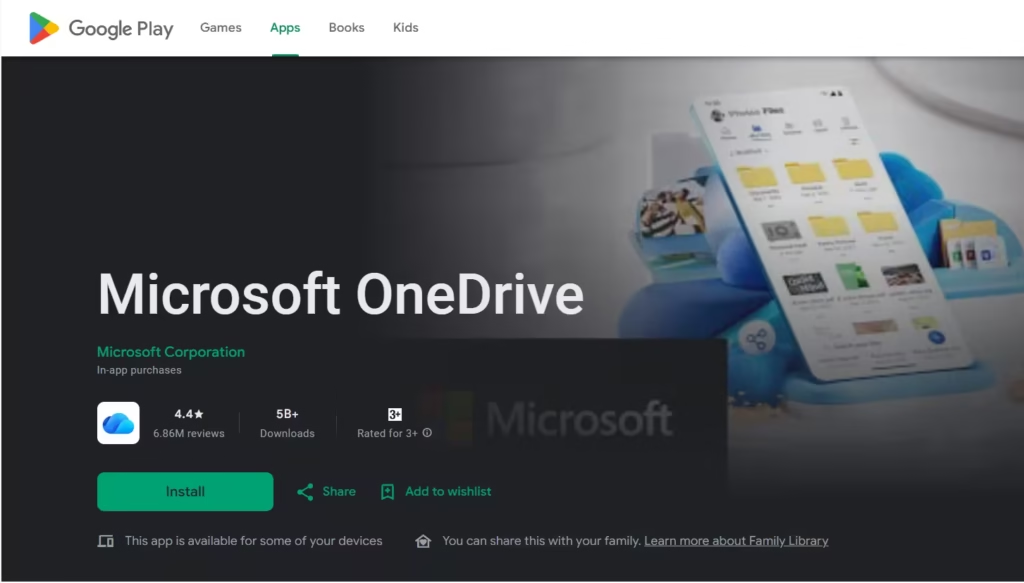
Microsoft is directing users to the OneDrive mobile app, which includes a built-in document scanning feature. The scanning workflow is simple:
- Open the OneDrive app
- Tap the + button
- Select Scan photo
- Save the scan directly to your OneDrive storage
One key difference is that OneDrive does not support saving scans locally to your phone. All scanned files are stored in the cloud by default, which may not suit users who prefer offline access or local storage.
What Microsoft Lens Users Should Do Now
If you still rely on Microsoft Lens:
- Keep the app installed if you need access to existing scans
- Export important documents before March 9, 2026
- Test OneDrive scanning or a third-party alternative early
Microsoft Lens is approaching the end of its lifecycle, and the remaining grace period is short. Planning ahead now will help avoid last-minute data access issues later.

