Monster Hunter Wilds PC players have uncovered a surprising performance behavior that links frame rate stability to downloadable content ownership. Multiple tests show that the game runs significantly smoother when an account owns more DLC packs, especially inside busy hub areas.
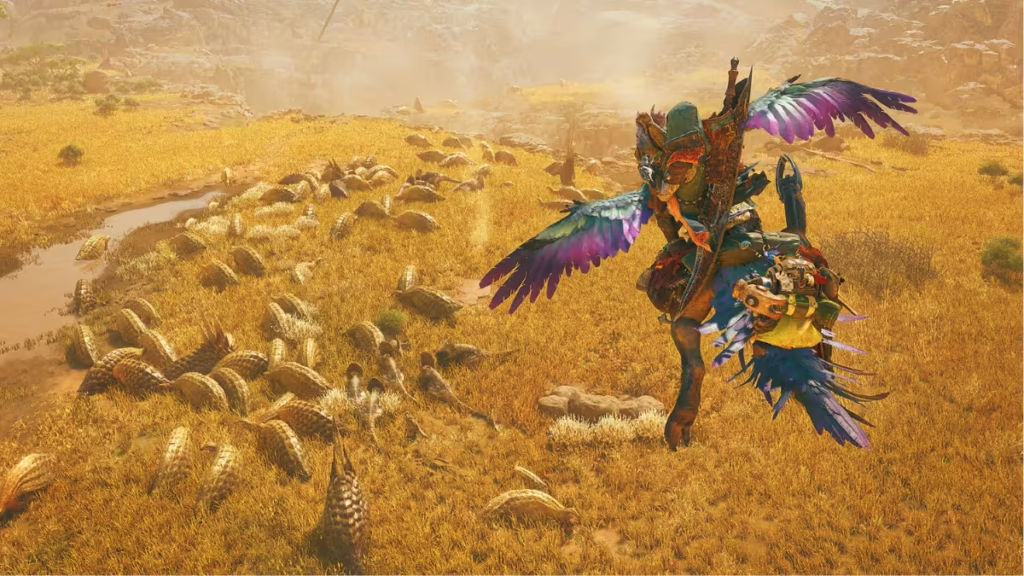
A Reddit user shared detailed findings after running performance tests using two different Steam accounts on the same hardware. One account owned only the base game. The other owned all cosmetic DLC. Both accounts used identical graphics settings, drivers, save progress, camera position, and in-game locations.
The results showed a dramatic gap. The base-game account dropped to around 20–25 FPS inside hubs, while the DLC-heavy account consistently pushed above 80 FPS under the same conditions.
Same PC, Different Performance Results
The tester removed variables that normally affect performance. They cleared cache files, reset configuration settings, and repeated the same tutorial steps and hub movements multiple times. Every test produced the same pattern.
See also: ERROR S9041-TAD-W72T Fix: How to Resolve Monster Hunter Wilds Online Error
When the player logged into the DLC-heavy account, the frame rate stayed stable. When they switched back to the base account, the frame rate dropped again immediately.”
This behavior suggested that something inside the game logic reacted differently based on DLC ownership rather than hardware or graphics settings.
DLC Ownership Checks Appear to Trigger CPU Load
Further analysis pointed toward an aggressive DLC ownership verification routine running in the background. The tester believes the game repeatedly checks for installed DLC when an account owns little or no additional content. Those repeated checks increase CPU load and reduce frame stability, particularly in crowded hub areas where background systems already consume resources.
Once the game detects a large number of installed DLC packs, the ownership checks appear to stop or reduce significantly, allowing the CPU to process gameplay logic more efficiently.
See also: Monster Hunter Wilds Crashing Issue After Title Update 2
To validate the theory, the tester created a small research mod that simulated full DLC ownership without unlocking any content. The mod did not grant cosmetic items or gameplay advantages. It only bypassed the repeated ownership check process. Performance immediately improved, matching the DLC-heavy account results.
Performance Gains Scale With DLC Count
The tester ran additional experiments by simulating different DLC quantities. Performance improved steadily as the simulated DLC count increased, with the largest FPS gains appearing between zero and roughly 100 DLC entries. Beyond that point, gains slowed as the GPU became the primary performance limit.
Repeated the experiments on a second PC with different hardware components and observed the same pattern. A third system test is currently in progress.
Most testing focused on hub areas, where the original performance drops occurred. Field zones may behave differently and still require deeper benchmarking.
Players Should Avoid Third-Party Mods for Now
Several unofficial mods have already appeared online claiming to fix the issue. We strongly recommends waiting for Capcom’s official response instead of installing third-party patches that may introduce security risks or violate game policies.
See also: Monster Hunter Wilds Fatal D3D Error Fix: Complete PC Guide
Monster Hunter Wilds has received mixed feedback regarding PC optimization since launch. This discovery provides a plausible explanation for inconsistent frame behavior on mid-range CPUs, especially in social hub environments.
If Capcom confirms the issue, a patch could deliver meaningful performance improvements without requiring hardware upgrades or configuration changes.
For now, players should monitor official updates and avoid experimental modifications until Capcom releases a verified fix.

