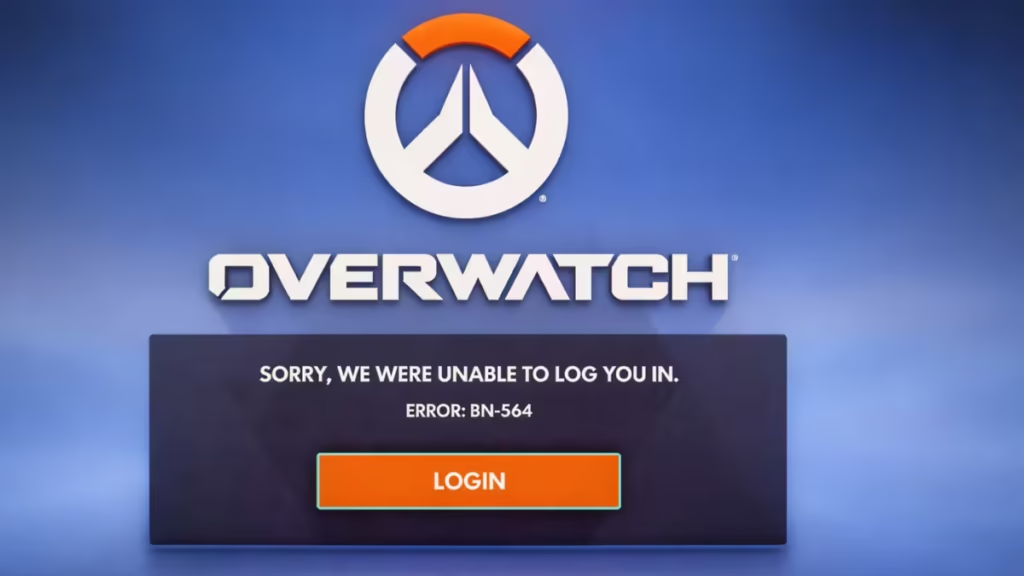
If Overwatch 2 shows the message “Sorry, we were unable to log you in – Error BN-564”, the game cannot authenticate your account with Blizzard servers. This issue usually appears during server maintenance, account sync problems, or temporary network failures.
Follow the steps below in order to fix BN-564 and log back into the game.
What Causes Error Code BN-564 in Overwatch 2?
BN-564 occurs when Overwatch 2 fails to establish a secure connection with Blizzard’s servers. This happens most often due to:
- Blizzard server maintenance or outages
- Account connection issues between Battle.net and Steam/console
- Network cache or routing problems
- Firewall, antivirus, or VPN interference
Step 1: Check Blizzard Server Status First
Always confirm server availability before troubleshooting locally.
- Visit Blizzard’s official server status page or social channels
- If Blizzard runs maintenance, wait until servers return online
No local fix works during active server downtime.
Step 2: Fully Restart Your Network (Most Effective Fix)
A complete network reset clears cached routing errors.
- Close Overwatch 2
- Shut down your PC or console
- Unplug your modem and router
- Wait at least 60 seconds
- Plug everything back in
- Restart your system and launch Overwatch 2
Many players fix BN-564 with this step alone.
Step 3: Re-link Your Platform Account to Battle.net
Account sync errors often trigger BN-564.
- Log in to your Blizzard account on Battle.net
- Open Account Settings → Connections
- Unlink Steam, PlayStation Network, or Xbox Network
- Log out of Battle.net
- Re-link the same platform
- Launch Overwatch 2 again
This refreshes authentication and resolves most login failures.
Step 4: Steam Players – Refresh Battle.net Authentication
If you play Overwatch 2 on Steam:
- Install and open Battle.net
- Log in to your Blizzard account
- Launch Overwatch 2 once from Battle.net
- Close the game and exit Battle.net
- Open Overwatch 2 again from Steam
This forces Blizzard to revalidate your account credentials.
Step 5: Disable VPN, Firewall, or Antivirus Temporarily
Security tools sometimes block Blizzard services.
- Turn off VPN services
- Temporarily disable firewall or antivirus
- Launch Overwatch 2 and test login
Re-enable protection after testing.
Step 6: Restart the Game and System
If the issue persists:
- Close Overwatch 2 completely
- Restart your PC or console
- Launch the game again
Simple restarts often fix temporary login loops.
Important Things to Know About BN-564
- This error does not mean your account is banned
- Reinstalling the game alone rarely fixes the issue
- Server maintenance is the most common cause
- Network resets and account re-linking work best
If Overwatch 2 servers are unstable, wait and retry later. Repeated login attempts during outages can delay successful authentication.

