If you’re playing Roblox Paradox and feel stuck with progression, moves, or item locations, the Trello board is the first place you should check. Instead of guessing or scrolling through random Discord chats, the official Trello gives you structured, developer-backed information in one place.
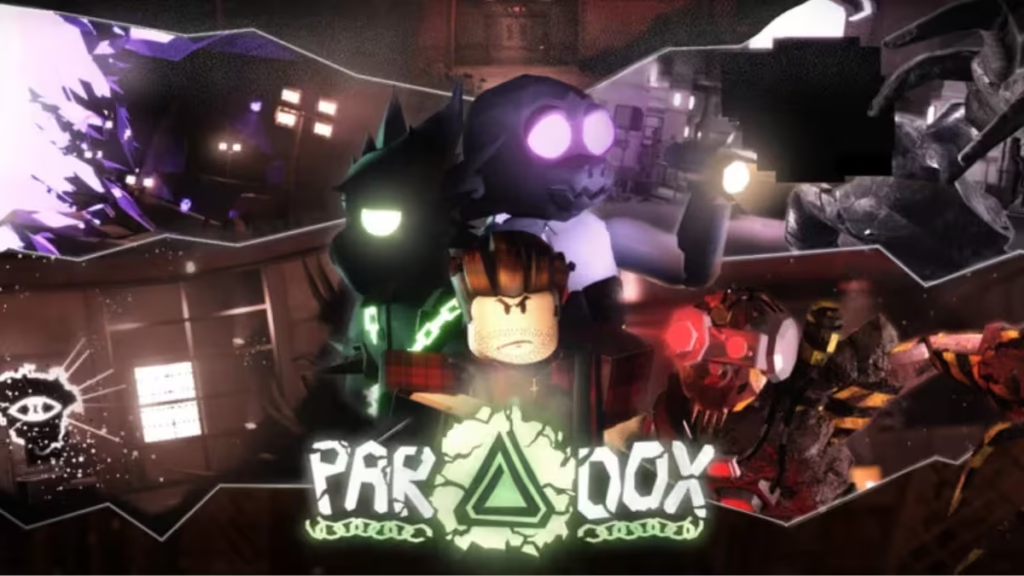
In this guide, you’ll find the official Paradox Trello link and all important game resources, along with how to use them efficiently.
Official Paradox Trello Link & Important Resources
Here are all the essential links you should bookmark for Roblox Paradox:
These links provide the most accurate and updated information directly from developers and the community.
What Is the Paradox Trello?
The Paradox Trello board acts as a complete information hub for the game. It includes:
- Character progression paths
- Move sets and abilities
- NPC locations
- Boss mechanics
- Farming spots
- Items and unlock requirements
Instead of trial-and-error gameplay, you can use Trello to plan your build and progression path efficiently. The board is structured like a database, where each card contains detailed explanations of game features.
How to Use the Paradox Trello Efficiently
The Trello board can look overwhelming at first, but using it properly saves a lot of time.
Quick Tips:
- Press F or use the Filter option to search for specific topics
- Look for categories like:
- Progression
- Items
- Bosses
- Skills
- Open cards to get detailed breakdowns
- Use labels to identify important or updated content
Filtering is the fastest way to find exactly what you need without scrolling through everything.
The Paradox Trello board can sometimes appear incomplete or outdated, and there is a clear reason for that. The game receives frequent updates, with developers adding new content faster than it can be documented.
Since Trello updates rely on manual input from the team, there is often a delay before new features, stats, or mechanics get fully listed. As a result, certain details—such as boss loot tables or precise move statistics—may be missing or only partially updated. When this happens, the best approach is to check the official Discord server, where developers and the community share the latest information in real time.
How to Find Information Faster on Discord
When Trello doesn’t have answers, the Discord server becomes the next best source. However, random chatting won’t help—you need to search smartly.
Use These Search Tricks:
- Press Ctrl + F to open search
- Use:
from:usernameto find posts from specific usersin:channelto search within a channelhas:imageorhas:linkfor visual guidesbefore:orafter:to filter by date
These commands help you locate exact answers instead of waiting for replies.
Paradox Roblox: Game Overview and Features
Roblox Paradox is a Bleach-inspired RPG experience that focuses on action, progression, and character growth. In this game, players fight enemies and other players, unlock powerful abilities and transformations, progress through different stages, and explore a variety of anime-inspired locations. Each system connects directly to your overall development, making every upgrade and decision important.
While the gameplay shares similarities with other anime RPGs on Roblox, Paradox stands out by placing a stronger emphasis on structured progression systems and skill-based combat mechanics. Instead of relying only on grinding, the game rewards players who understand builds, timing, and strategy, making progression feel more meaningful and engaging.
Paradox Release Date & Updates
Paradox officially launched on April 10, 2026, and continues to receive frequent updates.
Developers regularly add:
- New abilities
- Balance changes
- Additional areas
- Bug fixes
To stay updated, always check Trello and Discord after major patches.
Bookmark the links, learn how to filter information, and you will gain a major advantage in Paradox.

