Portronics has revolutionized home entertainment with the launch of the Pico 12 Smart Portable Projector, offering a cinema-like experience in the comfort of your home. Priced at an introductory offer of Rs. 27,999, this compact and cordless projector is designed to redefine your indoor and outdoor entertainment experience.
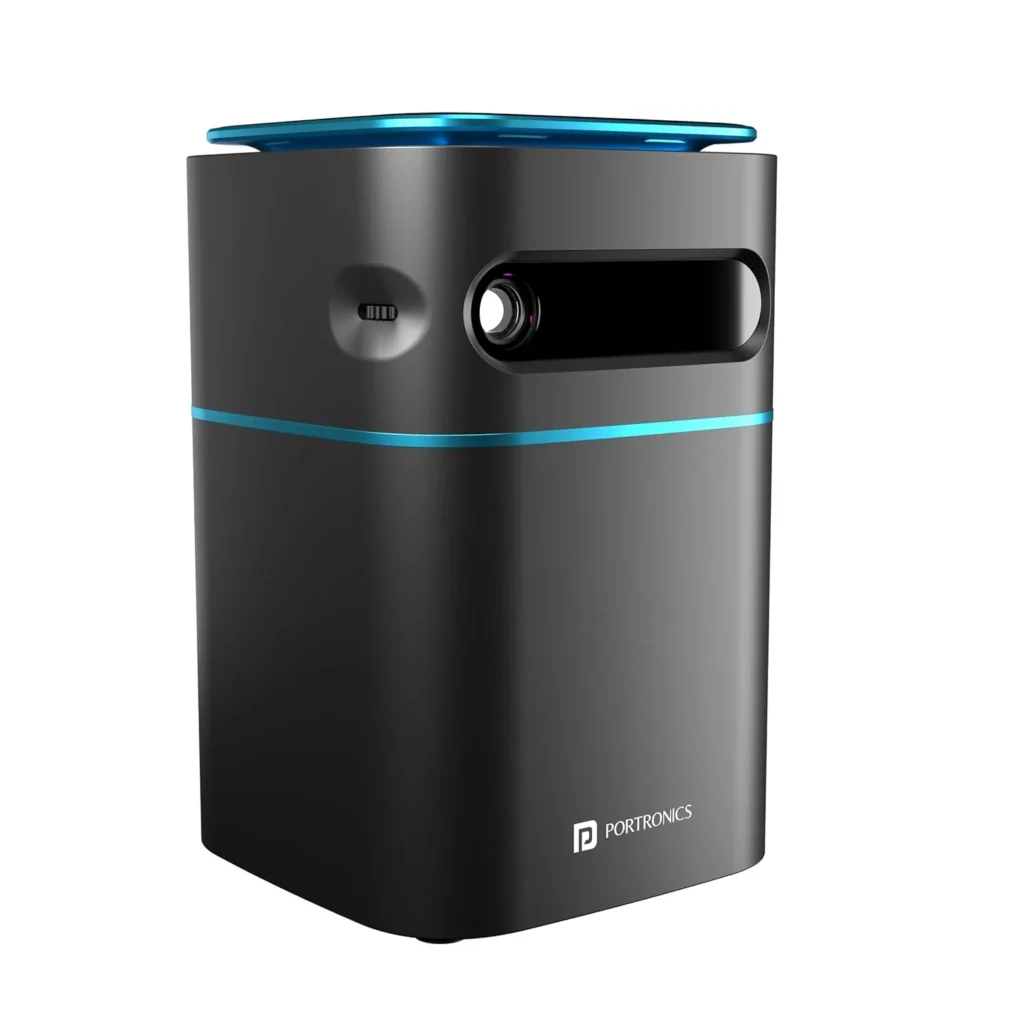
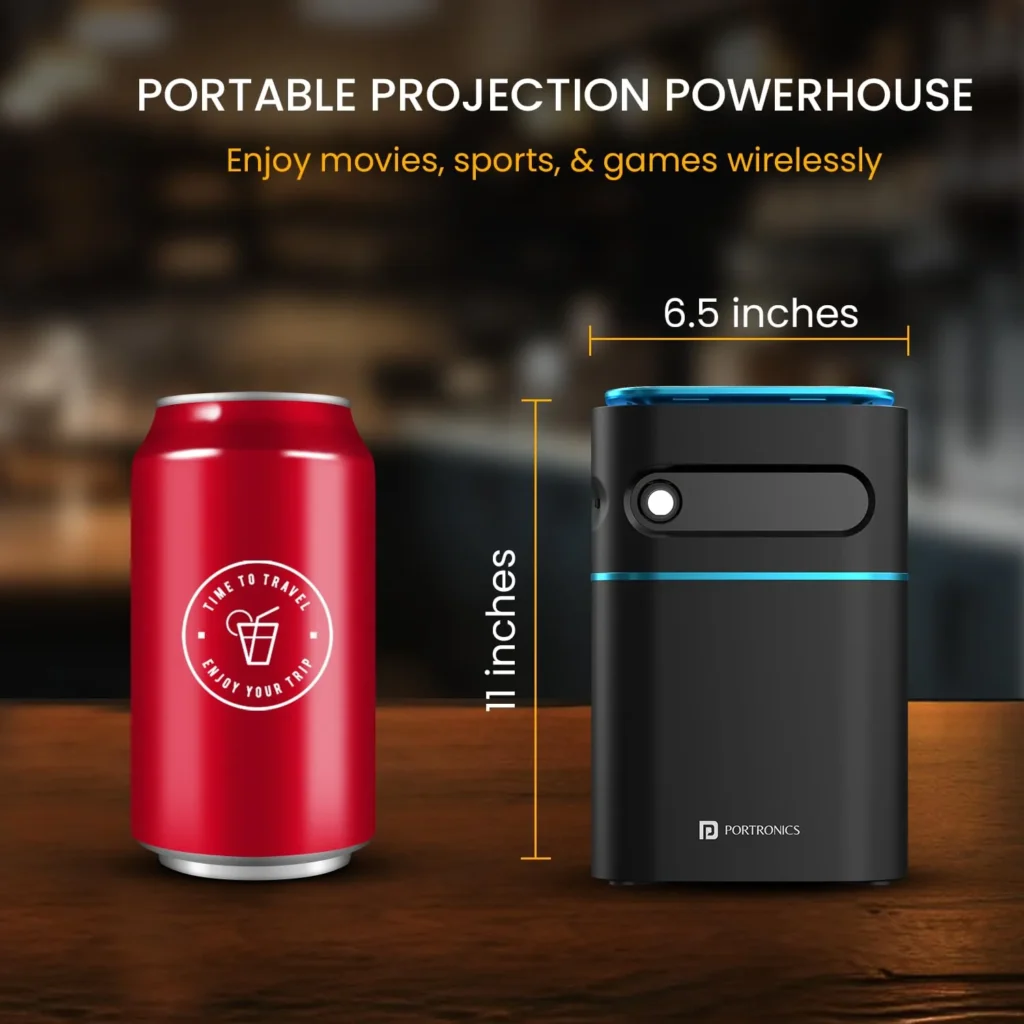
The Pico 12, resembling coca cola tin in size, brings advanced features to the palm of your hand. Whether you’re indoors or on the go, this projector transforms any space into an instant movie theater. With a projection size of up to 120 inches diagonally, it outshines traditional TVs, providing a larger-than-life display.
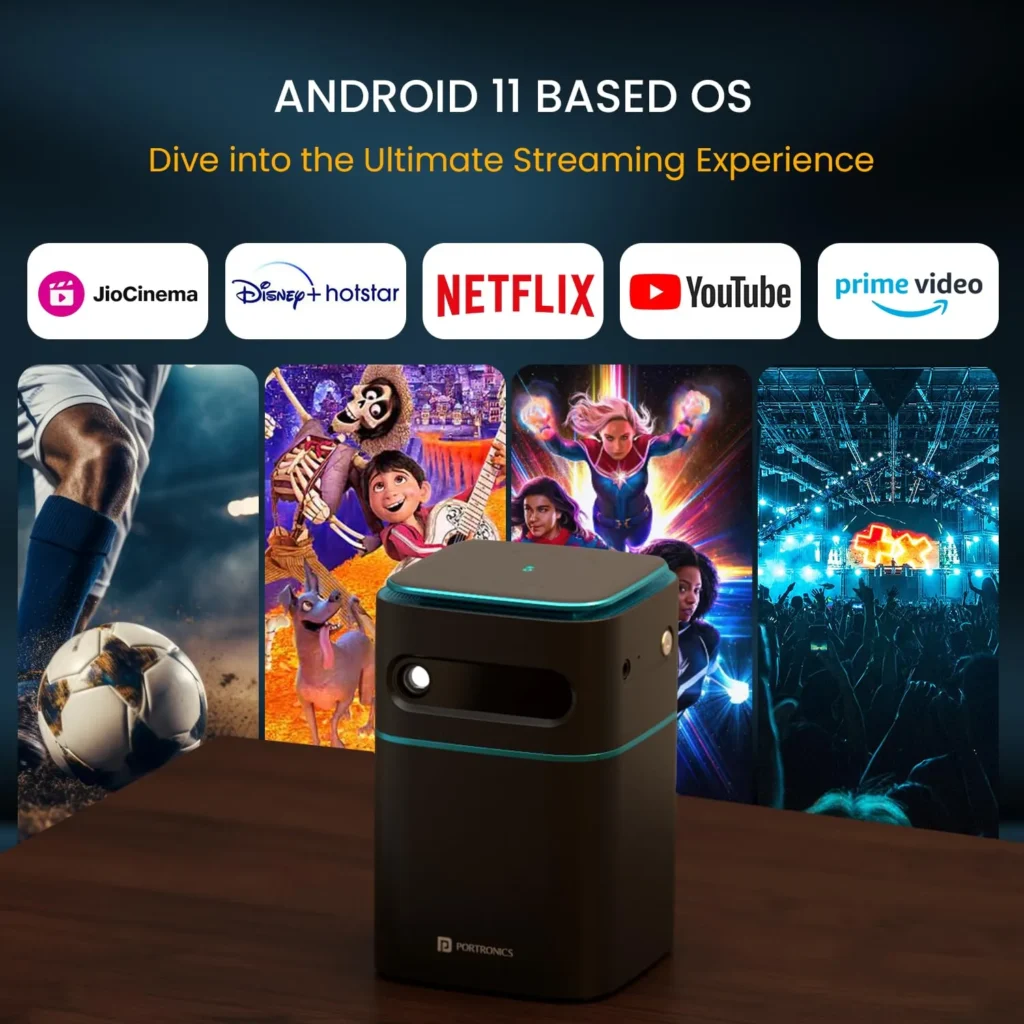
Powered by Android-11-based Aptoide OS, the Pico 12 comes preloaded with 4K-ready apps like Netflix, Prime Video, Disney+ Hotstar, and more, providing a seamless streaming experience. Alternatively, use the USB port for local content playback or connect your devices for versatile entertainment options.

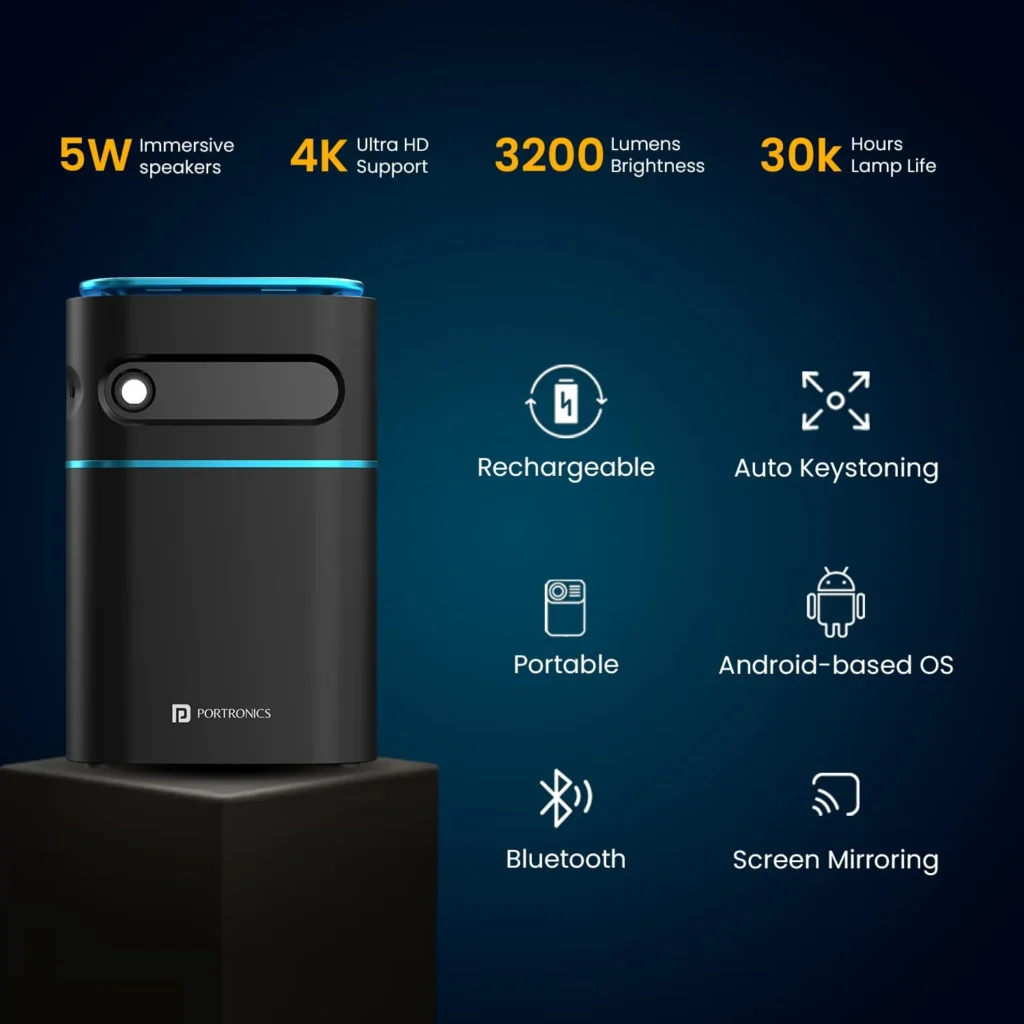
The projector boasts a built-in rechargeable battery, ensuring instant entertainment wherever you need a screen. Its 5W speakers deliver crisp audio, and you can customize your audio experience using the AUX port or Bluetooth. The auto vertical keystone correction allows flexible placement without compromising image quality.
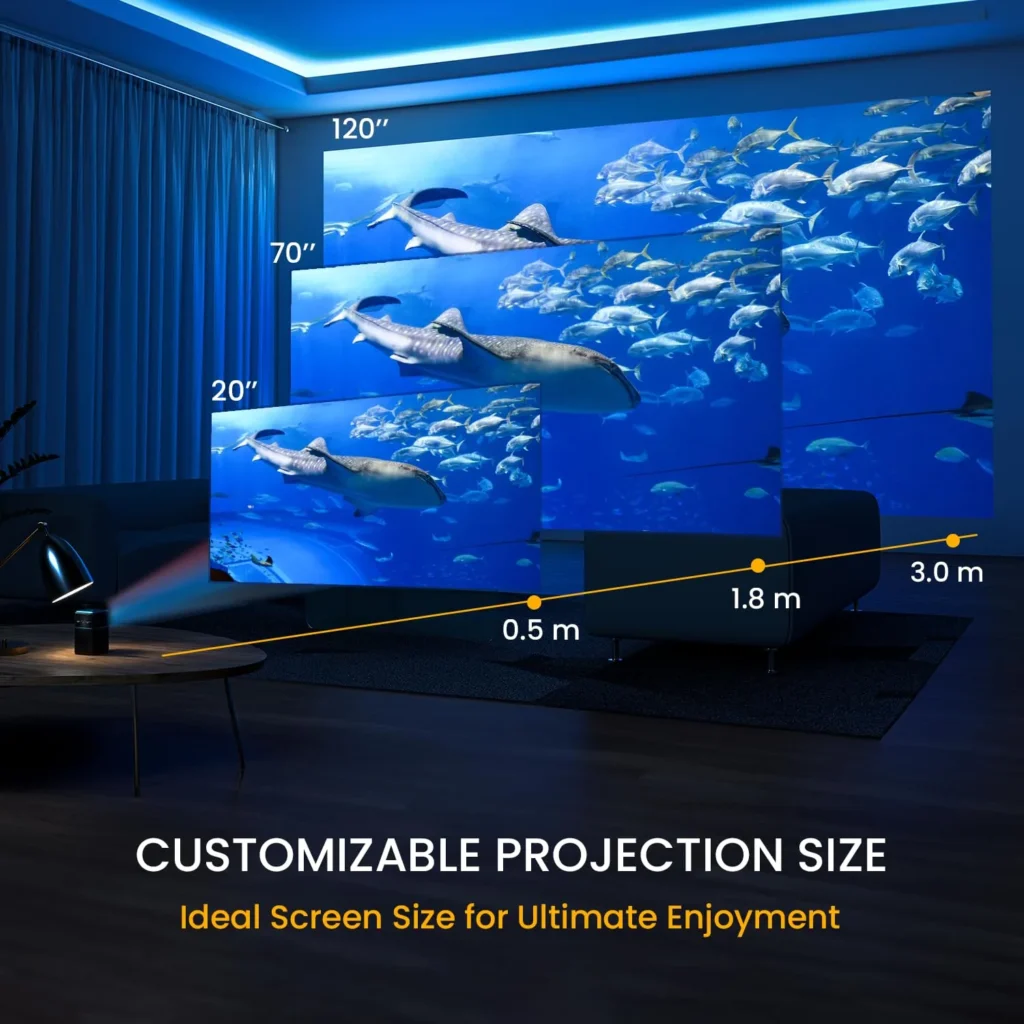
Adjust the focus wheel for a sharp and clear image on the 6.55 Samsung OLED screen. With DLP LED technology, 3200 Lumens brightness, and a lamp life of up to 30,000 hours, the Pico 12 promises vibrant, long-lasting visuals. The projector offers various connectivity options, including Wi-Fi, HDMI, and USB, making it a versatile choice for different devices.
Read More
- Classic Outlook Running Slow in Microsoft 365? Fix Sync, Send/Receive, and Outbox Delay
- Starsand Island Make Money Fast Guide (Best Coin Farming Tips)
- Pokemon GO X or Y Choice Guide – Best Path in An X-ceptional Yarn
- How to Fix Mac Sleeps While Watching Movies After macOS Update (Stop Sleep During Video Playback)
- How to Screenshot on Mac (All Shortcut Keys Explained)
The Pico 12 Smart LED Projector is available at an introductory price of Rs. 27,999 and comes with a 12-month warranty. You can purchase it from Portronics.com, Amazon.in, Flipkart.com, and other online and offline stores, bringing home an unparalleled entertainment experience.
Buy Link: Pico 12 portable projector

