Microsoft is reshaping Windows 11 security with a major shift toward mobile-style app permissions. The company has announced two connected initiatives — Windows Baseline Security Mode and User Transparency and Consent — designed to stop apps from changing system settings or accessing sensitive features without clear user approval.
The goal is simple: make Windows more secure by default while keeping it open for developers and power users.
Why Microsoft Is Changing Windows Security Now
For years, Windows allowed apps deep system access in the name of compatibility. That flexibility also made it easier for software to install extras, override user preferences, or quietly alter system behavior.
According to Microsoft, user feedback has been consistent. People want stronger protection without losing control. With Windows now running on over a billion devices, the company says security must sit at the center of the platform’s design.
Microsoft Introduces Windows Baseline Security Mode
Windows Baseline Security Mode introduces runtime protections that allow only properly signed apps, services, and drivers to run by default.
This change directly targets malware, tampered binaries, and unauthorized system modifications. At the same time, Microsoft keeps flexibility intact:
- Users and IT admins can create exceptions for trusted apps
- Developers can detect when protections are enabled
- Enterprises can enforce policies without breaking workflows
The system raises the baseline for security without locking Windows down.
Microsoft Adds User Transparency and Consent to Windows
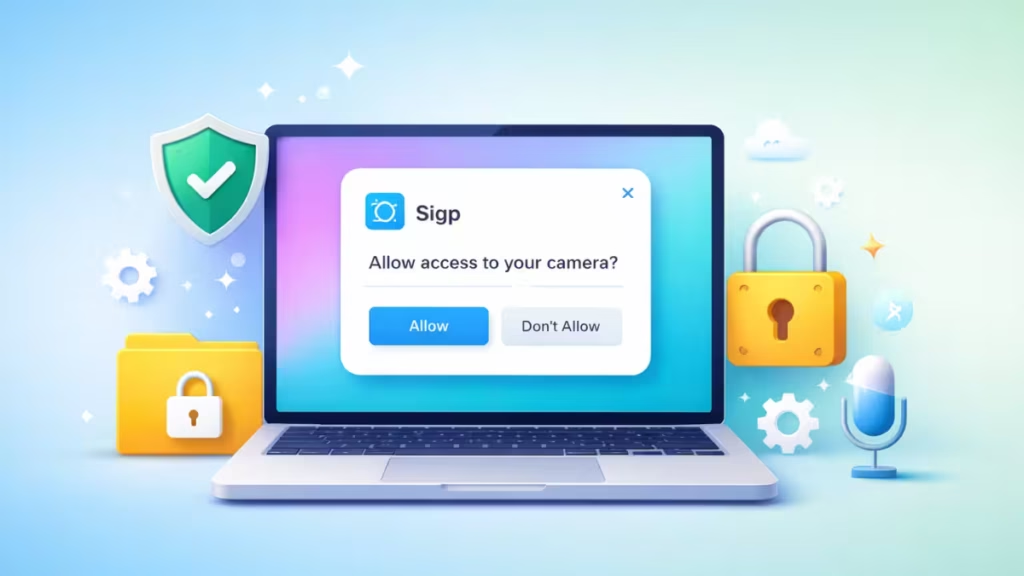
The second pillar mirrors what users already see on smartphones. When an app attempts to access sensitive resources — files, camera, microphone, system settings, or software installation — Windows will show a clear consent prompt.
These prompts are designed to be readable, actionable, and reversible. Users can review granted permissions later and revoke access at any time.
Microsoft says this applies not only to traditional apps, but also to AI agents that act on a user’s behalf.
How This Changes Everyday Windows Use
Once rolled out, Windows 11 will behave more predictably:
- Apps cannot silently change system behavior
- Permission decisions stay visible in system settings
- Unknown or suspicious apps are easier to spot
- Users regain control without digging into obscure menus
The experience closely matches modern mobile operating systems, but adapted for desktop workflows.
Key Takeaways for IT Admins and Enterprises
Microsoft plans a phased rollout. Early stages focus on visibility before enforcement. This gives IT teams time to:
- Audit existing apps and permissions
- Identify software that relies on legacy behaviors
- Prepare policies for signed app enforcement
- Educate users about new prompts
Enterprises keep override controls, ensuring line-of-business apps continue to work during the transition.
Microsoft stresses that existing well-behaved apps will continue to function. New tools and APIs will help developers align with the stronger security model without major rewrites.
The company says compatibility remains a priority, but transparency and consent are now non-negotiable.
For users, the message is clear: Windows 11 is moving toward a future where apps must ask first — and where security decisions stay firmly in the user’s hands.

