Xero users sometimes encounter a 500 error, also called an Internal Server Error, when trying to log in, load a page, or use the Xero API. This error usually indicates that the server encountered an unexpected problem while processing the request.
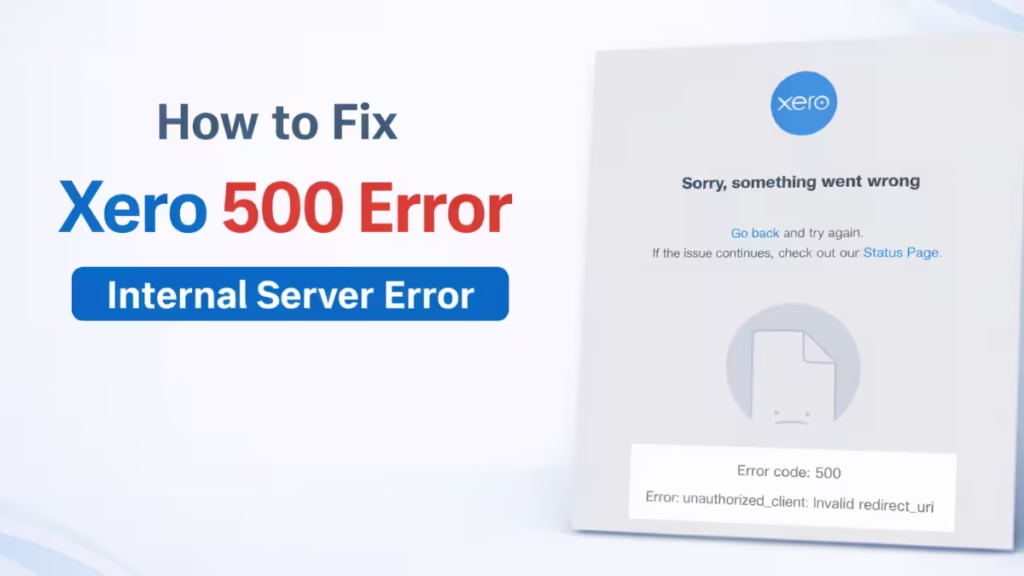
In most cases, the issue is temporary. However, several troubleshooting steps can help restore access quickly.
Xero 500 Error (Internal Server Error)
A 500 error indicates that the server failed to process the request due to an internal issue. This problem usually occurs on the platform’s backend rather than on the user’s device.
In API responses, a 500 code represents an unhandled server error within the Xero system. Data-1
Common causes include:
- Corrupted cached data
- Temporary server outages
- System maintenance
- API processing failures
- Browser session conflicts
How to Fix Xero 500 Error
A 500 error usually comes from the server side, but you can still try several steps to restore access.
1. Check the Xero System Status Page
Before trying anything else, check whether the service is currently experiencing issues.
Xero may temporarily shut down parts of its system for:
- Maintenance
- Platform upgrades
- Infrastructure updates
If the system status page shows an outage, wait until the service returns online.
2. Clear Browser Cache
Even though the error originates from the server, cached data can still cause loading conflicts.
Steps:
- Open browser settings
- Clear cookies and cached data
- Restart the browser
- Log in again
This ensures the browser loads the newest session.
3. Try a Different Browser
Browser compatibility issues sometimes cause loading failures.
Test access using another browser such as:
- Chrome
- Firefox
- Edge
- Safari
If Xero loads correctly in another browser, the problem likely comes from your original browser settings or extensions.
4. Try Another Device
Device-specific configuration problems can also cause errors.
Try logging in from:
- Another computer
- A mobile device
- A different network
If the issue disappears on another device, your original device configuration may be the cause.
5. Ask Another User to Check
If colleagues also see the same error, the problem likely originates from Xero’s servers.
Shared access issues often confirm a system-wide disruption rather than a local problem.
When the Error Comes from Xero Servers
Sometimes the error originates directly from the platform infrastructure. During maintenance or outages, the service may temporarily fail to process requests.
In these cases, users must wait until the system becomes available again.
When to Contact Xero Support
Contact Xero support if:
- The error continues after trying all fixes
- The system status page shows no outage
- The error appears only on your account
- API calls fail consistently
The Xero 500 error usually occurs due to temporary server issues, expired sessions, or browser cache conflicts. In most cases, refreshing the page, clearing cached data, or logging in again resolves the issue quickly.
If the problem persists, check the system status page or contact Xero support to confirm whether a platform outage is affecting the service.