If Claude suddenly stops responding and shows an API Error 500, your work can grind to a halt fast. This error appears when Claude cannot complete your request because something failed on the server side. In simple terms, the request reached the system, but the system could not finish the job.
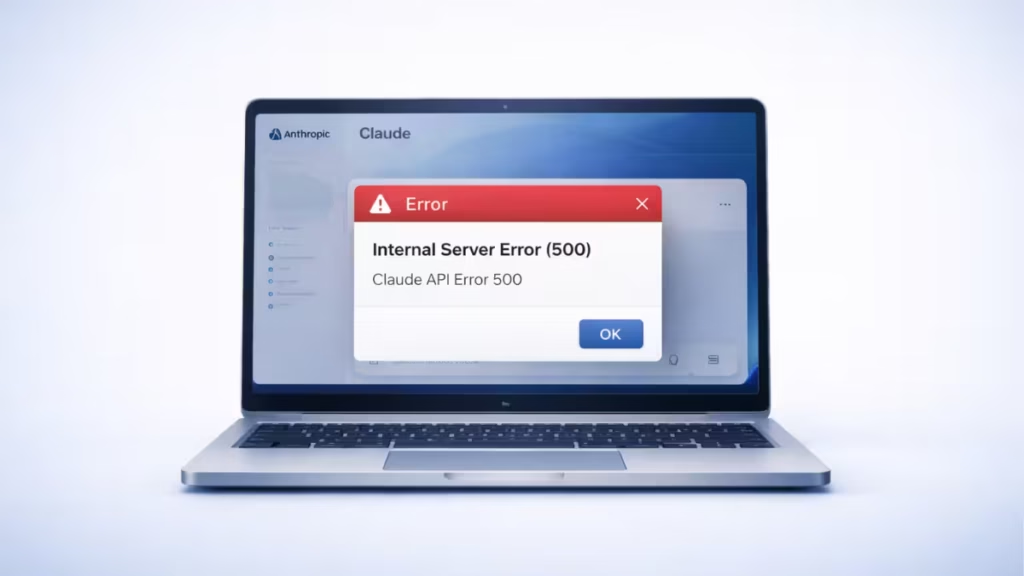
However, this error does not always mean something is broken on your device. In most cases, the issue originates from Claude’s side and clears on its own after a short time. Still, there are several practical steps you can take to confirm the cause, reduce repeat failures, and get back to work faster.
Claude API Error 500
A 500 Internal Server Error means the service failed while processing your request. This error typically points to a problem on the backend rather than a problem with your computer, browser, or internet connection.
You may see messages like these:
API Error: 500
Internal server error
This usually means one of the following happened:
- Claude’s servers hit a temporary problem
- The request failed during high traffic
- The current session became unstable
- The conversation context became too large
- A temporary service update or backend issue interrupted the request
Why Claude API Error 500 Happens
This error can appear for several reasons, and not all of them require changes on your side. Understanding the cause helps you avoid wasting time on the wrong fix.
1. Claude’s Servers Are Having Problems
This is the most common reason. If Claude’s backend runs into an internal issue, your request fails even if your setup is perfectly fine.
2. Traffic Is Too High
When too many users hit the service at the same time, the system may struggle to handle requests smoothly, which can trigger internal server errors.
3. Your Current Session Is Stuck
Sometimes a long-running session becomes unstable. Claude may stop responding properly until you restart the conversation.
4. The Context Is Too Large
If you keep one conversation going for too long, the context can become heavy. Large context loads increase the chance of failure.
5. Local App or CLI State Became Corrupted
In some cases, cached files or stale session data can interfere with normal requests, especially if you use Claude through a CLI or coding tool.
How to Fix Claude API Error 500
Start with the simplest fixes first. In many cases, one of the first three steps solves the problem.
1. Wait a Few Minutes and Try Again
A temporary backend issue often clears quickly. Before changing settings or reinstalling anything, give it a little time.
Wait one to three minutes, then send the request again. This works well when the issue stems from a short service hiccup or traffic spike.
2. Check Whether Claude Is Down
Before troubleshooting your own setup, check whether the issue affects everyone. If Claude is experiencing a wider outage, no local fix will resolve it.
Look at:
- Claude’s official status page
- Recent user reports on community forums
- Developer discussions if you use Claude Code or API tools
If many users report the same problem, the best move is to wait until the service stabilizes.
3. Start a Fresh Conversation
If the error only appears in one chat or coding session, start a new one. This resets the active context and often clears unstable session behavior.
A fresh conversation helps when:
- The current thread is very long
- The request keeps failing in the same session
- Older context may be causing the issue
If the new conversation works, the original session was likely the culprit.
4. Retry With a Simpler Prompt
Large or complicated prompts can increase the chance of failure, especially if they include long logs, big code blocks, or too much context at once.
Try this instead:
- Shorten the prompt
- Send smaller chunks
- Remove unnecessary pasted content
- Split one large request into two or three smaller ones
This reduces the load and often improves response stability.
5. Restart Claude or Reload the App
If you use Claude in a browser, refresh the page or sign out and sign back in. If you use a desktop app or CLI tool, close it fully and reopen it.
This helps clear temporary local glitches and reconnects your session cleanly.
6. Update Claude Code or Related Tools
If you use Claude through a coding tool or command-line setup, make sure you are on the latest version. Older versions may run into known bugs or compatibility issues.
You can usually check your installed version and update it through your package manager:
claude --version
npm update -g @anthropic-ai/claude-code
After the update, restart the tool and test again.
7. Clear Stale Cache If the Problem Persists
If you use Claude through a local tool and the error keeps returning, stale cache or session files may be part of the problem.
Be careful here. Do not delete files unless you know what they do. Start with safe reset steps inside the app or tool first, and only move to cache cleanup if basic fixes fail.
This step is worth trying when:
- The error happens repeatedly on one machine
- Restarting does not help
- New sessions fail immediately
- Other users do not seem affected
8. Check Your API Request Setup
If you use the Claude API directly, review your request carefully. A true 500 error usually points to the server, but it is still worth ruling out obvious request issues.
Check these items:
- Correct API key
- Correct endpoint
- Valid headers
- Proper JSON structure
- Supported model name
- Reasonable token and input size
A malformed request often causes a different error code, but verifying these basics is a good habit.
9. Test With a Very Small Request
If you are unsure whether the issue comes from your request or the service itself, send a minimal test message.
For example:
{"role": "user", "content": "Hi"}If a tiny request fails too, the issue likely sits on the service side. If the small one works but your large request fails, your payload may be too heavy or too complex.
10. Reduce Long Context in Claude Code
If you use Claude Code or another coding workflow, long context windows can cause trouble over time. Instead of keeping one massive thread alive, start a fresh task when the topic changes.
Smaller, focused sessions are easier for the system to process and tend to produce more accurate responses.
Best Troubleshooting Order
For the fastest path to resolution, follow this sequence:
- Wait a few minutes
- Retry the request
- Check Claude’s status page
- Start a new conversation
- Shorten the prompt
- Refresh or restart the app
- Update your tool
- Review your API or CLI setup
- Clear local cache only if needed
This order helps you solve the problem without making unnecessary changes.
When Claude API Error 500 Is a Server-Side Problem
Sometimes nothing works because the problem is not yours to fix. That happens when Claude’s systems are under maintenance, handling heavy traffic, or recovering from a backend issue.
In that situation:
- Wait and try again later
- Avoid repeated rapid retries
- Monitor status updates
- Save your prompt locally so you do not lose your work
If the service itself is unstable, waiting is often the only reliable fix.
Claude API Error 500 vs Other Common Errors
Not every Claude error means the same thing. Here is a quick breakdown:
- Error 500 — The service failed internally while processing the request.
- Error 401 — An authentication issue, such as a bad or missing API key.
- Error 429 — Rate limiting. You sent too many requests in a short time.
- Error 529 — Overload or temporary service pressure.
If you see a 500 error, focus first on service health, session stability, and prompt size.
How to Prevent Claude API Error 500 From Disrupting Your Work
You cannot prevent every server-side failure, but you can reduce how much it affects you.
- Use shorter sessions. Do not keep one conversation running indefinitely. Start fresh sessions for separate tasks.
- Break big inputs into smaller parts. Instead of pasting huge logs, long files, or large code blocks all at once, send smaller sections.
- Save important prompts outside the app. If the service goes down, you can retry quickly without rewriting everything.
- Keep your tools updated. If you use CLI or coding integrations, install updates regularly.
- Avoid rapid repeated retries. If the service is unstable, constant retries waste time and create more confusion. Pause, check the status page, then retry calmly.
What to Do If Claude API Error 500 Keeps Returning
If this error persists for hours, move beyond basic troubleshooting. You should:
- Confirm the status page shows no ongoing issue
- Test from another browser or machine
- Try a small test request
- Start a clean session
- Collect the exact error text
- Save any request ID shown in the response
- Contact Anthropic support if the issue continues
If Claude provides a request ID, keep it. That ID helps support trace exactly what happened.
FAQs
Why does Claude API return a 500 error?
Claude returns a 500 error when its backend servers face overload, temporary outages, or internal processing failures.
How do I fix Claude API Error 500 quickly?
Wait a few minutes, retry the request, start a new session, and check the official Claude status page.
Is Claude API Error 500 a server-side problem?
Yes, Error 500 is almost always a server-side issue and not caused by your device or API key.
How long does Claude API Error 500 last?
Most 500 errors resolve within a few minutes, but larger outages can take longer to fix.
Can a long prompt cause Claude API Error 500?
Yes, very large prompts or long conversation context can increase the chances of triggering a 500 error.
Should I change my API key for Error 500?
No, API key issues usually cause a 401 error, not a 500 error.
What is the difference between Claude Error 500 and 529?
Error 500 means something broke internally, while 529 means the system is overloaded and rejecting requests.
How do I check if Claude is down?
You can check Claude’s official status page or look at real-time user reports to confirm outages.
Does restarting Claude fix Error 500?
Restarting or starting a new conversation can fix the issue if the problem is session-related.
Can I prevent Claude API Error 500?
You cannot fully prevent it, but you can reduce risk by using shorter prompts and avoiding long sessions.
Why does Claude API Error 500 keep happening?
Repeated 500 errors may happen during server instability, heavy traffic, or when your request is too large.
If the error keeps coming back, reduce prompt size, restart your tool, and review your API setup carefully. When the issue originates from Claude’s backend, local fixes only go so far. In that case, the smartest move is to pause, monitor the status page, and return once the service stabilizes.

