Creating a professional logo no longer requires hiring an expensive designer or learning complex software. In 2026, modern logo maker tools use AI, smart templates, and drag-and-drop editors to help anyone build a clean, brand-ready logo in minutes.
Whether you’re launching a startup, a personal brand, a gaming website, or an online business, the right logo maker can save time, money, and effort.
What Makes a Good Logo Maker?
Before choosing a tool, it helps to understand what actually matters in a logo maker:
- Ease of use – You shouldn’t need design experience
- Customization – Fonts, colors, layouts, and icons should be editable
- Export quality – High-resolution and vector formats are important
- Brand consistency – Some tools extend beyond logos into full branding
- Pricing transparency – Clear costs for downloads and assets
With that in mind, here are the best logo makers worth using in 2026.
1. Design.com – Best for All-in-One AI Branding and Logo Creation
Design.com is a powerful AI design platform that combines speed, scale, and flexibility for modern branding. Its logo design tools use AI to generate thousands of logo concepts instantly, backed by a massive library of 400K+ templates and over 1M design assets.
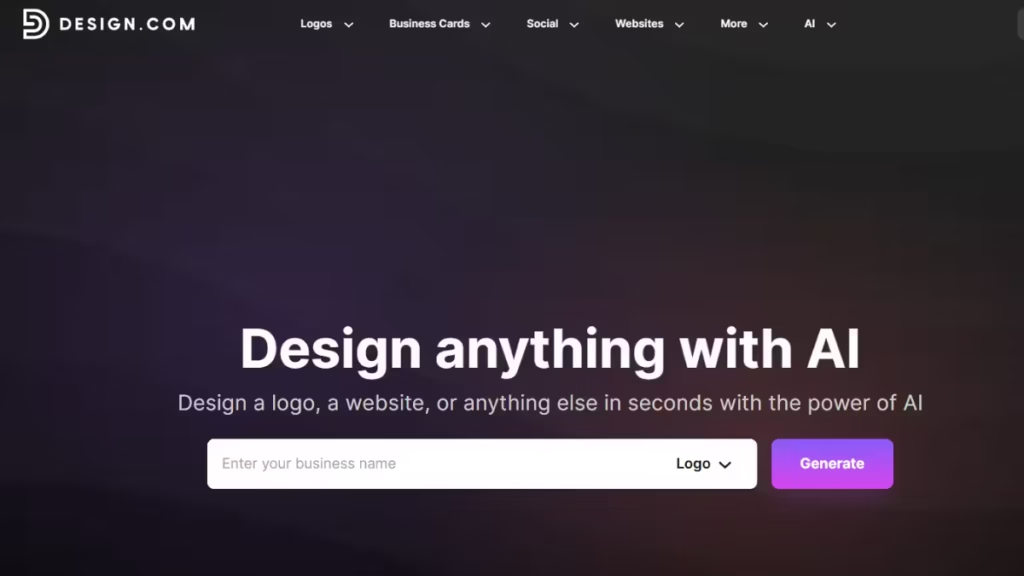
The platform goes beyond basic logo creation by offering a complete branding ecosystem. Users can refine designs using AI-powered editing, then extend their logo across social media, websites, and marketing materials with built-in tools. Automatic brand synchronization ensures consistent visuals across all assets.
Key strengths
- Fast, ready-to-use AI-generated logo variations from just your business name and few keywords
- 50+ integrated branding and marketing tools
- Advanced AI editing with chat-based customization
- Extensive file formats for digital and print use
Limitations: Geared more toward simplicity than advanced design control, which may not suit users needing highly technical customization
Best for: Startups, entrepreneurs, and businesses that want a complete branding solution from one platform.
2. BrandCrowd – Best for Fast and Customizable Logo Design
BrandCrowd is a reliable and easy-to-use platform focused on fast logo creation with professional results. Its logo maker generates logo ideas instantly using a library of over 380K templates, making it easy to find designs suited to any industry.
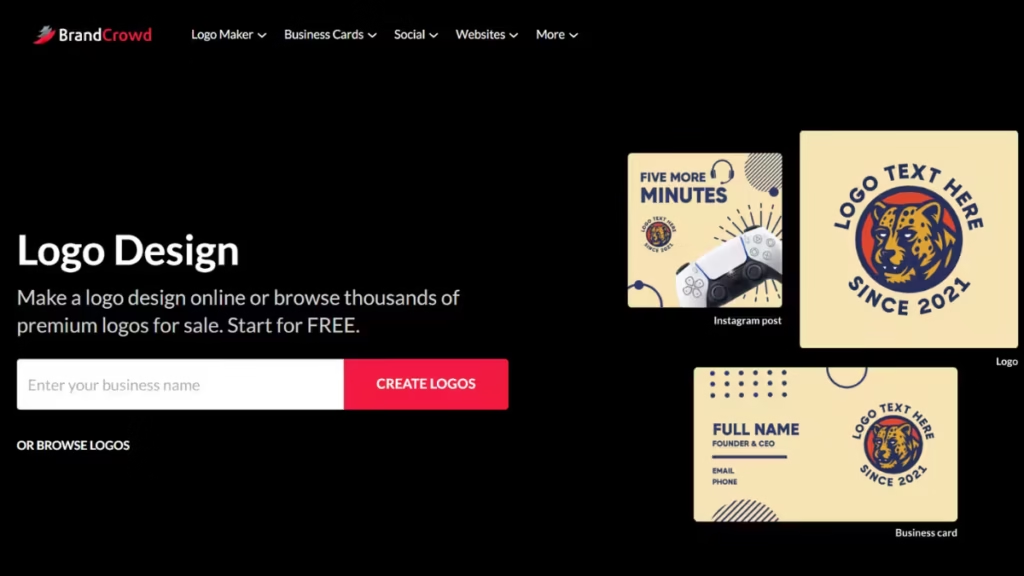
The platform emphasizes simplicity while still offering flexibility. Users can quickly customize fonts, colors, and layouts, then apply their logo across different branding assets for a cohesive look. Its clean workflow makes it ideal for users who want results without complexity.
Key strengths
- Large library of industry-specific templates
- Simple and intuitive customization tools
- Quick logo generation with minimal setup
- High-quality vector and image downloads
Limitations: Designed primarily for ease of use rather than deep technical customization, which may limit advanced design workflows
Best for: Small businesses and creators who want fast, professional logo designs with easy customization.
3. Canva Logo Maker – Best for Beginners and Fast Branding
Canva is one of the most popular design platforms on the internet, and its logo maker is ideal for users who want quick results without technical complexity.
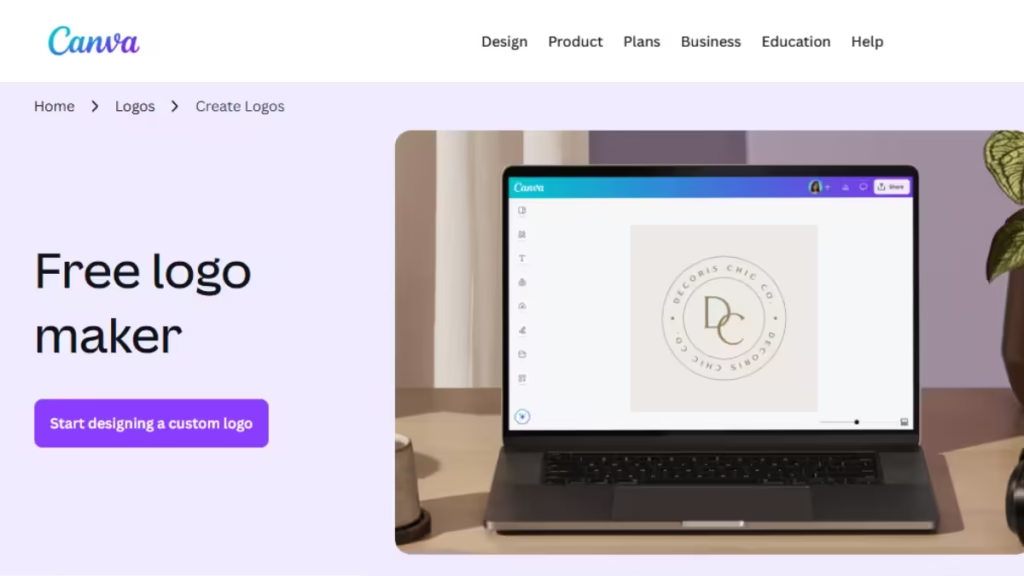
Canva offers thousands of pre-designed logo templates across industries. You can customize text, colors, icons, spacing, and layout using a simple drag-and-drop editor. The biggest advantage is that your logo lives inside Canva’s broader design ecosystem, making it easy to reuse across social media, thumbnails, banners, and marketing assets.
Key strengths
- Extremely beginner-friendly interface
- Large template and font library
- Works on web and mobile
- Easy reuse across branding materials
Limitations
- Some exports and assets require a Pro subscription
- Logos can look less unique if heavily template-based
Best for: Beginners, content creators, small businesses, and bloggers who want speed and simplicity- Starting at
4. Looka – Best AI Logo Generator with Full Brand Kits
Looka focuses on AI-driven logo creation. Instead of starting from templates, you answer a few questions about your brand name, industry, style preferences, and colors. Looka’s AI then generates dozens of logo concepts instantly.
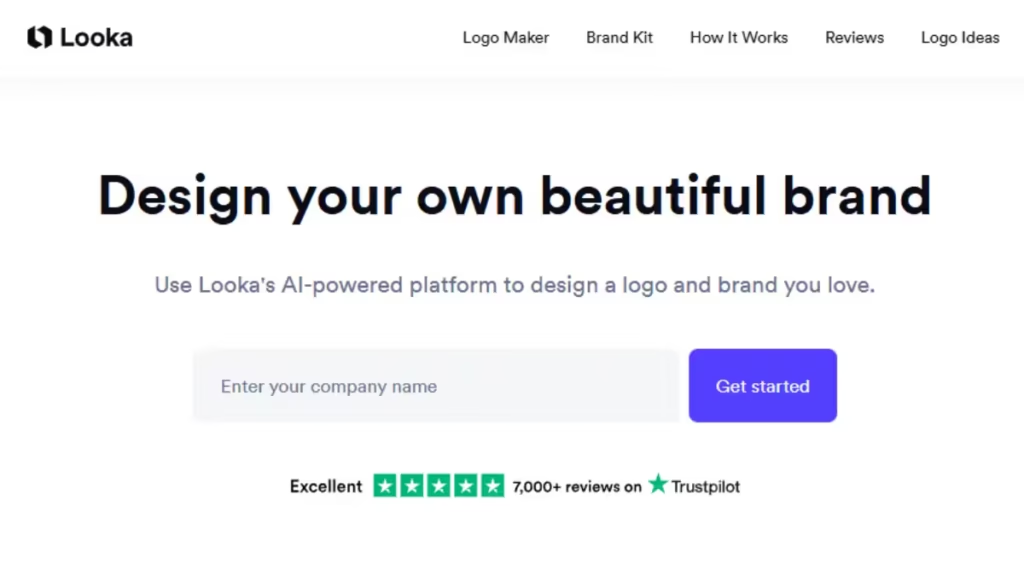
What sets Looka apart is its Brand Kit, which automatically creates matching business cards, social media designs, and brand guidelines based on your logo. This makes it a strong choice for startups that want consistent branding without hiring a designer.
Key strengths
- Strong AI logo generation
- High-quality vector files available
- Automatic brand kits and assets
- Professional-looking results
Limitations
- Logo downloads are paid
- Brand Kit requires an annual subscription
Best for: Startups and small businesses that want a logo plus ready-to-use branding assets.
5. Wix Logo Maker – Best If You’re Also Building a Website
Wix Logo Maker is designed for users who plan to build a website alongside their logo. The tool uses AI to generate logo ideas based on your answers, then allows full customization of fonts, icons, and layouts.
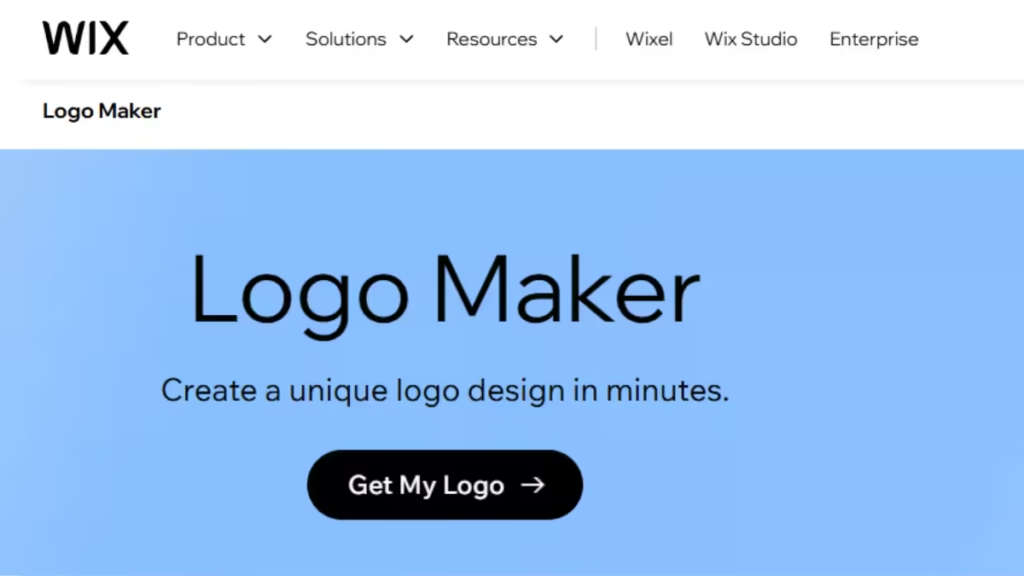
If you already use Wix, the integration is seamless. Your logo can be instantly applied to your website, favicon, and marketing materials without extra setup.
Key strengths
- AI-assisted logo creation
- Direct integration with Wix websites
- Simple customization tools
Limitations
- Logo designs can feel generic
- Downloading files requires payment
Best for: Entrepreneurs and small businesses planning to launch a Wix website.
6. Adobe Express Logo Maker – Best for Clean, Professional Design
Adobe Express brings Adobe’s design quality into a simplified online tool. It offers professionally designed logo templates with more polish than typical template-based platforms.
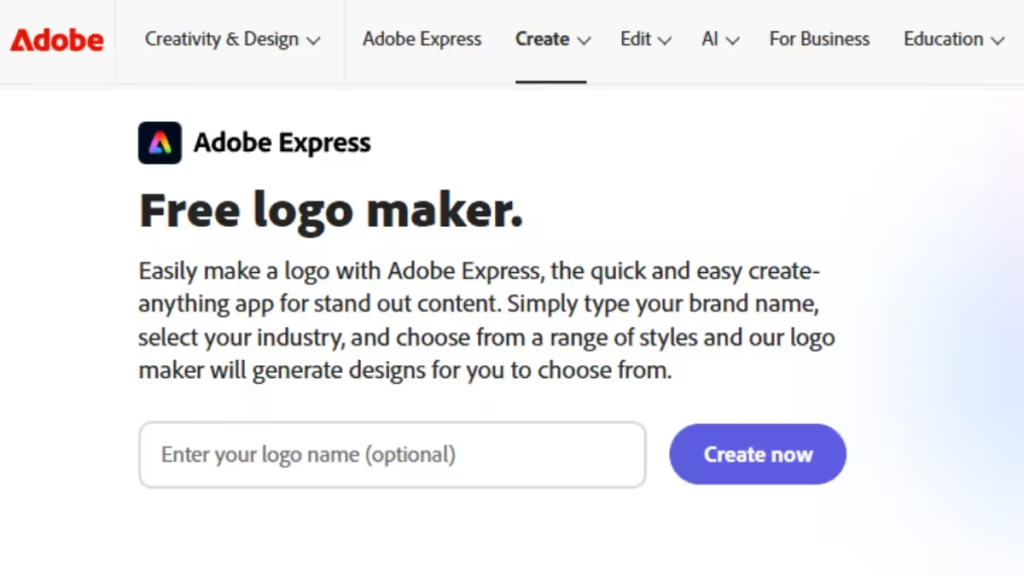
While it’s still beginner-friendly, Adobe Express gives slightly more control over typography and visual balance, making logos feel cleaner and more refined. It’s especially useful if you already use Adobe tools like Photoshop or Illustrator.
Key strengths
- High-quality professional templates
- Reliable typography and layout design
- Works well with other Adobe products
Limitations
- Slight learning curve for first-time users
- Some features require a premium plan
Best for: Users who want professional-looking logos without fully manual design work.
7. LogoAI – Best for Automated Brand Identity
LogoAI uses artificial intelligence to create logos based on design principles rather than just templates. It focuses on balance, spacing, and color harmony, which often results in cleaner logos than many basic generators.
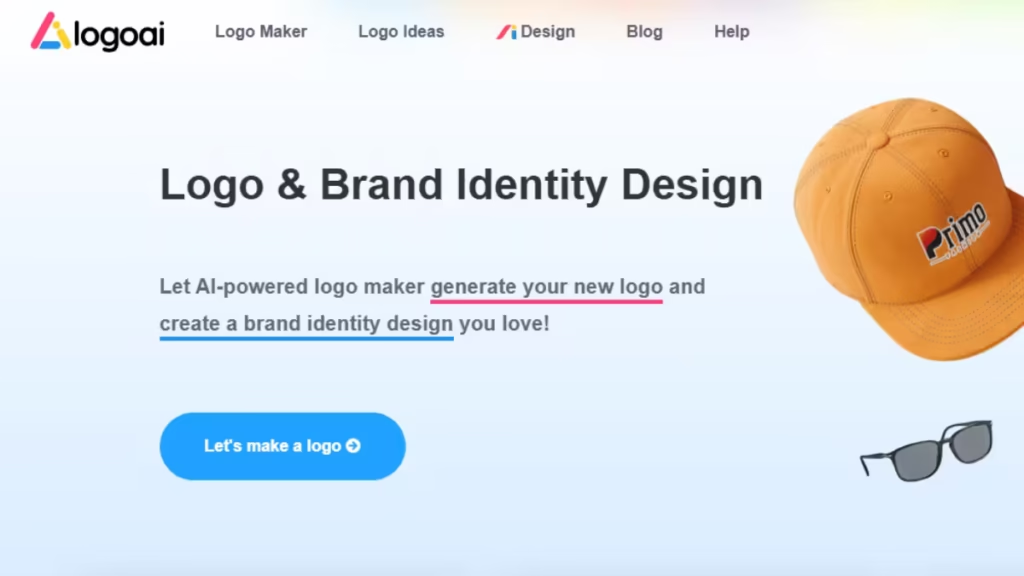
Beyond logos, LogoAI also produces brand visuals such as business cards, posters, and social media graphics. You can design for free and pay only when you’re ready to download.
Key strengths
- AI-driven design logic
- Clean, modern logo styles
- Optional full brand identity assets
Limitations
- No free high-resolution downloads
- Less manual control compared to Canva
Best for: Freelancers and businesses that want quick, modern branding with minimal effort.
Which Logo Maker Should You Choose?
Here’s a quick breakdown based on common needs:
- New to design: Design.com and BrandCrowd
- AI-generated professional logos: Looka or LogoAI
- Logo + website together: Wix Logo Maker
- Clean, polished branding: Adobe Express
- Free and basic: FreeLogoDesign
FAQs: Best Logo Maker Tools 2026
What are the best logo maker tools in 2026?
The best logo maker tools in 2026 include Canva Logo Maker, Looka, Wix Logo Maker, Adobe Express, and LogoAI. These tools offer a mix of AI-powered logo generation, templates, and customization options suitable for beginners and businesses.
Are logo maker tools suitable for professional branding?
Yes. Modern logo maker tools in 2026 can produce professional-quality logos, especially for startups, bloggers, and small businesses. While they may not replace custom agency work, they are more than sufficient for most online brands.
Can I create a logo for free using logo maker tools?
Some tools like Canva and FreeLogoDesign allow free logo creation and basic downloads. However, high-resolution files or vector formats usually require a paid plan.
What is the difference between AI logo makers and template-based tools?
AI logo makers generate logo concepts based on your brand details and preferences, while template-based tools start with pre-designed layouts that you manually customize. AI tools focus on automation, while templates offer more control.
Which logo maker is best for beginners?
Canva Logo Maker is the best option for beginners due to its drag-and-drop editor, simple interface, and large template library that requires no design experience.
Do logo maker tools provide vector files?
Yes, most premium logo maker tools provide vector formats like SVG, EPS, or PDF, which are important for scaling logos without losing quality. These files are usually included in paid plans.
Can I use logos created with these tools for commercial purposes?
Yes. Logo makers allow commercial use of purchased logos. It’s important to review each platform’s license terms to ensure proper usage rights.
Can I edit my logo after downloading it?
Most logo maker tools allow you to edit your logo after purchase, especially if you keep the project saved in your account. Some platforms may limit edits after final export.
Is it better to use a logo maker or hire a designer?
Logo makers are ideal for budget-friendly, fast branding needs. Hiring a designer is better for large companies or brands requiring highly custom identity work. For most small businesses, logo maker tools are sufficient.
Logo makers in 2026 are powerful enough to handle most branding needs without professional designers. While they won’t replace custom design work for large companies, they are more than capable for startups, creators, and small businesses.
The key is choosing a tool that matches your workflow. If you want speed, go with Canva. If you want AI-driven branding, Looka or LogoAI make more sense. And if a website is part of your plan, Wix keeps everything in one place.

