Microsoft has released Windows 11 Insider Preview Build 26220.7653 (KB5074157) to the Beta Channel, delivering interface upgrades, faster Copilot interactions, and a long list of system fixes for testers running version 25H2. The update started rolling out on January 16, 2026, through the Windows Insider Program.
Microsoft continues to split Beta updates into two tracks. One track delivers features gradually to users who enable the “get the latest updates” toggle in Windows Update. The second track pushes improvements to all Beta Channel users once stability improves. Microsoft uses controlled feature rollout to monitor feedback before wider deployment.
Refreshed Account Settings With Dark Mode Support
Microsoft updated the “Accounts > Other Users” dialogs using the modern WinUI framework. The redesigned interface supports dark mode and improves visual consistency across system settings. The change appears mainly for work and school accounts, depending on how the device connects to a domain or organization.
Copilot Prompts Load Instantly in Click to Do
The Click to Do feature now loads Copilot prompt suggestions instantly, reducing waiting time when users interact with contextual actions. Microsoft has not enabled this change yet for Windows Insiders in the European Economic Area or China.
WebP Images Now Supported for Desktop Backgrounds
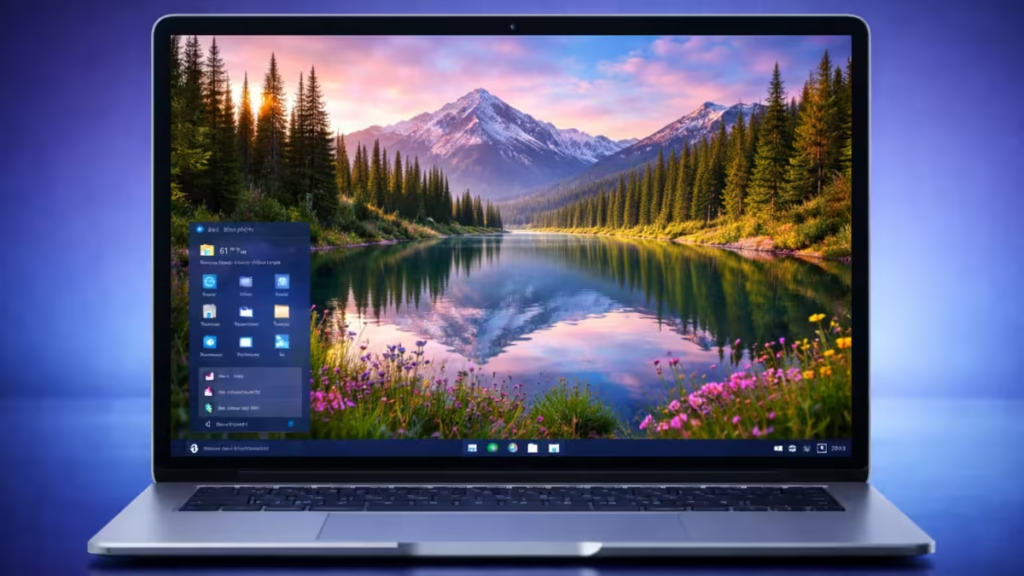
Users can now set .webp images as desktop wallpapers directly from Settings > Personalization > Desktop Background. This addition improves image quality and compression efficiency compared to older formats.
Taskbar, Start Menu, and Bluetooth Fixes Improve Stability
Microsoft fixed several issues that affected everyday usability:
- The taskbar no longer appears unexpectedly when autohide is enabled, which previously blocked apps near the bottom of the screen.
- Start menu, notification center, and quick settings now open reliably on mouse clicks.
- A memory leak in the Start menu no longer degrades performance over time.
- Arabic and Hebrew users now see the Start menu open on the correct screen side.
- Touch gestures no longer dismiss pinned folders in the Start menu.
- Bluetooth devices correctly display battery levels again on supported hardware.
These fixes target responsiveness, localization accuracy, and general reliability.
Gaming, Login, and Settings Improvements
The update also improves several system components:
- Xbox Full Screen Experience fixes reduce unexpected behavior in some apps and games.
- The login screen no longer shows blank password icons.
- Settings no longer crashes when users interact with audio devices.
- Keyboard repeat delay settings now match backend configuration behavior.
Microsoft continues to validate gaming-related scenarios before fully closing known issues.
File Handling, Notepad, and Explorer Fixes
Additional fixes address productivity and system stability:
- Text clipping in msinfo32 no longer appears on high display scaling.
- MSIX package installations no longer fail with invalid argument errors.
- Notepad correctly displays underscore characters at 125% scaling.
- Explorer no longer hangs during login when startup apps load, preventing missing taskbars.
These changes improve reliability for daily workflows and system startup behavior.
What Still Needs Fixing in Windows 11 Insider Build 26220.7653
Some problems remain unresolved in this build:
- Certain apps behave unpredictably in Xbox Full Screen Experience mode.
- System tray icons may not appear correctly for some users.
- Secondary monitors may show black screens after recent updates on a small number of devices.
- The Microsoft 365 Copilot prompt box may fail to work when the Copilot app is not running.
Microsoft encourages Insiders to report issues through Feedback Hub to accelerate fixes.
Availability
Windows 11 Insider Preview Build 26220.7653 is available now to Beta Channel participants running Windows 11 version 25H2. Users can enable the update from Settings > Windows Update and turn on the latest update toggle to receive new features earlier.
FAQs
What is Windows 11 Insider Preview Build 26220.7653?
Windows 11 Insider Preview Build 262207653 is a Beta Channel update that adds UI improvements, faster Copilot prompts, WebP wallpaper support, and multiple stability fixes.
Which channel received Windows 11 Insider Preview Build 26220.7653?
Microsoft released Windows 11 Insider Preview Build 262207653 to the Beta Channel for Windows Insiders testing version 25H2.
What are the main features in Windows 11 Insider Preview Build 26220.7653?
The update introduces refreshed account settings with dark mode, instant Copilot prompt loading, WebP desktop wallpaper support, and system performance improvements.
Does Windows 11 Insider Preview Build 26220.7653 improve performance?
Yes, Windows 11 Insider Preview Build 262207653 fixes a Start menu memory leak and resolves several stability issues affecting system responsiveness.
Can users set WebP images as wallpapers in this build?
Yes, Windows 11 Insider Preview Build 262207653 allows users to set .webp images as desktop backgrounds from the Personalization settings.
Is Windows 11 Insider Preview Build 26220.7653 available for all users?
No, Windows 11 Insider Preview Build 262207653 is currently available only to Beta Channel Insiders.
How can users install Windows 11 Insider Preview Build 262207653?
Users can install Windows 11 Insider Preview Build 262207653 by opening Settings, selecting Windows Update, and enabling the latest updates toggle.

