AI coding tools can now build a working app in minutes, but shipping it still means juggling a host, a domain, DNS records, email and a store. GoDaddy wants to remove that last stretch of manual work. On October 15, 2026, the world’s largest domain registrar expanded its Developer Platform with new APIs that let developers and AI agents handle hosting, professional email and commerce from the terminal.
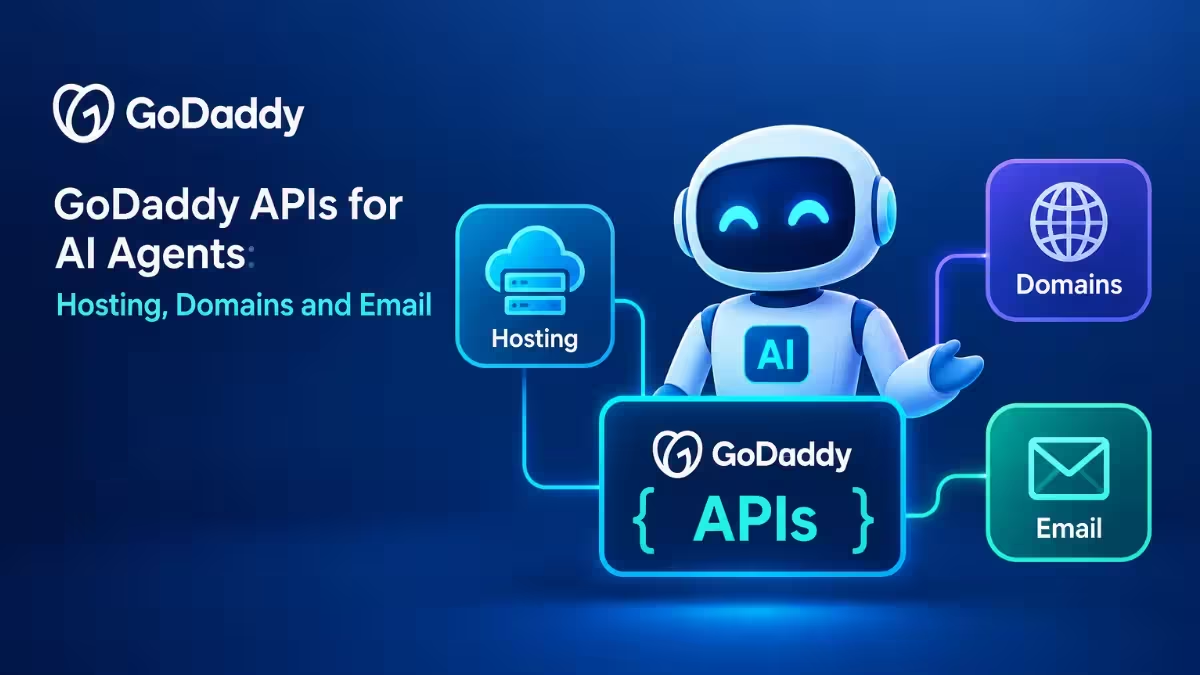
This guide covers what each API does, how an agent can take a project from code to a live business, how to get started for free, and which alternatives to consider if GoDaddy does not fit your stack.
What Is the GoDaddy Developer Platform and Is It Free?
The GoDaddy Developer Platform gives programmatic access to GoDaddy products through REST APIs and a command-line tool.
Before this update, the platform focused on domains. GoDaddy added domain APIs in July 2026, and those now cover premium and bulk domains too. The October release adds three new product areas, so one set of credentials now reaches most of what a small online business needs.
GoDaddy built the platform for four groups:
- Developers who want to ship apps without clicking through dashboards
- Web agencies that launch many client sites and want repeatable setup
- Technical professionals who manage their own GoDaddy products
- AI coding agents that act on behalf of any of the above
The expanded platform costs nothing to use and works for GoDaddy customers worldwide. You still pay for the products you buy through it, such as domains, hosting plans and mailboxes.
GoDaddy Domain, Hosting, Email and Commerce APIs Explained
The release groups GoDaddy services into four API families that share the same credentials, conventions and documentation.
| API | What You Can Do |
|---|---|
| Domain APIs | Search names, get suggestions, buy standard, premium or bulk domains, configure DNS and manage domains |
| Hosting APIs | Create Node.js apps, attach a hosting plan, publish to production, manage secrets and read logs |
| Email APIs | Buy professional email, create mailboxes and set up MX, SPF and DKIM records automatically |
| Commerce APIs | Manage GoDaddy stores, product catalogs, orders and customers |
Domain APIs
The domain APIs handle the full naming step. An agent can search for available names, request suggestions, buy the domain at what GoDaddy calls preferred API pricing, and point DNS to the right place. GoDaddy has not published exact API prices, so check your account before you let an agent buy domains in bulk.
Hosting APIs
The hosting APIs cover the complete life cycle of a Node.js app. You or your agent can create the app, attach a plan, preview it, push it to production, store secrets such as API keys, and read logs when something breaks. Every app gets automatic HTTPS, a web application firewall, a content delivery network and a managed MySQL database without extra setup.
Email APIs
Email setup usually trips people up because of DNS records. The email APIs buy the mailbox plan, create the mailboxes and write the MX, SPF and DKIM records that decide whether your messages reach the inbox or the spam folder.
Commerce APIs
The commerce APIs work with stores already running on GoDaddy. An agent can add or update products, process order data and manage customer records, which suits routine store admin that eats up time each week.
How to Deploy a Website With an AI Agent Using GoDaddy APIs
The real value comes from chaining the APIs together in one workflow.
GoDaddy describes the platform as a connected system rather than separate services. Here is what a full run can look like when you hand the job to a coding agent:
- Build the app. Your AI coding tool writes the Node.js app or website.
- Deploy it. The agent calls the Hosting API to create the app, attach a plan and publish it to production.
- Add a domain. The agent searches for a name, buys it and configures DNS so it points to the new app.
- Set up email. The agent buys professional email for that domain, creates mailboxes and writes the delivery records.
- Run the store. If you sell products, the agent manages the catalog, orders and customers through the commerce APIs.
You never open a dashboard during this flow. For agencies that launch dozens of similar sites, this turns hours of repetitive setup into a script.
How to Get a GoDaddy API Key (Personal Access Token)
You only need a GoDaddy account and a personal access token to begin.
- Sign in to your GoDaddy account and open the GoDaddy Developer Platform.
- Create a developer identity for the platform.
- Generate a personal access token.
- Add only the product scopes your task needs, such as hosting or email.
- Connect through the REST APIs or install the GoDaddy CLI.
- Give your AI coding agent the token and the API documentation so it can call the endpoints.
Start with a test project and a narrow scope. You can widen permissions later once you trust how your agent behaves.
Is It Safe to Let AI Agents Access Your GoDaddy Account?
Letting an agent spend money and change DNS carries real risk, so GoDaddy added guardrails.
- Scoped tokens: each personal access token carries product-specific scopes, so an agent working on email cannot touch your domains.
- Existing account controls: GoDaddy’s normal authorization, fraud and abuse checks still apply to agent actions.
- Built-in app protection: hosted apps ship with HTTPS, a firewall and a CDN by default.
Add your own safeguards on top. Keep separate tokens for separate jobs, rotate them often, set spending alerts on your account and review agent logs before you approve large purchases.
GoDaddy Developer Platform Pros and Cons
The platform solves a real deployment gap, but it also comes with limits worth knowing.
Pros
- Domains, hosting, email and commerce sit behind one identity and one CLI
- Free platform access for customers worldwide
- Email API handles MX, SPF and DKIM setup automatically
- Scoped tokens limit what each agent can do
- Hosted apps include HTTPS, WAF, CDN and MySQL by default
Cons
- Hosting API supports Node.js apps only for now
- Commerce APIs work only with GoDaddy stores
- No public price list yet for domains bought through the API
- Ties your whole stack to one vendor, which makes migration harder later
- GoDaddy has not shared customer names or usage numbers for the new APIs
Best GoDaddy Alternatives for AI Agent Hosting: Vercel, Netlify, Cloudflare
GoDaddy is not the only option for agents that need to ship code and run infrastructure.
| Platform | Strength | Best For |
|---|---|---|
| GoDaddy | Domains, hosting, email and commerce in one API set | Small businesses and agencies that want everything with one vendor |
| Vercel | Fast frontend and Next.js deployment with previews | JavaScript developers and frontend teams |
| Netlify | Git-based deploys for static sites and serverless functions | Static sites and Jamstack projects |
| Cloudflare | Workers, Pages, DNS and a domain registrar at cost | Developers who want edge hosting and low domain prices |
| Hostinger | Budget hosting with built-in AI tools and agent hosting | Beginners and low-cost projects |
GoDaddy’s edge is the full business bundle. Most developer clouds stop at hosting and DNS, while GoDaddy also covers professional email and a store through the same token. If you only need to deploy code, a developer-focused host may suit you better.
Should You Use GoDaddy APIs for AI Agents?
The platform makes the most sense when you already live inside the GoDaddy ecosystem.
Good fit:
- Agencies that launch many small business sites with email and domains
- Developers who keep domains at GoDaddy and want to automate DNS
- Store owners on GoDaddy commerce who want an agent to handle catalog and order admin
Weaker fit:
- Teams building in Python, PHP or other non-Node.js stacks
- Projects that need advanced cloud services like queues, GPUs or large databases
- Anyone who wants to avoid locking domains, email and hosting to one provider
Frequently Asked Questions
Is the GoDaddy Developer Platform free?
Yes. Access to the platform and its APIs costs nothing for GoDaddy customers worldwide. You still pay for products you buy through it, such as domains, hosting plans and email mailboxes.
Can AI agents buy domains on GoDaddy?
Yes. The domain APIs let an agent search, buy and configure standard, premium and bulk domains. Use scoped tokens and spending alerts so the agent cannot make unexpected purchases.
Which programming languages does GoDaddy hosting API support?
The Hosting API currently supports Node.js apps. You can create, publish and manage those apps from the command line or through an AI agent.
Does GoDaddy set up email DNS records automatically?
Yes. The email APIs create the MX, SPF and DKIM records needed for reliable delivery when you buy and configure professional email.
How do I limit what an AI agent can do on my GoDaddy account?
Create a personal access token and add only the product scopes the task needs. GoDaddy’s existing fraud, abuse and authorization controls also apply to every agent action.
What is the difference between GoDaddy Airo and the Developer Platform?
Airo is GoDaddy’s agentic system for small business owners who want help getting online without code. The Developer Platform targets developers, agencies and coding agents that work directly through APIs and the CLI.

