If Microsoft Edge and Opera suddenly show ERR_SSL_PROTOCOL_ERROR while Chrome opens websites normally, your Windows network stack or SSL configuration has likely broken. This issue often appears after a graphics driver rollback, Windows update, or forced reboot.
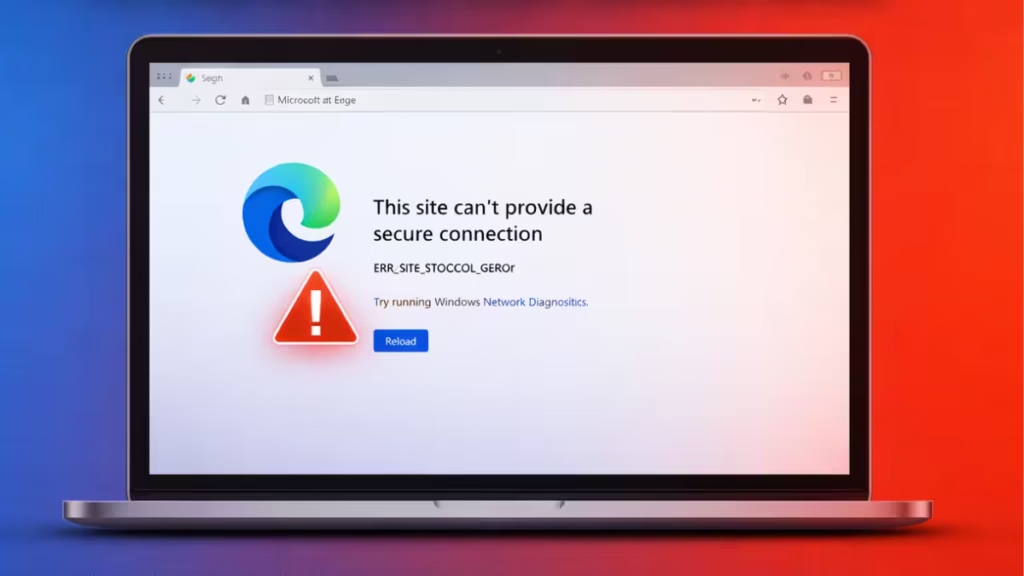
Chrome uses its own network engine, but Edge and Opera depend heavily on Windows TLS and Winsock services. When those system components fail, Chrome continues working while other browsers fail to establish secure connections.
Follow the fixes below in order. Most systems recover after the first or second step.
Fix 1: Reset Windows Network Stack (Best First Fix)
Windows sometimes corrupts Winsock and TCP bindings during driver rollbacks or sudden restarts. Resetting the network stack restores clean connections.
Steps
- Click Start.
- Type cmd.
- Right-click Command Prompt and select Run as administrator.
- Run the following commands one at a time:
netsh winsock reset
netsh int ip reset
ipconfig /flushdns- Restart your PC.
- Open Edge or Opera and test.
This reset clears broken socket bindings, DNS cache errors, and corrupted IP routes.
Fix 2: Disable Proxy Settings
Windows may silently enable a proxy after driver or network changes. A broken proxy causes SSL handshake failures.
Steps
- Press Win + I to open Settings.
- Open Network & Internet → Proxy.
- Turn OFF:
- Automatically detect settings
- Use a proxy server
- Close Settings and restart your browser.
Fix 3: Clear Windows SSL State
Corrupted SSL sessions block secure connections for browsers that rely on Windows security libraries.
Steps
- Press Win + R.
- Type:
inetcpl.cpl- Open the Content tab.
- Click Clear SSL State.
- Click OK and restart your browser.
Fix 4: Disable Antivirus HTTPS Scanning
Third-party antivirus software injects security certificates to scan encrypted traffic. Driver rollbacks often break those certificates.
Try This
- Open your antivirus dashboard.
- Disable:
- HTTPS scanning
- Encrypted traffic inspection
- Web shield protection
- Restart Edge or Opera and test.
If this fixes the issue, update or reinstall your antivirus before re-enabling protection.
See also: How to Transfer Files From Windows PC to Mac on the Same Network (Fast & Safe)
Fix 5: Verify Windows TLS Settings
Edge and Opera require modern TLS protocols to establish secure connections.
Steps
- Press Win + R.
- Type:
inetcpl.cpl- Open the Advanced tab.
- Scroll to Security.
- Enable:
- Use TLS 1.2
- Use TLS 1.3
- Disable older protocols such as SSL 3.0 and TLS 1.0.
- Click Apply → OK and restart the browser.
Fix 6: Reinstall Network Adapter Driver
If the GPU rollback impacted system drivers, your network adapter may also need a clean reinstall.
Steps
- Right-click Start → Device Manager.
- Expand Network adapters.
- Right-click your active adapter and select Uninstall device.
- Restart your PC.
- Windows automatically reinstalls the driver.
After completing these steps, Edge and Opera should open HTTPS websites normally without showing ERR_SSL_PROTOCOL_ERROR. If the issue persists after all fixes, your Windows system files may need repair using DISM or SFC scanning.
Why This Error Appears After a Driver Rollback
Graphics driver rollbacks can modify system certificates, reset networking libraries, and corrupt secure connection handlers. Edge and Opera depend on Windows security services, so they fail when those components break. Chrome bypasses many system dependencies, which explains why it continues working.
FAQs
What causes ERR_SSL_PROTOCOL_ERROR in Edge and Opera when Chrome works?
ERR_SSL_PROTOCOL_ERROR appears when Windows SSL, TLS, proxy settings, or network stack becomes corrupted, while Chrome continues working because it uses its own SSL engine.
What is the fastest ERR_SSL_PROTOCOL_ERROR Edge Opera fix?
Resetting Winsock and TCP/IP using Command Prompt fixes the issue in most cases and restores secure browser connections immediately.
Can a graphics driver rollback trigger ERR_SSL_PROTOCOL_ERROR?
Yes, driver rollbacks can break Windows networking libraries and SSL certificates, which triggers ERR_SSL_PROTOCOL_ERROR in Edge and Opera.
Why does Chrome open websites but Edge and Opera fail?
Chrome uses an independent network stack, while Edge and Opera depend on Windows TLS services that may become corrupted.
Does disabling proxy fix ERR_SSL_PROTOCOL_ERROR Edge Opera fix issues?
Yes, disabling hidden or auto-enabled proxy settings often resolves SSL handshake failures in Edge and Opera.
Is ERR_SSL_PROTOCOL_ERROR a virus or hacking issue?
No, ERR_SSL_PROTOCOL_ERROR is a configuration or network corruption issue, not malware or security compromise.
Will clearing SSL state fix ERR_SSL_PROTOCOL_ERROR?
Clearing Windows SSL state removes corrupted certificates and often restores secure connections.
Does antivirus HTTPS scanning cause ERR_SSL_PROTOCOL_ERROR?
Yes, broken antivirus SSL inspection modules can block secure connections after driver or system changes.

