Microsoft has released a new Windows Server vNext Preview Build 29531, but many users report they cannot download the ISO. The issue appears to affect both Windows 11 Canary builds and Windows Server preview builds, with blocked IP errors showing up during download attempts.
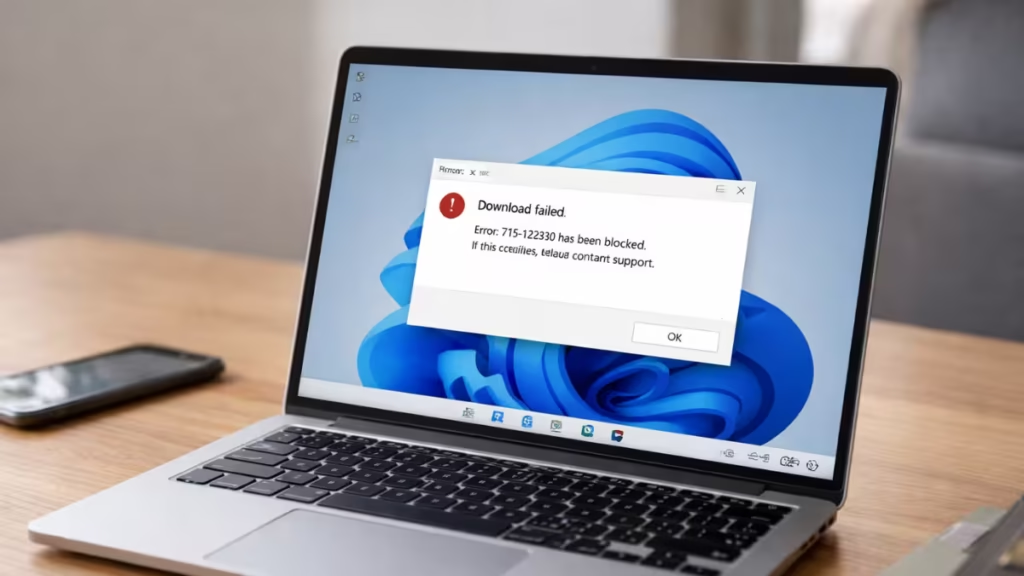
The problem surfaced almost immediately after Microsoft published the new preview build. While the release introduced important changes to the Server vNext program, many Insiders found themselves unable to access the ISO required for a clean installation.
Windows Server vNext Preview Build 29531 Released
Microsoft officially announced Windows Server vNext Preview Build 29531 for Windows Insiders.
This build:
- Establishes a new Server preview baseline
- Requires a clean install
- Discontinues upgrade support from older preview builds (26525 and earlier)
- Enables ReFS Boot support
- Includes Desktop Experience, Server Core, Datacenter, Standard, and Azure Edition (VM evaluation)
Microsoft clearly instructs users to perform a clean install, as upgrades from older preview builds are not supported. The preview expires on September 15, 2026.
Users Report Windows Server 29531 ISO Download Failures
Shortly after release, multiple users reported that they could not download the ISO files.
The most common error reported:
Message code: 715-123130
Users claim:
- No VPN usage
- Residential ISP connections (Google Fiber, AT&T, Rogers, NTT Fiber, Telekom)
- Same issue across multiple regions
The error appears after selecting language on the official download page. The API response reportedly returns:
"Sentinel marked this request as rejected."This suggests a backend fraud detection or request validation block.
Rufus and Fido Script Blocked by Microsoft Download Servers
The issue is not limited to browser downloads.
Rufus, the popular Windows ISO tool, also fails to retrieve the affected builds. Its Fido script, which fetches official Microsoft ISOs, now appears to be detected and rejected.
According to discussions from the Rufus developer:
- Microsoft may be detecting scripted download patterns
- Additional server-side validation may now be required
- Calls to
ov-df.microsoft.com(a Microsoft fraud detection domain) appear involved
Blocking that domain reportedly triggers the same error. This strongly indicates intentional backend validation changes rather than a random outage.
Which Builds Fail to Download the ISO?
Reports mention download failures for:
- Windows 11 Canary Build 28020.1611
- Windows Server Preview Build 29531
The issue appears across Insider channels, not limited to a single branch.
Is Microsoft Restricting ISO Access?
One theory suggests Microsoft wants users to rely strictly on official browser-based download flows, the Media Creation Tool (MCT), and fully validated session requests. Under this approach, Microsoft’s servers expect a normal, interactive download process that matches how users access ISOs through its official website.
If backend detection systems flag automated scripts or non-standard download behavior, the request gets rejected before the file download begins. This appears consistent with reports of scripted tools and automated ISO fetchers failing while standard browser sessions sometimes succeed.
Similar restrictions have occurred in the past. In those cases, Microsoft later adjusted its server logic after user feedback and restored broader access to ISO downloads.
At this time, Microsoft has not officially confirmed whether the current block reflects a deliberate policy change, a temporary backend bug, or a misconfigured fraud detection rule.
What to Do If Windows Server ISO Won’t Download
If you face error 715-123130:
- Use a standard browser (Edge or Chrome)
- Disable content blockers temporarily
- Avoid script-based download tools
- Try downloading directly from the Insider download page
- Submit feedback via Feedback Hub under Windows Server category
Server Desktop users can use the Feedback Hub app, as Microsoft encourages Insiders to provide build-specific feedback.

