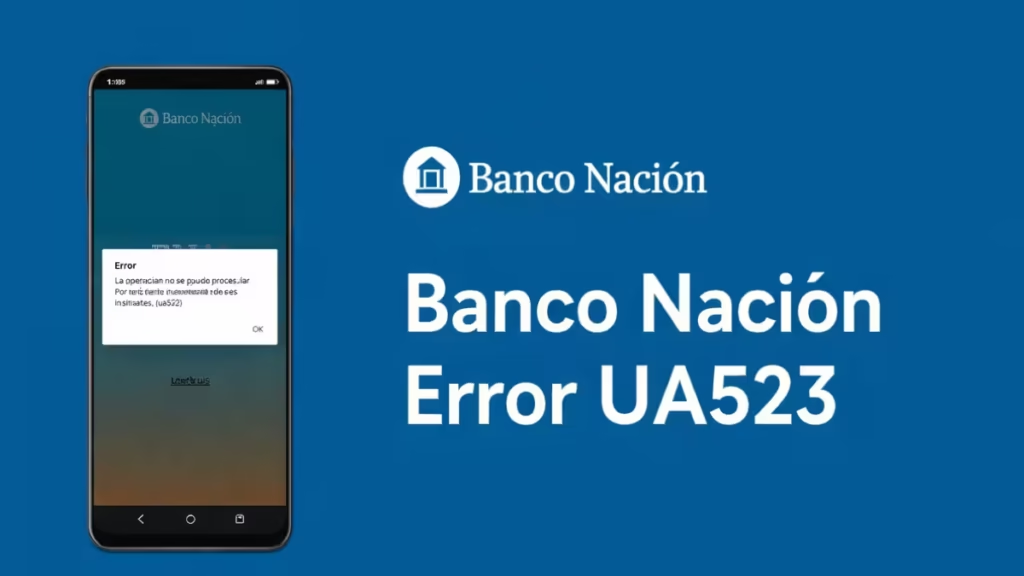
If the Banco Nación BNA+ app shows Error UA523, the app cannot download its internal configuration from the bank’s servers. The app needs that configuration to start properly. When the download fails, the app blocks access and displays the error.
What Causes Banco Nación Error UA523?
Error UA523 appears when:
- The app fails to download its “Smart configuration”
- Your internet connection drops during startup
- The app cache becomes corrupted
- The installed app version contains outdated files
- Banco Nación servers experience temporary issues
The issue usually sits inside the app, not your bank account.
How to Fix Banco Nación Error UA523
Follow these steps in order.
1. Reinstall the BNA+ App (Most Effective Fix)
This step fixes the issue in most cases.
On Android:
- Press and hold the BNA+ app icon
- Tap Uninstall
- Restart your phone
- Open Google Play
- Search for BNA+ Banco Nación
- Install the latest version
On iPhone:
- Press and hold the BNA+ app
- Tap Remove App
- Restart your device
- Open the App Store
- Reinstall BNA+
Reinstallation forces the app to download a fresh configuration file.
2. Check Your Internet Connection
Error UA523 often appears when the app cannot communicate with Banco Nación servers.
Do this:
- Switch from Wi-Fi to mobile data
- Or switch from mobile data to Wi-Fi
- Avoid public networks
- Move closer to your router
Then open the app again.
3. Clear App Cache (Android Only)
If you use Android:
- Open Settings
- Tap Apps
- Select BNA+
- Tap Storage
- Tap Clear Cache
Do not tap “Clear Data” unless reinstalling.
Then reopen the app.
4. Update Your Phone Software
Outdated system software can cause banking apps to fail.
On Android:
Settings → Software Update → Check for updates
On iPhone:
Settings → General → Software Update
Install updates if available, then try again.
5. Wait and Try Again Later
If none of the above steps work, Banco Nación servers may be under maintenance or temporarily overloaded.
Wait 30–60 minutes and try again.
In most cases, you can fix Banco Nación Error UA523 by uninstalling and reinstalling the BNA+ app, restarting your device, and using a stable internet connection. If the error continues after reinstalling, contact Banco Nación support and provide your details along with a screenshot of the message.
Act quickly and follow the steps in this guide. Once the app downloads its configuration correctly, it should work normally again without displaying Error UA523.

