Crimson Desert finally added a highly requested feature in Patch 1.03.00. You can now hide weapons and shields that appear on your character’s back. This update improves visual customization and lets your armor design stand out without bulky gear blocking it.
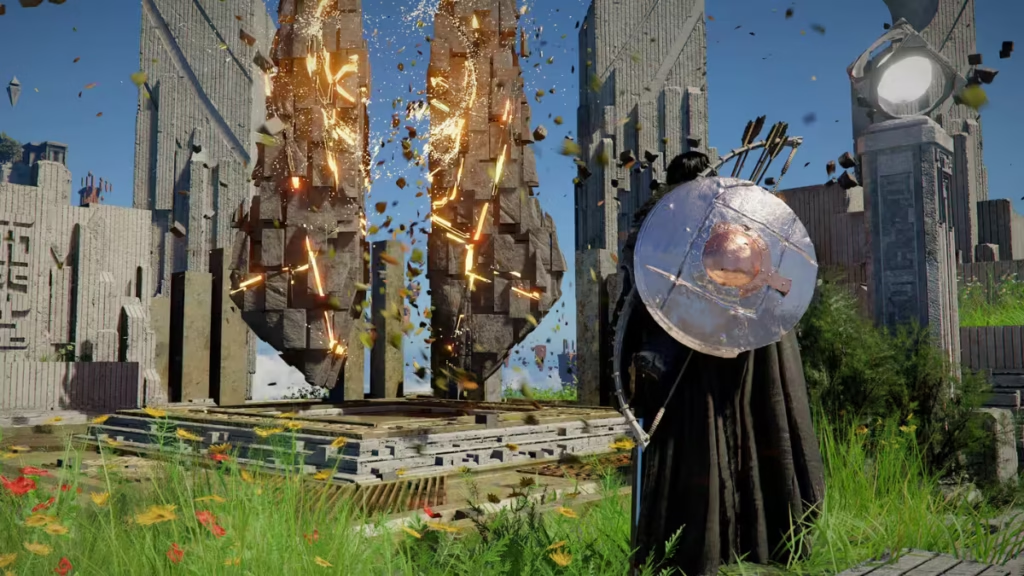
Earlier, players had no option to remove back equipment without mods. Now, everything works directly through in-game settings.
How to Hide Weapons and Shields in Crimson Desert
The process is simple and takes less than a minute. Follow these steps carefully:
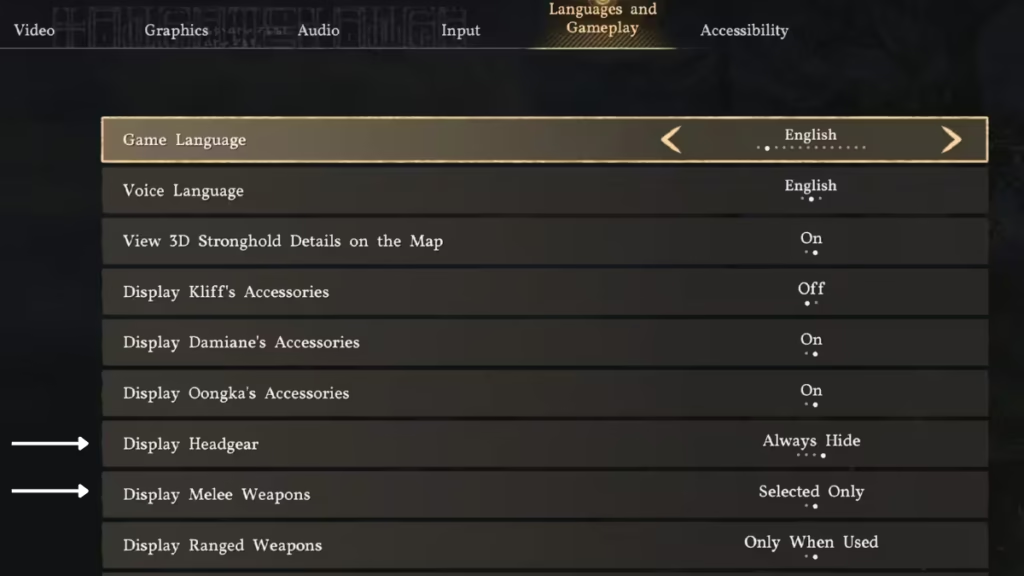
Step-by-Step Guide
- Open the Main Menu
- Go to Others
- Select Settings
- Navigate to Language and Gameplay
- Find these options:
- Display Melee Weapons
- Display Ranged Weapons
Best Settings for Clean Look
- Set Display Melee Weapons → Selected Only
- Set Display Ranged Weapons → Only When Used
Once applied, your character will no longer show weapons or shields during exploration.
Crimson Desert Weapon Display Settings
Understanding each option helps you customize your visuals better.
Melee Weapon Settings
| Option | What It Does |
|---|---|
| All | Shows all equipped melee weapons and shields |
| Selected Only | Shows only the currently active weapon |
Ranged Weapon Settings
| Option | What It Does |
|---|---|
| Always | Keeps bow and quiver visible at all times |
| Only When Used | Hides ranged weapons unless actively used |
These settings give you full control over how your character looks.
Does Hiding Weapons Affect Gameplay?
No, hiding weapons does not affect your performance.
- You still keep all stats and buffs
- Equipment remains fully active
- Combat works exactly the same
This feature is purely visual. It improves immersion without changing mechanics.
Known Limitations
While the feature works well, there are a few minor issues:
- Some weapons may still clip through cloaks while running
- Full invisibility requires careful setting combinations
- Certain gear setups may still show partial elements
These are visual issues only and do not affect gameplay.
As future updates arrive, expect even more customization options. For now, this feature already solves one of the biggest visual complaints in the game. Play Now!

