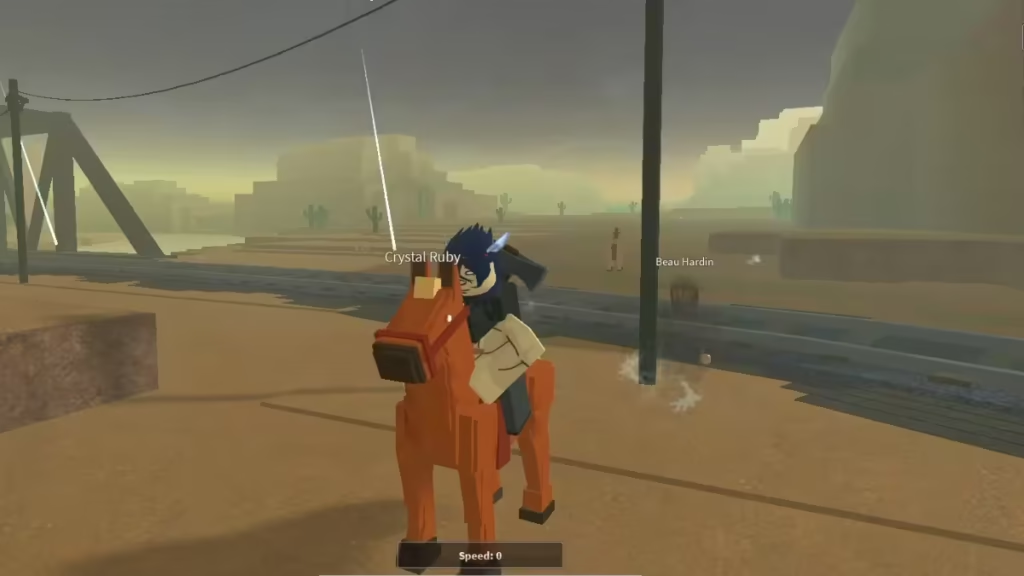
Bridger Western is a fast-paced Roblox experience inspired by JoJo’s Bizarre Adventure—especially its Steel Ball Run arc. The game mixes shooting, melee combat, and Stand abilities, which means controls play a huge role in how well you perform.
If you want smoother gameplay, faster reactions, and better PvP results, learning the controls is not optional—it’s essential. This guide breaks down all default controls for PC, PlayStation, and Xbox, along with practical tips to help you master them quickly.
Bridger Western PC Controls
For most players, PC offers the fastest and most flexible control setup. You can switch between gunplay and melee instantly.
Core Movement & Actions
| Action | Key |
|---|---|
| Movement | W, A, S, D |
| Sprint | Double tap W |
| Roll / Slide | Q |
| Reload | R |
| Block (Fists only) | F |
Combat & Utility
| Action | Key |
|---|---|
| Pistol Whip | G |
| Swap to Fists | C |
| Ocular Prowess | X |
| Inventory | ` (tilde) |
| Menu | M |
Horse Controls
| Action | Key |
|---|---|
| Call / Despawn Horse | H |
| Mount / Dismount | Hold N |
| Horse Sprint | Left Shift |
| Horse Bash | F |
These controls allow fast switching between ranged combat, melee, and mobility, which is critical in PvP fights.
PlayStation Controls
Controller players get a more compact layout. Everything is mapped for quick access using combinations.
Basic Controls
| Action | Button |
|---|---|
| Movement | Left Stick |
| Camera | Right Stick |
| Attack (M1) | R2 |
| Reload / Equip | Square |
| Pistol Whip | Triangle |
| Sprint | L3 |
Utility & Abilities
| Action | Button |
|---|---|
| Swap to Fists | D-Pad Left |
| Call Horse | D-Pad Right |
| Inventory | D-Pad Up |
| Ocular Prowess | D-Pad Down |
Stand Abilities
| Ability | Input |
|---|---|
| Ability 1 | L2 + Square |
| Ability 2 | L2 + Triangle |
| Ability 3 | L2 + R2 |
| Ability 4 | L2 + D-Pad Right |
Stand abilities are your strongest tools in combat. Mastering these combos gives you a major advantage.
Xbox Controls
Xbox controls mirror PlayStation closely, with minor button changes.
Basic Controls
| Action | Button |
|---|---|
| Movement | Left Stick |
| Camera | Right Stick |
| Attack (M1) | RT |
| Reload / Equip | X |
| Pistol Whip | Y |
| Sprint | L3 |
Utility & Abilities
| Action | Button |
|---|---|
| Swap to Fists | D-Pad Left |
| Call Horse | D-Pad Right |
| Inventory | D-Pad Up |
| Ocular Prowess | D-Pad Down |
Stand Abilities
| Ability | Input |
|---|---|
| Ability 1 | LT + X |
| Ability 2 | LT + Y |
| Ability 3 | LT + RT |
| Ability 4 | LT + D-Pad Right |
Once you memorize these combos, controller gameplay becomes smooth and highly responsive.
How to Drop Items in Bridger Western
Many players miss this simple action because the game doesn’t explain it clearly.
Press Backspace to drop items.
However, keep in mind:
- Not all items can be picked back up
- Some items (like Tonics) break when dropped
- You cannot drop certain utility items
This system forces you to manage your inventory carefully instead of spamming drops.
Bridger Western does not guide you step by step, so you learn everything through experience. Because of that, controls become the most important skill in the game. When you understand them well, you can switch between gun and melee instantly, use Stand abilities at the perfect moment, and escape dangerous fights using smart movement.
You also gain better control over your horse during combat and react much faster in PvP situations. Without strong control mastery, even the best weapons and gear will not help much, and you will struggle to keep up with other players.
FAQs
Does Bridger Western support mobile controls?
No. The game currently supports only PC and console platforms.
Can you change keybinds?
No. The game uses fixed controls, so you must adapt to them.
What is Ocular Prowess?
It is a temporary ability that highlights nearby threats, helping in both offense and defense.
Start with basic movement, then build into combat and Stand usage. Once everything clicks, the game becomes much smoother—and far more enjoyable. Play Now!

