Stick drift is one of the most frustrating controller problems you can run into. Your character moves on its own, the camera drifts without input, and competitive play becomes nearly impossible. For Xbox users, the fix options have always been limited: clean the stick base, recalibrate through the official Xbox Accessories app, or replace internal components. Sometimes none of those work, and you end up buying a new controller.
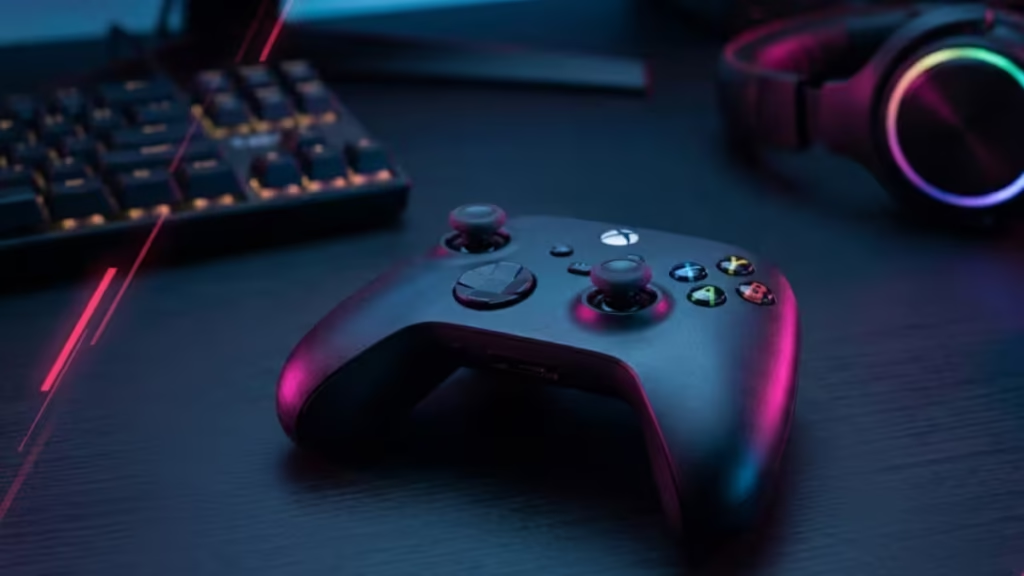
A third-party app called DriftGuard just changed that. The team announced a major hardware breakthrough that unlocks permanent, unpatchable joystick calibration for every Xbox controller ever made.
What Is DriftGuard
DriftGuard is a third-party calibration app that launched in 2024 with support for PS4 and PS5 controllers. It quickly became a go-to fix for PlayStation users dealing with stick drift, offering calibration options that go well beyond what Sony provides natively.
Until recently, Xbox support was limited because of hardware restrictions specific to Xbox controllers. That changed in May 2026.
The Breakthrough: Permanent, Unpatchable Xbox Calibration
On May 19, 2026, DriftGuard team member @modyfikator89 announced on X that the team had “unlocked ultimate manual and automatic joystick calibration for any Xbox controller.” The key part of this discovery is that the calibration writes directly into the controller’s memory. Because it lives in hardware memory rather than software, no future official Xbox firmware update can undo it.
That makes this fix both permanent and unpatchable.
In a follow-up post on May 20, @modyfikator89 confirmed that every Xbox controller can be calibrated using this method, responding directly to a user who doubted whether it worked on the Xbox One S.
Which Xbox Controllers Does It Support
The DriftGuard calibration fix covers the full range of Xbox hardware, including both wired and wireless controllers. The confirmed list includes:
- Xbox 360
- Xbox One
- Xbox Series S and Xbox Series X
- Xbox Elite V1
- Xbox Elite V2
- Xbox Elite Core
According to the team, the fix works across all board revisions with no exceptions.
How to Use DriftGuard for Free
DriftGuard offers browser-based calibration at no cost. You can visit the official DriftGuard website, connect your Xbox controller, and run both manual and automatic calibration without paying anything. The browser version is the fastest way to test whether DriftGuard addresses your specific drift issue.
A Steam version with the new Xbox calibration features is expected to roll out within a week of the announcement. The paid Steam version supports the developers and unlocks additional features beyond what the free browser tool provides.
DriftGuard vs the Official Xbox Accessories App
Microsoft does include a recalibration tool inside the Xbox Accessories app. However, the official tool only supports two controller models: the Xbox Wireless Controller and the Xbox Elite Wireless Controller Series 2. Every other Xbox controller gets no official recalibration option from Microsoft.
Even on supported models, the Xbox Accessories tool has real limitations. It handles basic center position and range adjustments, but it cannot address deeper calibration issues, and it does not write changes to the controller’s hardware memory. Any calibration it applies can be overwritten by a firmware update.
If you want to calibrate your Xbox One controller on Windows 11 through the official route, the Xbox Accessories app steps still apply for supported models. DriftGuard now gives every other controller an option that Microsoft never provided.
Does It Fix Drift Caused by Physical Damage
DriftGuard calibration will not repair a controller with broken internal hardware. If the joystick potentiometer is physically worn out or damaged, no software-level calibration can fully compensate for that. In those cases, replacing the stick module is still the right call.
That said, a large share of stick drift issues stem from miscalibration rather than hardware failure. Trying DriftGuard before spending money on parts or a replacement controller is a low-risk first step, especially since the browser version is free.
The DriftGuard team confirmed that more Xbox-specific features are in development. The current release focuses on joystick calibration, but future updates may expand what the app can do for Xbox hardware. Given how long Xbox users have waited for a real calibration option beyond the locked-down official tool, the roadmap looks promising.

