Hulu error code P-EDU101 blocks playback when the platform cannot confirm your location or verify your Home network. It shows up most often on Hulu + Live TV, and it stops streaming until Hulu can match your connection to an approved U.S. location.
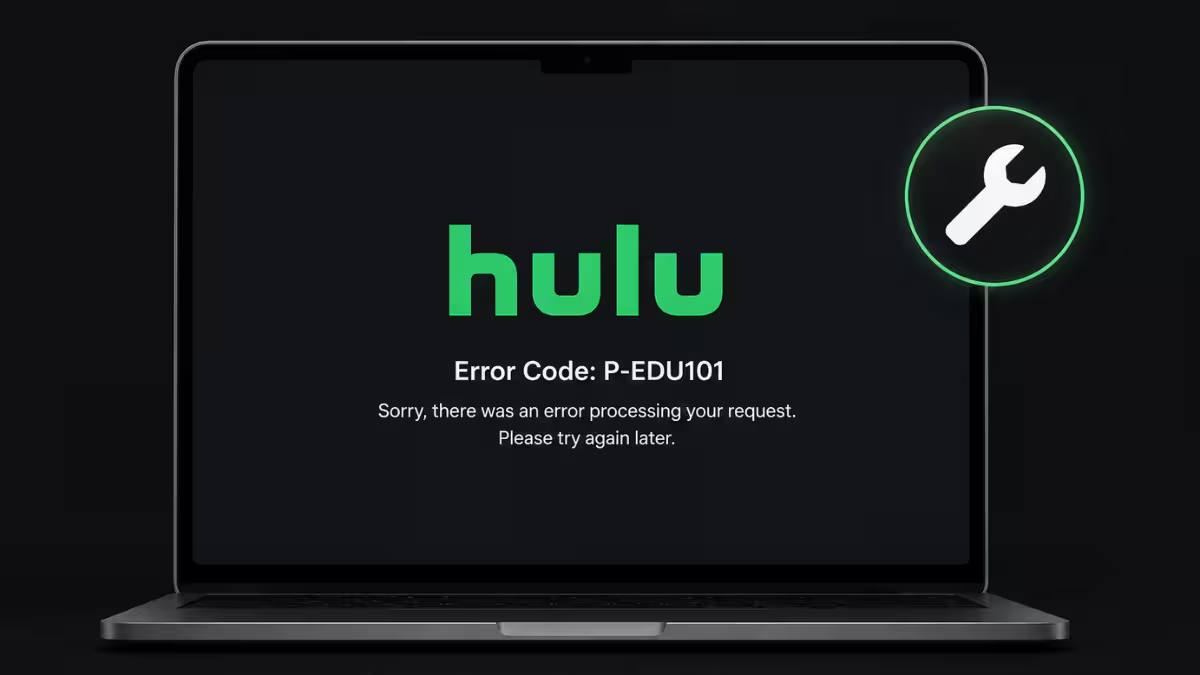
The error usually points to a network or account check that failed rather than a broken app. VPN use, a mismatched Home network, or an unverified student plan are the most common triggers, and each one has a direct fix below.
What Causes Hulu Error P-EDU101
Hulu ties this error to location and network verification, not to a broken app.
- A VPN, proxy, or IP masking tool is active while streaming
- Your device connects through mobile data or public Wi-Fi instead of your Hulu Home network
- Your Hulu Home location does not match your current IP address
- You are streaming from outside the United States
- Cached login or network data conflicts with Hulu’s current session
Fix 1: Turn Off VPN or Proxy Tools
VPNs and proxies mask your real IP address, and Hulu reads that as an attempt to bypass location restrictions.
Close any VPN app or browser proxy extension, then restart the Hulu app. Reconnect to your normal home internet, not a masked or rerouted connection, before you try streaming again.
Fix 2: Confirm and Reset Your Hulu Home Location
Hulu ties Live TV access to one designated home network, and a mismatch between that setting and your current IP triggers P-EDU101.
Open Hulu on a device connected to your home Wi-Fi, then go to Account settings on a browser and select Set or Update Home under your privacy settings. Hulu allows this change up to four times a year, so avoid switching it unless your network setup has actually changed.
Fix 3: Avoid Mobile Data and Public Wi-Fi
Cellular data and public networks rotate IP addresses constantly, which breaks Hulu’s location verification.
Switch to your registered home broadband connection before opening Hulu. If you are traveling, know that Hulu only permits limited playback away from home, and it still expects a return to your home network roughly every 30 days to keep Live TV active.
Fix 4: Restart Your Router and Streaming Device
A stuck IP lease or stale network cache can make Hulu misread your location even on a legitimate home connection.
Power off your router and modem, wait 30 seconds, then power them back on. Restart your streaming device or Smart TV separately, reconnect to your home Wi-Fi, and reopen Hulu.
Fix 5: Update the Hulu App
An outdated app build sometimes fails Hulu’s verification checks even when your network is fine.
Check your device’s app store for a pending Hulu update. If the app is already current, uninstall and reinstall it, then log back in and test playback.
Fix 6: Review Your Account and Subscription Status
Billing problems and account holds can surface as P-EDU101 alongside the location error.
Sign in to Hulu on a browser, open Account, and confirm your payment method is active with no pending charges. Resolve any billing alert before retrying Live TV.
Fix 7: Contact Hulu Support
If the error persists after every network and account fix, the issue likely needs backend account access.
Reach out through Hulu Customer Support with your account email, device model, and current location ready. Support staff can manually revalidate your account when the standard fixes do not clear the error.
Hulu error P-EDU101 comes down to Hulu’s inability to confirm your location or network, not a broken app. Working through the fixes in order, starting with your VPN and Home network settings, clears the error for most users. If it still shows up after that, an account or billing issue is the next place to check before reaching out to Hulu support.
Frequently Asked Questions
What triggers Hulu error P-EDU101 the most?
Location mismatches and VPN or proxy use cause most cases. Hulu’s system flags these connections as attempts to stream outside a supported U.S. region.
Does P-EDU101 affect regular on-demand shows?
The error mainly hits [Hulu + Live TV](https://www.fdaytalk.com/hulu-live-tv-not-working/). On-demand content usually stays accessible unless a separate billing or account restriction applies.
How many times can I change my Hulu Home location?
Hulu limits Home location changes to four per calendar year. Going over that limit locks the setting until the next year begins.
Can I fix P-EDU101 while keeping my VPN on?
Not reliably. Hulu blocks most VPN traffic outright, so disabling it remains the most consistent fix.
Will restarting my router always fix P-EDU101?
Not always, but it clears a large share of cases tied to a stale IP lease or cached network data. If the error returns after a restart, check your Home location and VPN settings next.

