Two RTX 5070 cards can carry the same GPU chip and the same memory, yet sell for very different prices. The chip comes from NVIDIA, AMD, or Intel in every case. The board partner builds everything around it, and that is where the price gap comes from.
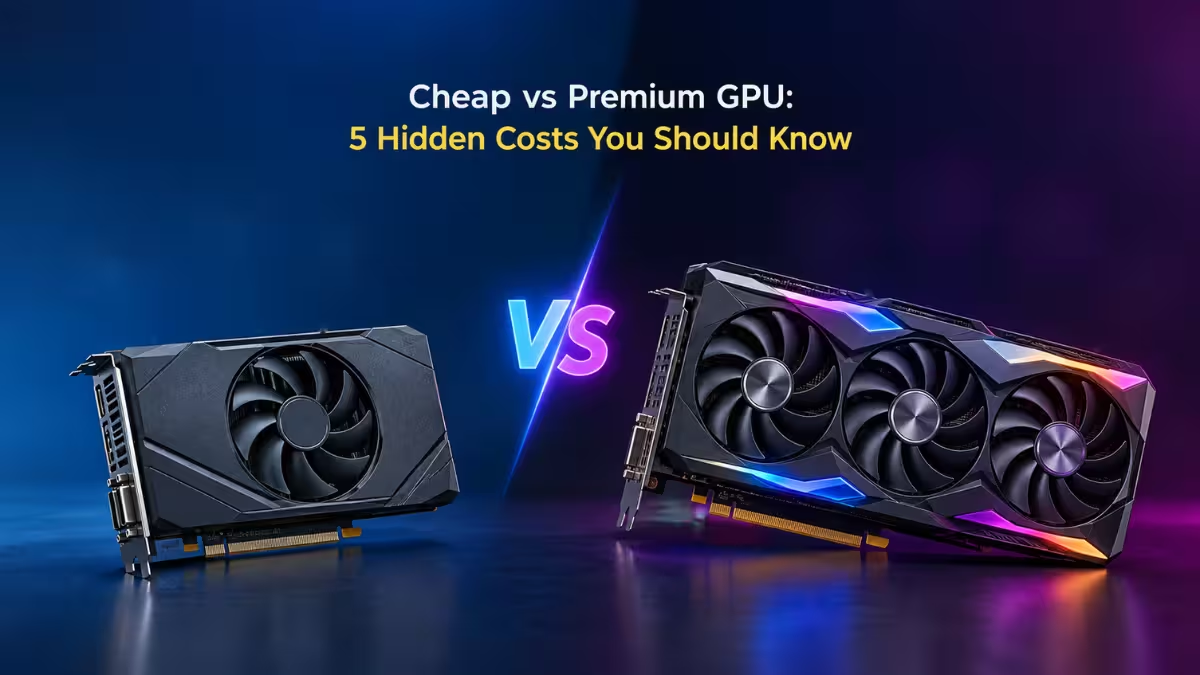
Budget versions are not bad purchases. At stock settings they deliver the performance the chip maker promises, and some even beat that. Still, manufacturers cut costs somewhere, and you should know where before you click buy.
Most brands now sell both budget and premium boards for the same GPU. That means the comparison matters inside a single brand as much as across brands. Judge each card by its own design, price, and compromises, not by the logo on the box.
Are Cheap GPUs Louder? Cooling Differences Explained
Cooling is the biggest difference between cheap and expensive boards. Premium cards usually ship with better engineered coolers. Budget cards often use smaller heatsinks, less copper, and fewer heat pipes. Many skip vapor chamber designs completely.
Two cards that hit the same boost clock deliver the same frame rates. The difference shows up in fan speed. A weaker cooler has to spin its fans harder to hold the same temperature, and low-quality bearings make that sound worse. Cheap cooling hardware can also fail sooner.
Tweakers.net tested several RTX 5070 models and found the Inno3D Twin X2 louder than every other card in the group, apart from the NVIDIA Founders Edition. It was also the cheapest card in that lineup.
You can shrug this off in some cases. If you plan to swap the cooler, or your case dampens noise well, the cooling gap matters less.
Fewer HDMI and DisplayPort Outputs on Budget Cards
Check the port layout before you buy. A single monitor setup needs few outputs, but many people now connect several displays, a TV, a VR headset, or a projector to one card.
Port counts vary by model, even within the same GPU. Some RTX 5070 cards offer two HDMI 2.1b ports, while others offer only one. If your displays use HDMI, a card with fewer HDMI ports pushes you toward DisplayPort to HDMI adapters. Those adapters cost money and can cancel out what you saved on the card.
Shorter Warranty on Budget GPUs: 2 Years vs 4 Years
Manufacturers show their confidence in a product through warranty terms. Budget cards tend to carry shorter coverage than premium ones.
PowerColor lists a strict 2 year warranty on its warranty page. Gigabyte offers 4 years when you register the card online. Read the fine print for each model, because registration rules and regional terms change the real coverage you get.
A short warranty matters less if you upgrade every two or three years anyway. It matters a lot if you keep a card for five years or more.
Lower Build Quality and Shorter Lifespan on Budget GPUs
The GPU chip is only one part of the card. The circuit board, power delivery parts, and backplate all come from the board partner, and budget models often use cheaper versions of each. Premium boards usually get more engineering time to spread heat evenly and avoid hotspots near the memory and power stages.
You will not see these differences on a spec sheet, and they rarely show up in a quick benchmark. They show up over time. A card that runs hotter in certain spots may age faster, and thinner materials can flex or sag more in a heavy case. Quality control can also vary more from one budget unit to the next.
None of this means a budget card will fail early. It means the odds shift slightly against you. If you keep your GPU for many years, or you run it hard every day, that risk deserves a place in your decision.
Do Budget GPUs Perform Worse? Boost Clocks and Overclocking
At stock settings, a budget card should perform nearly the same as a premium one. The gap appears at the top end. A better cooler lets a card sit closer to its maximum factory boost clock, so check benchmarks for the specific models you are considering.
The difference is often small. Losing around 50MHz of boost in exchange for a solid discount is a trade most buyers will accept. A cheaper card can also land a good chip in the silicon lottery, which means it may undervolt or overclock well. Expect more fan noise if you push it on the stock cooler.
Budget or Premium GPU: Which One Should You Buy?
A cheap card is never a free lunch. Manufacturers hit lower prices through weaker quality control, less durable parts, or lower boost and overclocking headroom. Whether those trade-offs are worth the savings depends on your situation.
One rule holds up well: spend your money on a higher GPU tier before you spend it on a fancier board. A budget version of the next tier up beats a premium version of a lower tier. No cooler or overclock will turn an RTX 5060 into an RTX 5070.
Buy the GPU you want, then pick the board whose compromises you can live with.
Frequently Asked Questions
Is a budget GPU slower than a premium one with the same chip?
At stock settings, no. Both should meet the chip maker’s minimum reference performance. Premium cards may hold slightly higher boost clocks for longer thanks to better cooling.
Are cheap GPUs louder?
Often, yes. Smaller heatsinks and lower quality fans force higher fan speeds to hold temperatures. Check noise tests for the exact model before you buy.
Does the warranty differ between GPU brands?
Yes. Terms vary by brand and sometimes by model. Some brands offer longer coverage only after online registration, so confirm the details on the manufacturer’s warranty page.
Is it better to buy a cheap high-tier GPU or an expensive low-tier one?
A cheap board on a higher GPU tier usually gives you more performance for the money. Board upgrades cannot make up for the gap between two GPU tiers.
Read More
- How to Boost GPU Performance for Free: Drivers, DLSS, Settings, Cooling, and Overclocking
- Best PC Graphics Settings for Sharper Visuals Without Losing FPS (Nvidia and AMD Guide)
- How to Use DDU to Remove GPU Drivers Completely on Windows 10 and 11
- How to Fix Out of GPU Memory Error in Blender (Windows 11)
