Running a small business often means one person or a tiny team covering roles that larger companies split across entire departments. Marketing, customer replies, meeting notes, and social media all compete for the same limited hours in a day.
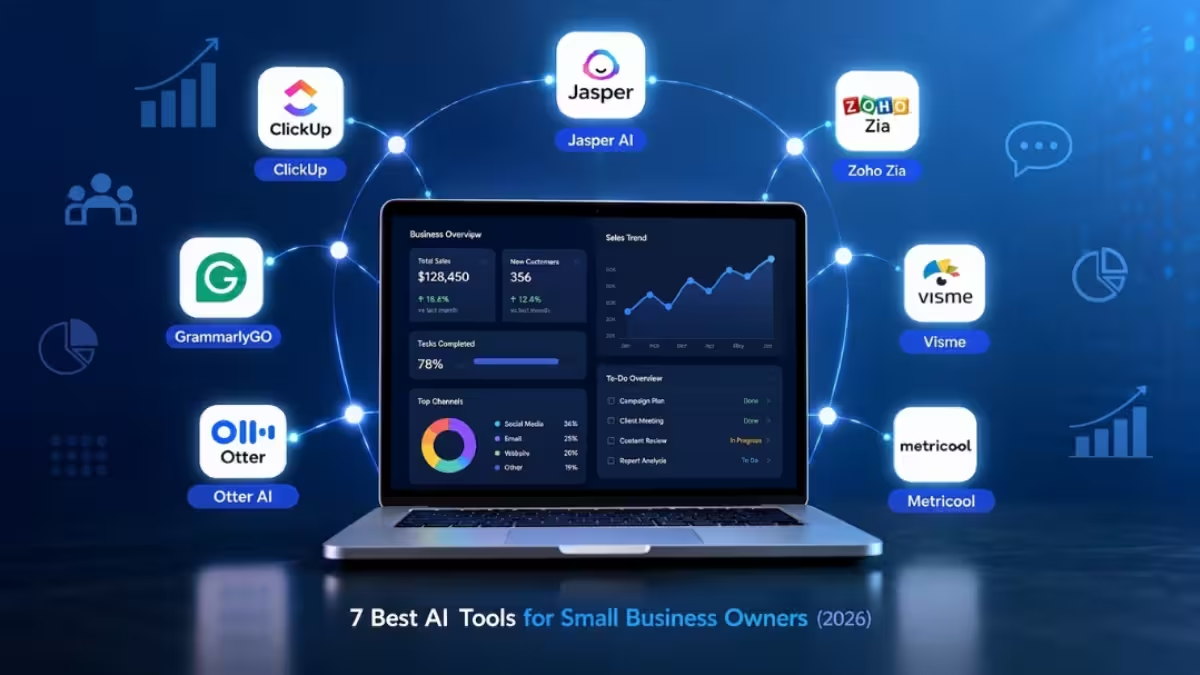
AI tools close that gap by taking over the repetitive parts of these tasks, from writing a first draft of an email to transcribing a client call automatically. The right tool does not replace judgment or decision-making. It clears out the busywork so a small team can spend more time on the parts of the business that actually need a human.
This list covers seven AI tools built for small business use, along with what each one does best, its pricing, and where it falls short.
Best AI Tools For Small Business
Each tool below focuses on a different part of running a small business, from project management to social media scheduling.
| Tool | Best For |
|---|---|
| ClickUp | Project management |
| Jasper AI | Content writing |
| GrammarlyGO | Writing assistance |
| Otter AI | Meeting transcription |
| Zoho Zia | Sales and CRM |
| Visme | Design and presentations |
| Metricool | Social media management |
1. ClickUp
ClickUp combines project management with an AI writing assistant built into the platform.
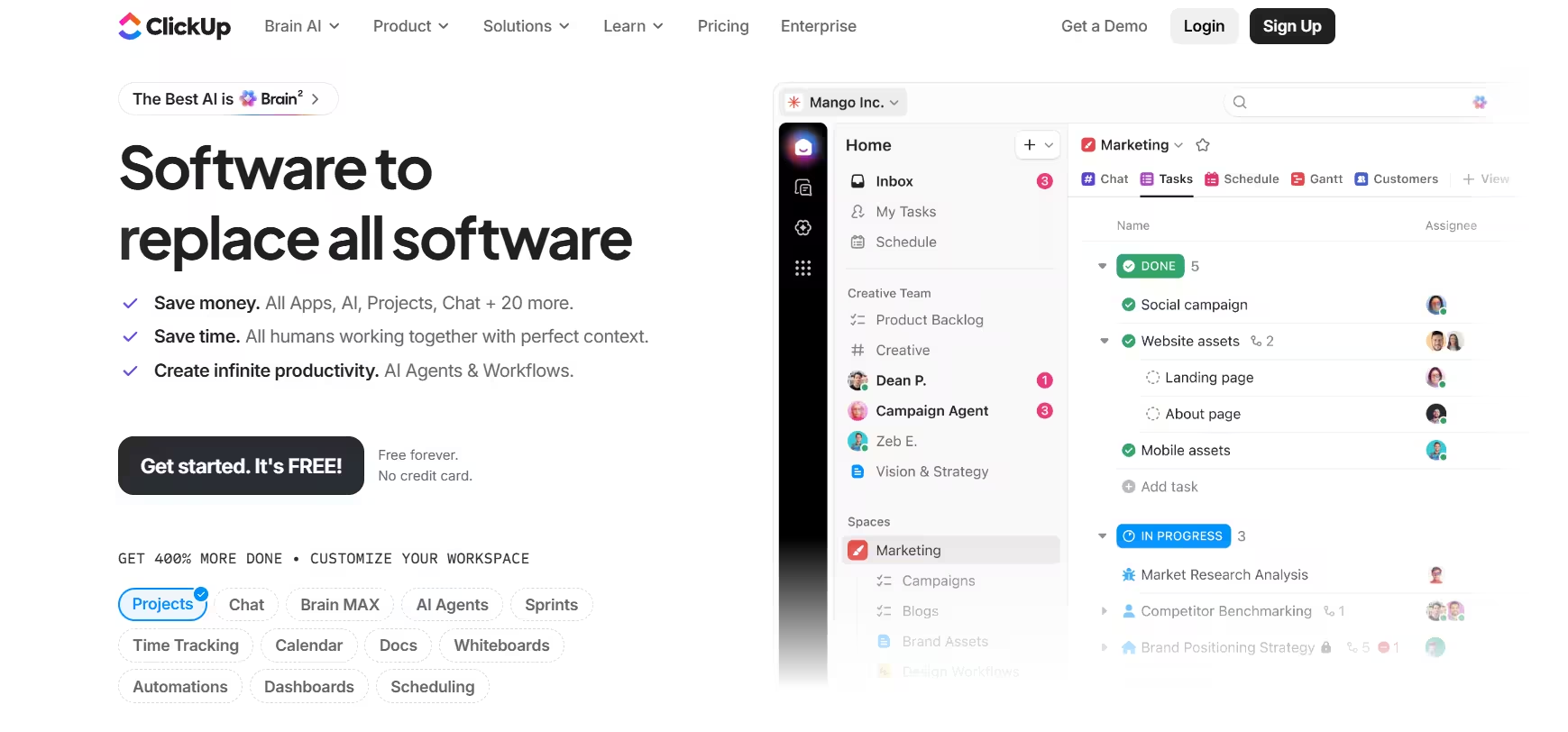
The AI assistant uses natural language processing to generate content across tasks, docs, and team communication. It can draft marketing copy, summarize long documents in one click, and create task outlines from a short prompt. ClickUp connects with over 1,000 third-party apps including Slack, Zoom, and HubSpot, so teams can automate workflows without leaving the platform.
Pricing:
| Plan | Price |
|---|---|
| Free Forever | $0 |
| Unlimited | $7/user/month (billed yearly) |
| Business | $12/user/month (billed yearly) |
| Enterprise | Custom |
Pros
- 100+ role-based AI tools built into the platform
- Connects with Slack, Zoom, HubSpot, and 1,000+ other apps
- Works across web, desktop, and mobile
Cons
- AI features are not included in the free plan
- Can feel overwhelming for new users
- AI add-on pricing is higher than standalone writing tools
2. Jasper AI
Jasper AI focuses on marketing and content generation for businesses that publish regularly.
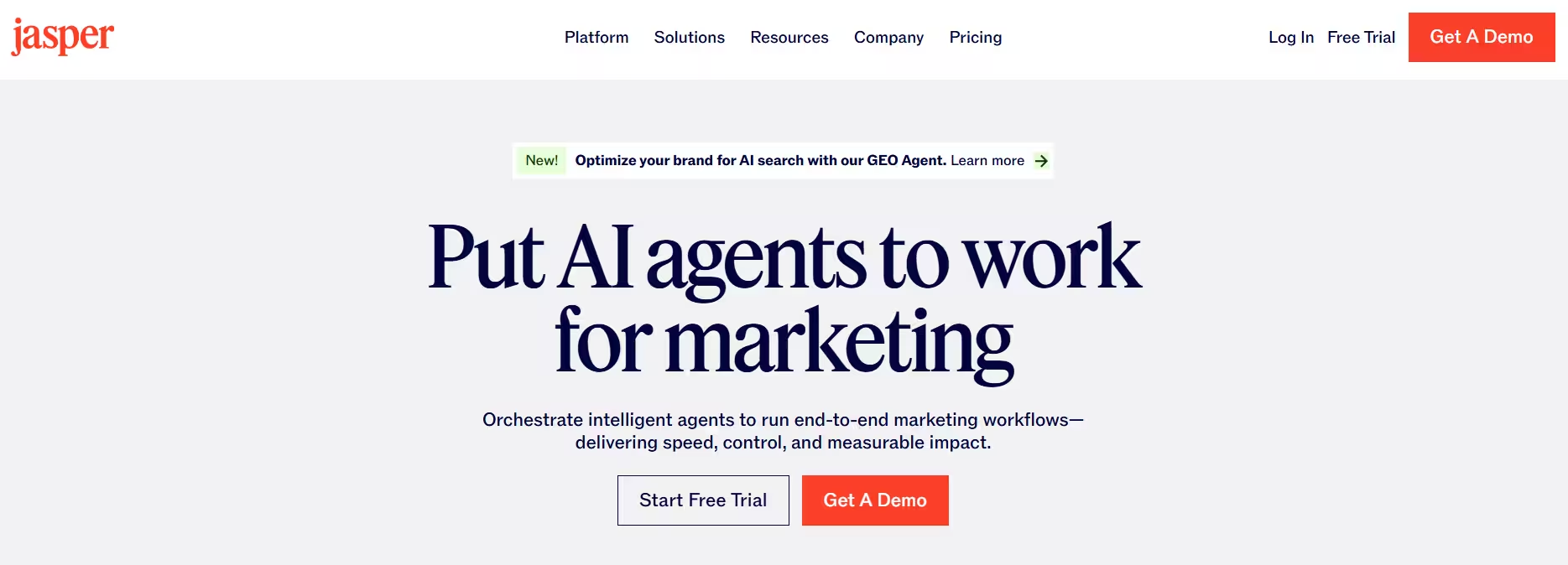
It can produce blog posts, ad copy, product descriptions, and social captions based on brand voice settings the user configures once. Small teams use it to keep content output consistent across multiple channels without hiring additional writers.
Pricing:
| Plan | Price |
|---|---|
| Pro | $59/month per seat |
| Business | Custom |
Pros
- Keeps brand voice consistent across campaigns
- Speeds up bulk content production
- Works well for teams publishing across several channels
Cons
- Output still needs editing for tone and factual accuracy
- Subscription cost adds up for solo users
- Best results require setup time on brand voice settings
3. GrammarlyGO
GrammarlyGO extends Grammarly's grammar checking into a full writing assistant.
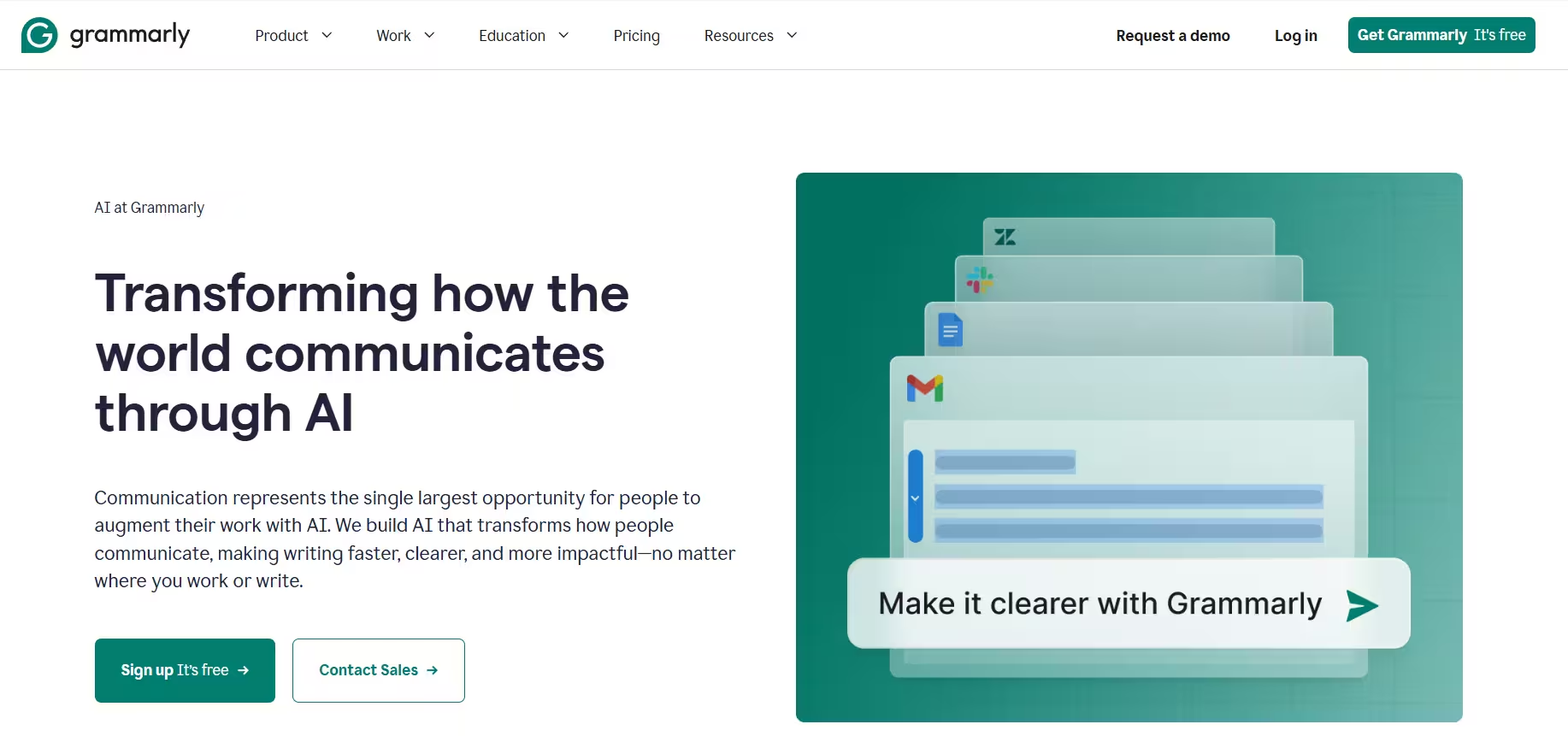
Beyond fixing spelling and grammar errors, it rewrites sentences for clarity, adjusts tone for formal or casual communication, and generates first drafts of emails and replies. It integrates directly into browsers, email clients, and most writing apps, so it runs in the background rather than requiring a separate workflow.
Pricing:
| Plan | Price |
|---|---|
| Free | $0/month |
| Pro | $12/month, 7-day free trial available |
| Enterprise | Custom, via Superhuman Go |
Pros
- Runs inside existing apps and browsers, no separate workflow
- Adjusts tone for formal or casual writing
- Useful for daily client emails and proposals
Cons
- Advanced rewriting features sit behind paid plans
- Tone suggestions can miss context in niche industries
- Less useful for long-form content creation
4. Otter AI
Otter AI transcribes and summarizes meetings in real time.
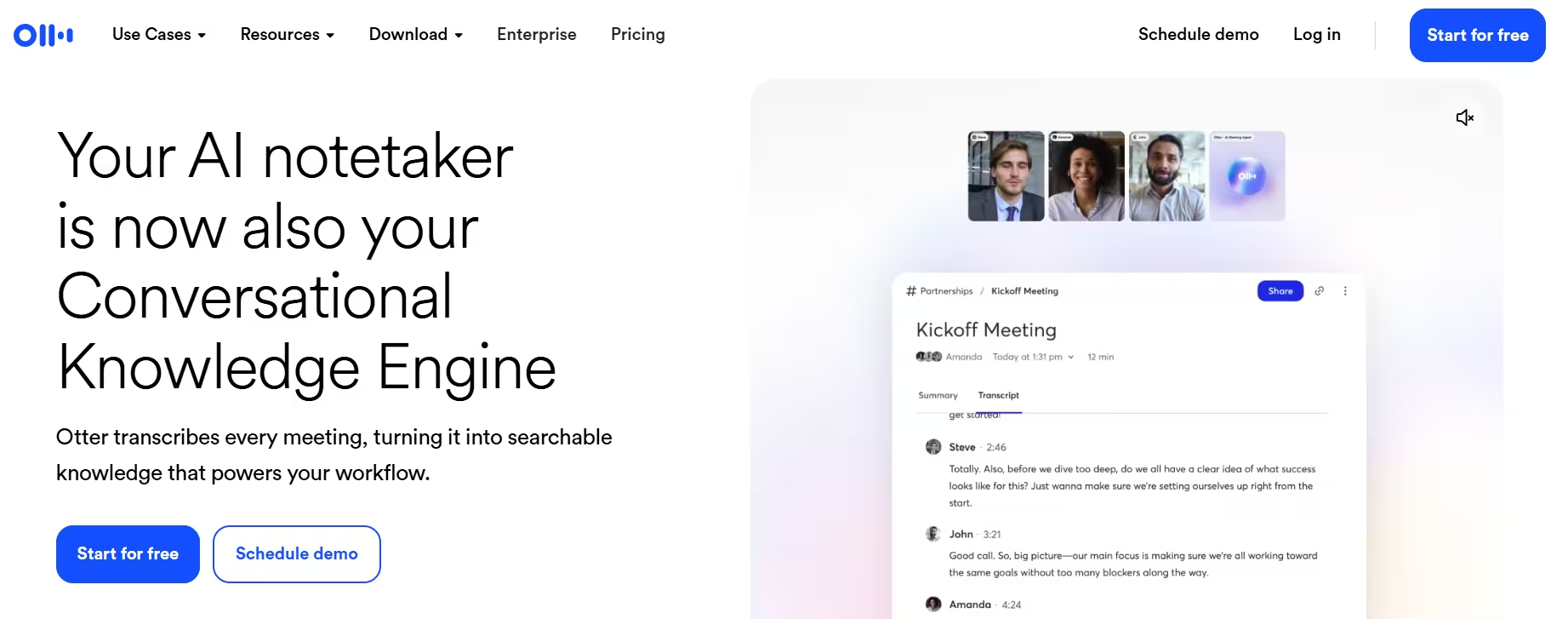
It joins video calls, generates a live transcript, and produces an automatic summary with action items after the meeting ends. Team members can also search past meeting transcripts by keyword, which helps confirm what was agreed on weeks earlier without replaying a recording.
Pricing:
| Plan | Price |
|---|---|
| Basic | $0 |
| Pro | $8.33/user/month (billed annually) |
| Business | $19.99/user/month |
| Enterprise | Custom |
Pros
- Live transcription with automatic summaries
- Searchable transcript history across past meetings
- Removes the need for a dedicated note-taker
Cons
- Transcription accuracy drops with heavy accents or background noise
- Free plan limits monthly transcription minutes
- Works best with English-language meetings
5. Zoho Zia
Zoho Zia is the AI layer built into Zoho's CRM and business suite.
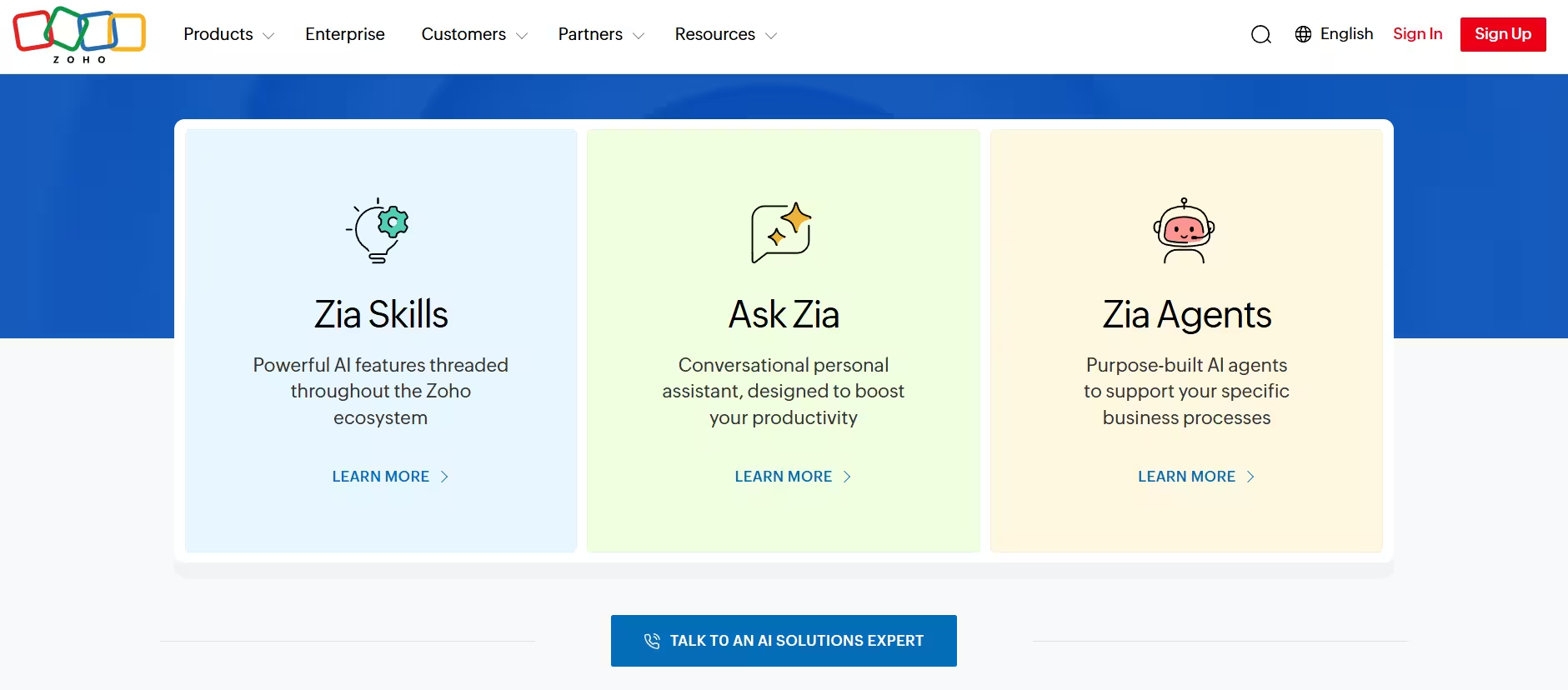
Zia analyzes customer data to predict which leads are most likely to convert, flags anomalies in sales trends, and suggests the best time to contact a prospect based on past response patterns. Since Zia is built into Zoho's existing apps, businesses already using Zoho CRM get the AI features without adding a separate tool to their stack.
Pricing: Zia does not have a separate price tag. It comes bundled into Zoho CRM plans, so the cost depends on the Zoho CRM tier a business subscribes to.
Pros
- Built directly into Zoho CRM, no extra tool needed
- Predicts lead conversion likelihood
- Flags unusual patterns in sales data automatically
Cons
- Full value depends on already using Zoho's suite
- Prediction accuracy needs sufficient historical data
- Limited usefulness outside the Zoho ecosystem
6. Visme
Visme is a content creation platform with AI tools for presentations, documents, and visuals.
The AI Designer generates layouts, graphics, and branded visuals from a prompt, cutting down the time needed to build client-ready presentations or marketing assets. It also includes an AI writer and AI image generator within the same platform, so teams do not need separate tools for text and design work.
Pricing:
| Plan | Price |
|---|---|
| Basic | $0 |
| Starter | $12.25/month per person |
| Pro | $24.75/month per person |
| Enterprise | Custom (10+ users) |
Pros
- Combines design, writing, and image generation in one platform
- Free plan available before upgrading
- Suits pitch decks, training material, and client-facing documents
Cons
- Advanced templates and assets require a paid plan
- Learning curve for teams new to design tools
- AI image generation quality varies by prompt detail
7. Metricool
Metricool handles social media planning, scheduling, and analytics with built-in AI support.
The AI assistant drafts captions, posts, and threads from short prompts, while a separate AI alt-text feature automatically writes image descriptions to improve accessibility. A recurring schedule option keeps posts going out at a set cadence without manual reposting.
Pricing:
| Plan | Price |
|---|---|
| Free | $0 |
| Starter | From $20/month |
| Advanced | From $53/month |
| Custom | Contact sales |
Pros
- Combines content creation, scheduling, and analytics in one dashboard
- Automatic alt text generation improves accessibility
- Customizable AI prompts for brand voice
Cons
- AI credits vary depending on the plan
- Advanced AI features are locked to higher-tier plans
- Free plan has limited scheduling capacity
AI tools speed up drafting and repetitive work, but small businesses still need a human to review output before it reaches customers. Treat AI-generated content, whether it's a marketing email or a customer reply, as a draft that needs a factual and tonal check. For hiring, financial decisions, or sensitive customer issues, keep a person making the final call instead of letting the AI decide outright.