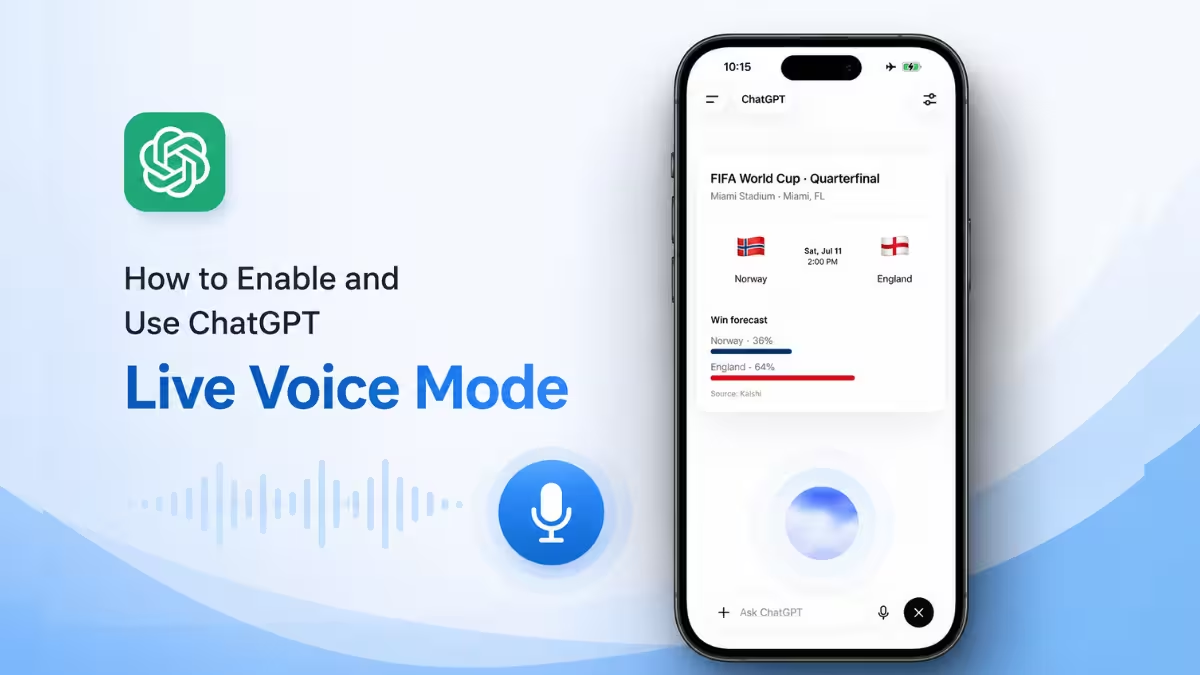
ChatGPT’s Live voice mode drops the old wait your turn pattern. It listens while it talks, picks up interruptions mid sentence, and keeps the conversation moving the way a phone call does instead of a walkie talkie. Here is how to turn it on, what it can do once it is running, and where it still gets things wrong.
What Is ChatGPT Live Voice
Live is OpenAI’s newest voice option inside ChatGPT. It runs on GPT-Live-1 for paid plans and GPT-Live-1 mini for free accounts. Unlike older voice models, Live listens and speaks at the same time, so you can interrupt mid response and the conversation keeps flowing without the usual pause and wait pattern.
Where to Find Voice Settings
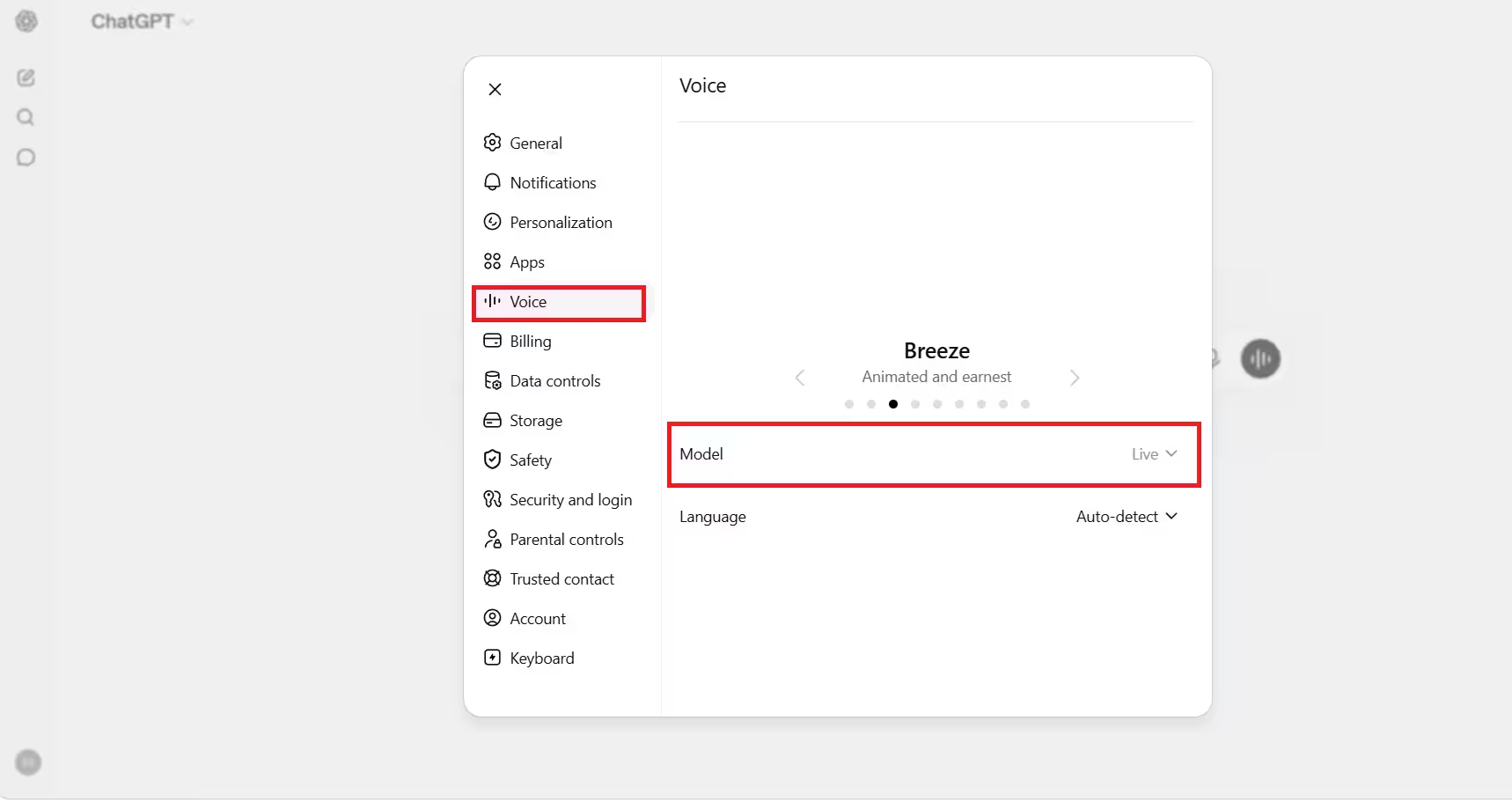
Open the ChatGPT app or site and go to Settings, then Voice. This menu shows every voice option available on your account, including Live.
How to Turn On ChatGPT Live Voice
- Open Settings and tap Voice.
- Select Live from the list of voice options.
- Tap the microphone or voice icon inside a chat to start talking.
- Speak normally. Live can pick up interruptions and respond without you needing to wait for a pause.
What ChatGPT Live Voice Can Do
Live is not limited to plain conversation. It can pull in web search results while you talk, use ChatGPT’s memory of past chats, and show visual widgets tied to your question when your account supports them. It also works alongside text and images on accounts where those features are active.
Live vs Live Mini
Paid ChatGPT plans get the full Live model, GPT-Live-1. Free accounts get GPT-Live-1 mini, a lighter version of the same feature. Both support real time back and forth talking, though the free tier may have narrower capability depending on your account.
| Feature | Live (Paid) | Live Mini (Free) |
|---|---|---|
| Model | GPT-Live-1 | GPT-Live-1 mini |
| Real time back and forth | Yes | Yes |
| Capability | Full | Narrower |
Switching Between Voice and Text
Live voice runs inside your regular chat, not a separate app. You can listen to a spoken response while reading the same reply as text, type a message when you cannot speak out loud, or scroll back to review earlier parts of the conversation without restarting the session.
Accuracy Limitations of ChatGPT Live Voice
Live can get details wrong on anything tied to date, time, or location, since it depends on your device or browser time zone to understand words like today or tomorrow. If a response about timing or location looks off, check your device time zone setting or state the exact date and location in your question instead of relying on relative terms.
Frequently Asked Questions
Is ChatGPT Live available on free accounts?
Yes. Free accounts get GPT-Live-1 mini, a smaller version of the Live voice model available to paid users.
Can I use Live and text together in the same chat?
Yes. Live works inside a normal chat, so you can switch between listening, speaking, and typing without starting a new conversation.
Does Live voice use web search?
Yes. Live can pull in web search results and reference ChatGPT’s memory while you are talking.
Why does ChatGPT Live get my time or location wrong?
Live relies on your device or browser time zone. If it misreads a date or location, correct the time zone setting or state the exact date and place in your question.
Related Guides
- How to Fix ChatGPT Error 404 “Page Not Found”
- How to Change ChatGPT’s Personality With a Simple Prompt
- GreyVibe Hackers Use ChatGPT and Gemini to Launch AI-Powered Cyberattacks
- How to Delete Old ChatGPT Images From Your Library (Working Method)
- OpenAI Codex for Open Source Program Offers Free ChatGPT Pro and API Credits

