Artificial intelligence has transformed software development. Today’s AI coding tools don’t just generate snippets—they integrate deeply with editors, understand context, and help developers at every stage of coding. But many developers want tools that support multiple language models instead of locking them into one provider. This article explores the top alternatives to Claude Code that deliver multi-model support and powerful coding assistance.
Claude Code, part of the Anthropic AI suite, excels at advanced code generation and autonomous workflows. It benefits from large context windows and strong reasoning. However, some developers prefer tools that let them use models from OpenAI (GPT-4/GPT-5), Google Gemini, Claude, and open-source variants interchangeably. Multi-model support can improve flexibility, reduce costs, and let teams choose models based on the task.
Best Multi-Model AI Coding Tools in 2026
OpenCode – Fully Flexible Model Support
OpenCode is an open-source AI coding agent that supports any model provider you choose. It lets you connect to Claude, GPT, Gemini, and even local models, giving maximum control over your coding back end.
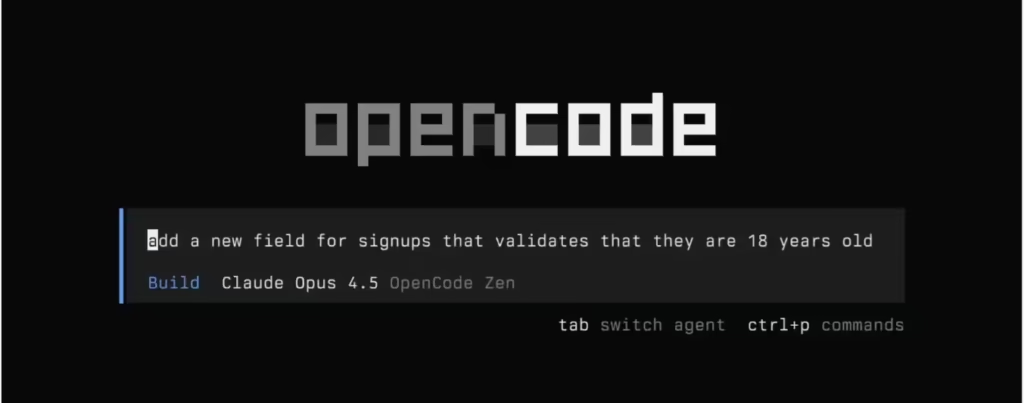
Key Features
- Plug in APIs from multiple LLM vendors
- Use free or paid models based on budgets
- Works locally on Windows, macOS, and Linux
Best For: Developers who want flexibility and control over models.
Aider – Open-Source Terminal Coding Partner
Aider runs as a command-line tool and pairs with any LLM you prefer—including Claude, GPT, Gemini, DeepSeek, or local models via Ollama. Because it’s open-source, you pay only for model usage.
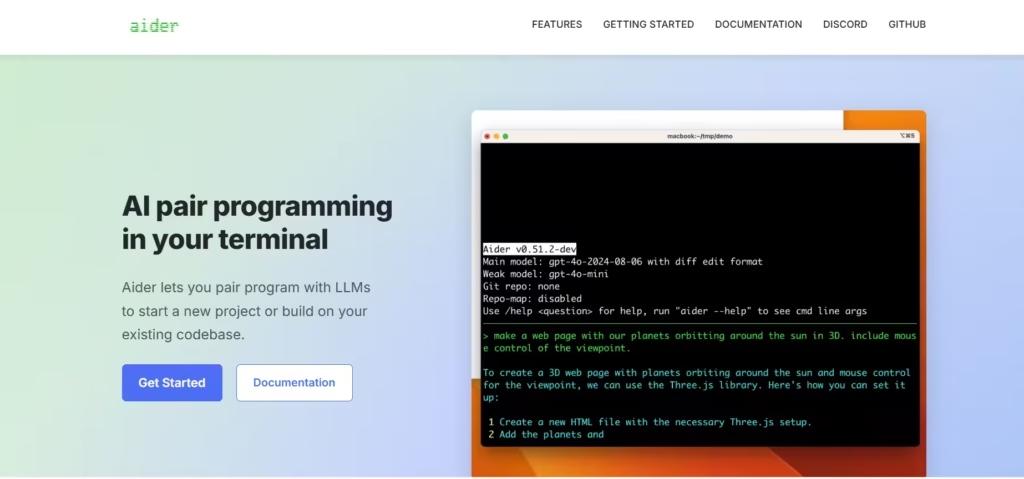
Key Features
- Supports 100+ programming languages
- Terminal-native workflow for developers
- Connects to unlimited model back ends
Best For: CLI users and developers who like lightweight, flexible tools.
Cursor – AI-Powered Coding IDE
Cursor elevates AI coding with deeper IDE integration and agent-style workflows. It supports multiple models like Claude Sonnet, GPT variants, and Gemini.
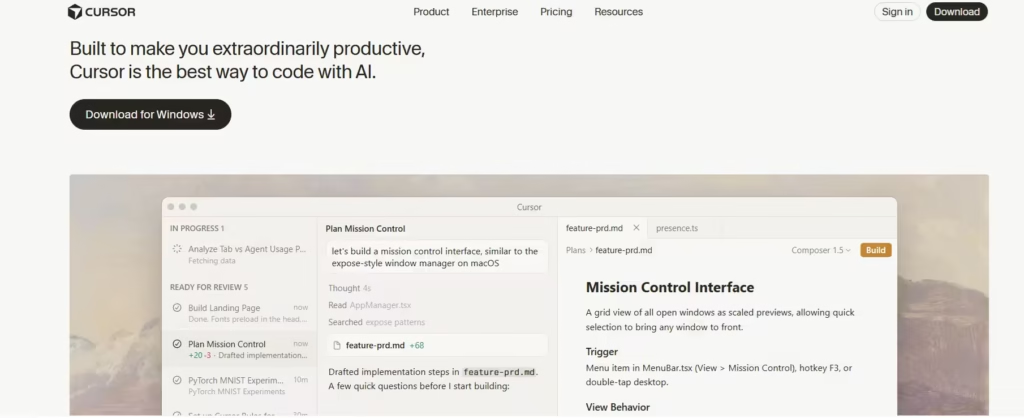
Key Features
- Integrates with editors like VS Code
- Understands project context across files
- Offers advanced suggestions and actions
Best For: Developers who want an IDE experience with built-in AI.
GitHub Copilot with Multi-Model Support
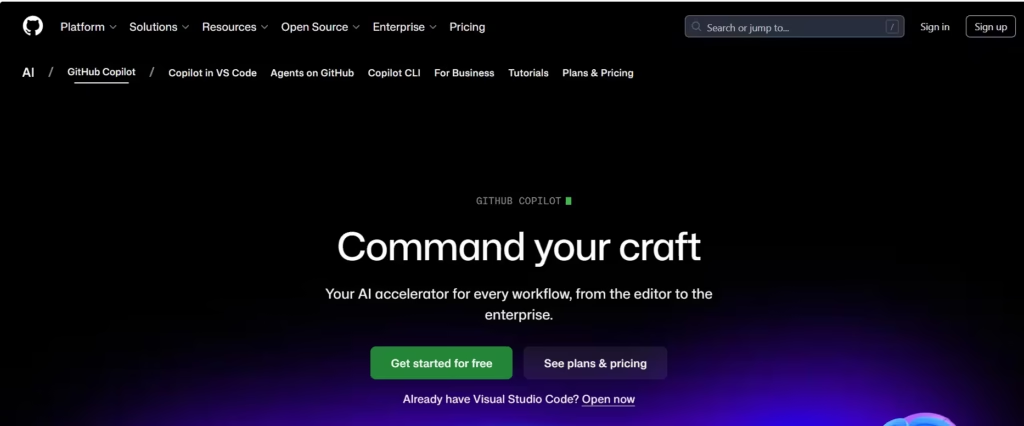
GitHub Copilot is expanding to let developers switch between multiple AI models (Anthropic, OpenAI, Google, and more) inside VS Code. This gives teams flexibility in how they generate code and optimise for cost or performance.
Key Features
- Deep integration with GitHub workflows
- Supports AI models from different providers
- Helps plan, write, review, and test code
Best For: Teams already using GitHub and VS Code.
Other Worthy Mentions
Several other AI coding assistants are worth exploring:
- Tabnine: Works with multiple editors and models.
- Codeium: Free coding assistant with broad language support.
- Replit AI / Ghostwriter: Browser-based, collaborative coding with multi-model interfaces.
These tools won’t always match the deep multi-model flexibility of OpenCode or Aider, but they offer strong coding help and integrations across environments.
How to Choose the Right AI Tool
To pick the right AI coding assistant:
- Model Flexibility: Ensure the tool lets you choose multiple LLMs (Claude, GPT, Gemini, etc.).
- Editor Integration: IDE support boosts productivity.
- Cost Efficiency: Open-source options often cost less than proprietary ones.
- Context Awareness: Tools that understand project wide code deliver better suggestions.
Tools with multi-model back ends offer the most long-term flexibility, letting teams adapt to changing needs while controlling costs.
Claude Code remains a strong choice for advanced coding workflows and deep reasoning. Still, many developers now prefer alternatives that support a wide range of AI models. OpenCode, Aider, Cursor, and evolving multi-model Copilot setups give you the flexibility to choose the best model for the task. Whether you’re automating refactors or generating full features, multi-model tools help you code smarter and faster.

