boAt has introduced its latest Bluetooth Calling smartwatch, the boAt Wave Fury. Packed with impressive features, including large HD screen, Screen Wake gesture and a comprehensive health tracking capabilities.
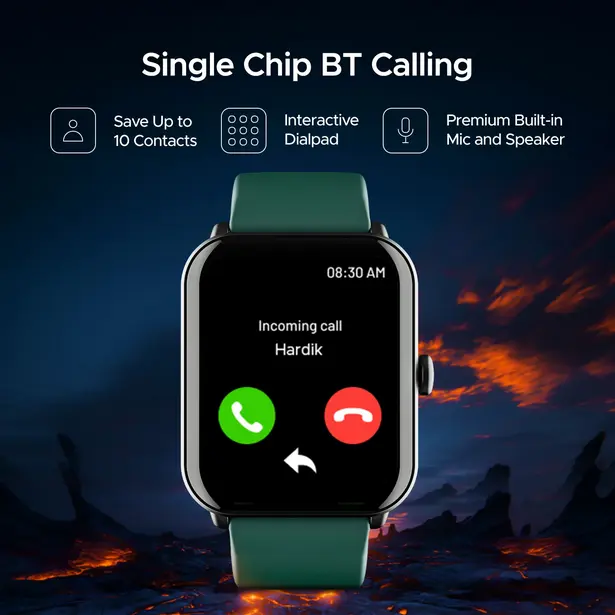
boAt Wave Fury smartwatch comes with a Bluetooth calling support, users can make and receive calls directly from the device and also can save up to 10 contacts on the smartwatch. With a built-in microphone and speaker, clear and hands-free communication is ensured.
The Wave Fury boasts a 1.83-inch HD color screen, offering vibrant visuals with a resolution of 240 x 284 pixels. The display shines with a peak brightness of 550 nits, making it easily readable even in bright outdoor conditions. Users can interact with the smartwatch through touch gestures and take advantage of the split-screen widget feature for seamless multitasking.
The smartwatch provides real-time heart rate monitoring, SpO2 measurement, sleep tracking, step counting, calorie counting, water intake reminders, sedentary reminders, stress measurement, menstrual cycle tracking, and breath exercises.

In terms of battery life, the boAt Wave Fury boasts a 220 mAh battery that can last up to 30 days on standby and up to 5-7 days on heavy use on a single charge. The smartwatch also features an IP67 rating, making it resistant to dust, sweat, and splashes, providing durability and reliability for everyday use.
Price and availability
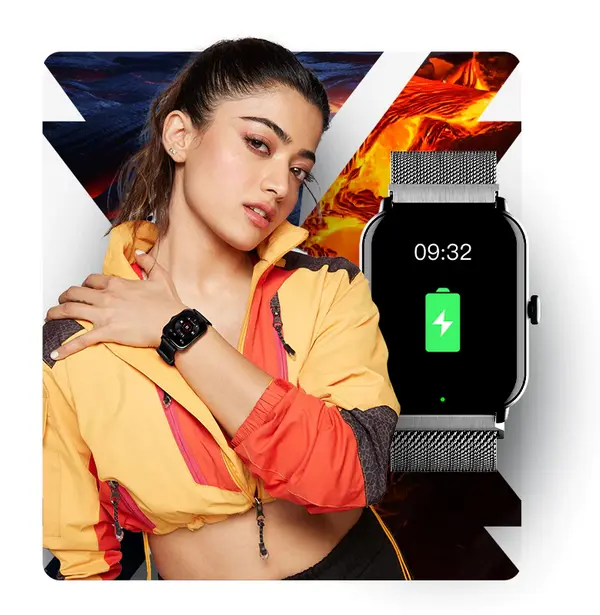
The boAt Wave Fury smartwatch will be available in five (5) color options: Active Black, Cyan Blue, Metallic Grey, Cherry Blossom, and Teal Green. Buyers can purchase the smartwatch at an introductory price of Rs. 1299 starting from July 9th at 12 P.M. on the boAt website and Flipkart.

