Error code 101.0.12 appears in Dissidia Duellum FF when the game loses connection to its servers. The error message reads: “Error Code: 101.0.12 Failed to connect”. When this happens, you cannot log in, ranked matches end abruptly, and the in-game Chocobo stops moving on the home screen. Players who were mid-battle may also lose their rank points even for disconnections caused by the server not by their own connection.
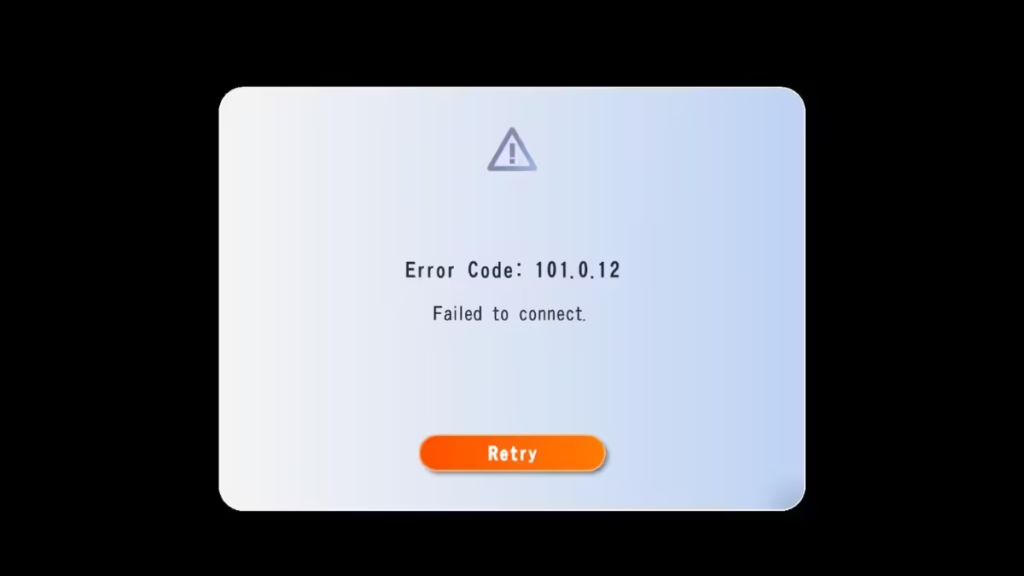
How to Fix Dissidia Duellum FF Error Code 101.0.12
Step 1: Check If the Servers Are Down
Before you troubleshoot your own device, check whether the game servers are actually down. This error typically spreads to hundreds of players at the same time. Here is how to confirm:
- Check the Dissidia Duellum FF subreddit for recent posts about connection issues.
- Search Twitter/X for “Dissidia Duellum FF error” and filter by Latest.
- Check Downdetector and search for the game.
If other players report the same error at the same time, the problem is on the server side and you cannot fix it yourself.
Step 2: Tap Retry
Once you confirm the servers might just be temporarily unstable (not fully down), tap the Retry button on the error screen. Sometimes a brief network hiccup causes the error and a single retry reconnects you.
Do not spam Retry repeatedly during a confirmed outage. It does nothing and drains your battery.
Step 3: Restart the App
If Retry fails, close the app completely and relaunch it.
On Android:
- Tap the recent apps button
- Swipe the Dissidia Duellum FF card away
- Reopen the game from your home screen
On iOS:
- Swipe up from the bottom and pause to open the app switcher
- Swipe the game card upward to close it
- Relaunch from your home screen
Step 4: Wait for Servers to Come Back Online
If steps 1 through 3 do not resolve the error, the servers are down and you have no choice but to wait. Most Dissidia Duellum FF outages resolve within 30 minutes to 2 hours. After that, relaunch the game normally.
Did You Lose Rank Points or Rewards During the Outage?
Yes, in most cases. When server outages cause rank point losses or erase battle rewards, the Dissidia Duellum FF team typically sends an apology gift to all players. This usually includes tickets, gems, or other in-game items. Check your in-game mailbox after the servers come back online.
Still Getting Error 101.0.12 After Servers Are Back?
If the server outage is over but you still see the error, try these steps:
- Uninstall and reinstall the game.
- Make sure your device software is up to date.
- Contact Dissidia Duellum FF support through the official app or website and include your Error Code shown in the error message.
Error code 101.0.12 in Dissidia Duellum FF almost always points to a server-side issue, so the fix is usually just waiting it out. While you wait, restart the app, and check your connection. Once the servers come back up, log in and check your mailbox for any compensation the developers send out.

