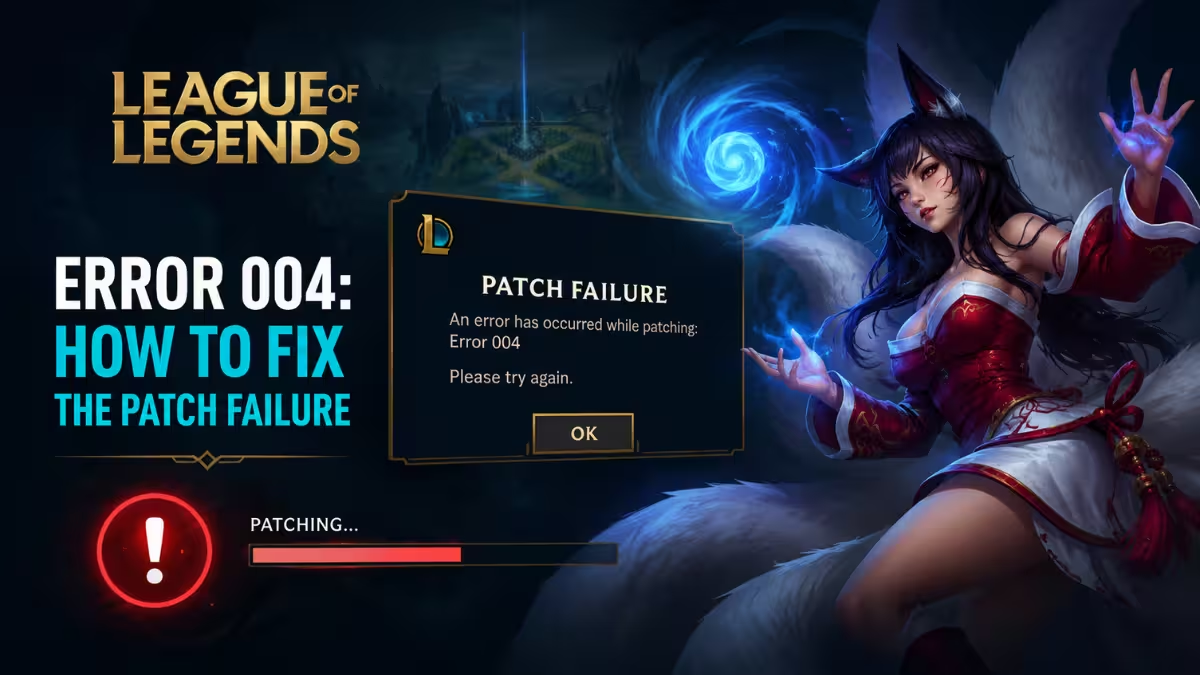
League of Legends error code 004 appears when the Riot Client tries to install a patch and fails partway through. The client shows a message saying patching failed and asks you to restart before it tries again, but a simple restart does not always clear it. The fixes below walk through every likely cause, starting with the quickest checks first.
What Causes Error Code 004 in League of Legends
The error points to a problem between the Riot Client and the update it tries to install.
- Low disk space on the drive where League of Legends is installed
- Riot Client running without administrator permissions
- Corrupted or locked game files from a previous patch
- Antivirus software blocking
RiotClientServices.exeorLeagueClient.exe - Unstable network connection dropping data during the download
Quick Check: Is It a Server Side Issue First
Most reports of this error trace back to the local machine running the client rather than a Riot server problem. Still, it is worth a quick check before you start troubleshooting on your end.
- Visit the Riot service status page to see if patching infrastructure is having issues, especially right after a major patch rolls out.
- If the status page shows no problems, move on to the fixes below.
Fix 1: Restart the Riot Client and Your PC
A fresh restart clears temporary memory issues and releases any files the client locked during the failed patch attempt.
- Close the Riot Client fully, including the background process in the system tray.
- Let any pending Windows updates finish installing, since those can interfere with the patch process.
- Reopen the Riot Client and try patching again.
- If the error repeats, restart your PC before trying once more.
Fix 2: Run the Riot Client as Administrator
Windows permissions can block the Riot Client from writing new patch files to your installation folder.
- Right click the Riot Client shortcut or search result and select Properties.
- Open the Compatibility tab.
- Tick Run this program as an administrator.
- Repeat the same steps for
LeagueClient.exeandLeague of Legends.exeinside your install directory.
If the client still fails to patch after running as administrator, the problem may sit at the file level instead. The next two fixes cover that.
Fix 3: Free Up Disk Space
League of Legends needs enough free storage to download and unpack a patch before it installs.
- Check the drive where the game is installed for available free space.
- Aim for at least 20 percent free space on that drive.
- Clear unused files or move large programs to another drive if space runs low.
- Restart the Riot Client after freeing up space and try patching again.
Fix 4: Delete the Config File and Let It Regenerate
A corrupted game.cfg file can stop a patch from completing correctly.
- Navigate to your Riot Games installation folder.
- Open the Config directory.
- Remove the
game.cfgfile. - Relaunch the Riot Client and let it rebuild the file automatically before patching again.
With permissions, storage, and config ruled out, the next likely blocker is security software or deeper file corruption.
Fix 5: Check Your Antivirus Settings
Security software sometimes flags Riot processes during a patch and blocks them without a visible warning.
- Open your antivirus quarantine or activity log to check for blocked Riot files.
- Add exceptions for
RiotClientServices.exeandLeagueClient.exe. - Alternatively, disable the antivirus temporarily while the patch installs.
- Re-enable the antivirus once the patch finishes.
Fix 6: Run the Riot Repair Tool
If antivirus was not the cause, corrupted installation files are the next thing to rule out. The Riot Repair Tool, previously called the Hextech Repair Tool, scans your installation and fixes broken or missing files without a full reinstall.
- Open the Riot Client.
- Click the settings cog icon.
- Go to the General tab.
- Select Initiate Full Repair and let the scan finish completely before launching League of Legends again.
If none of the fixes above resolve it, the issue may sit with your network connection instead of your files.
Fix 7: Check Your Network Connection
An unstable connection can drop packets mid download and corrupt the patch before it finishes writing.
- Switch from Wi-Fi to a wired Ethernet connection while patching.
- Pause other downloads or streaming on your network.
- Restart your modem and router by unplugging them for around 30 seconds if the issue continues.
- Disable any VPN or proxy temporarily, since it can misroute traffic and interrupt the connection to Riot's patch servers.
If the error still shows up after working through every fix above, a clean reinstall is the last resort.
Fix 8: Reinstall League of Legends
A clean reinstall replaces every file tied to the failed patch and resolves most remaining cases of this error.
- Open Control Panel and go to Programs and Features.
- Select League of Legends and click Uninstall.
- After the wizard finishes, check your installation folder for leftover files and delete them.
- Check the path
C:\Users\[your username]\AppData\Local\Riot Gamesand remove that folder if it still exists. - Reinstall League of Legends from the official Riot client.
Still Seeing the Error
If the error persists after trying the steps above, submit a ticket to Riot Player Support and attach your client logs so the support team can look into the specific cause on your account.
Frequently Asked Questions
Is League of Legends error 004 a server side issue?
Most reports trace back to the local machine running the client, not Riot's servers. Server side problems are rare and usually resolved on Riot's end within a short window.
How long does a full repair take?
A Riot Repair Tool scan typically finishes within a few minutes. A full reinstall takes longer and depends mostly on your internet speed.
Why does error 004 keep coming back after every patch?
Recurring error 004 usually points to a failing drive, a persistent antivirus conflict, or a chronically unstable connection. Moving the install to a different drive or switching security software often stops the pattern.
League of Legends error 004 almost always comes down to a local issue on your PC, whether that's disk space, admin permissions, a corrupted config file, or a shaky connection during the patch. Work through the fixes in order, and most players clear the error within the first few steps without ever needing a full reinstall. If it keeps coming back after every patch, check for a failing drive or a persistent antivirus conflict, since that's usually the real root cause behind repeat errors.
Read More
- How to Fix ‘League Clash Error’ in League of Legends
- Pokemon Center 503 Error: How to Fix Service Unavailable Issue
- How to Fix OMEN Gaming Hub Not Supported in This Region Error
- FC 26 Failed to Connect with Opponent: How to Fix It
- Battlefield 6 Crashing on PC: How to Fix It
- How to Fix Fortnite Error ESP-DIST-001 on PC, Xbox, PlayStation & Switch