The “Error in message stream” in ChatGPT appears when the live connection between your browser and OpenAI’s servers breaks while a response is being sent. Network drops, stale browser cache, session timeouts, conflicting extensions, or temporary server overload are the most common triggers.
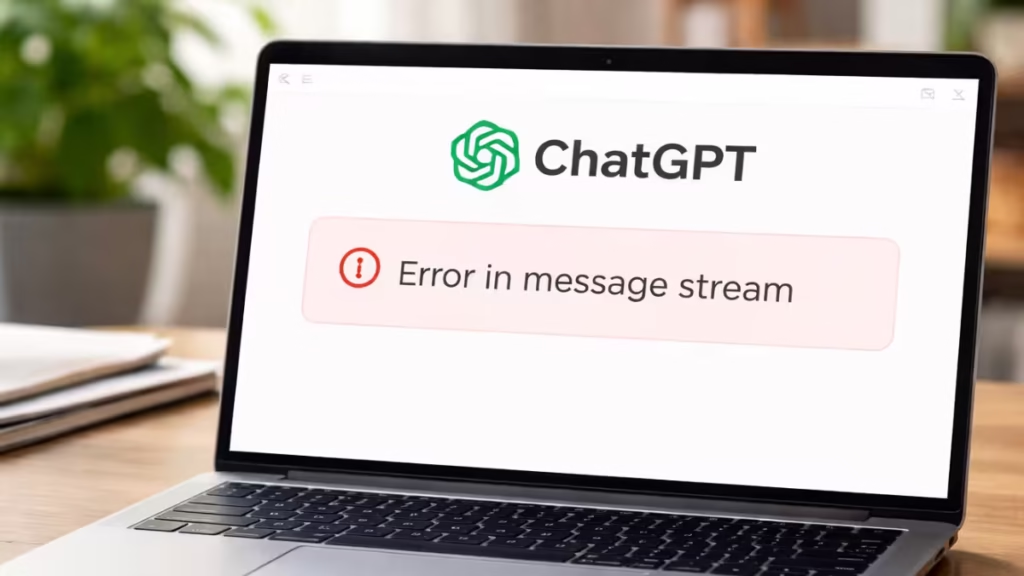
This error does not mean your account is blocked or suspended. It does not cause data loss. In most cases, one of the fixes below resolves it within seconds.
Fix 1: Start a New Chat
Before trying anything else, open a fresh conversation. A specific chat thread can develop a broken session state that persists even after page refresh.
Steps:
- Click New chat in the left sidebar
- Type your message again
- Click Send
If the new chat works, the issue was isolated to that thread.
Fix 2: Hard Refresh the ChatGPT Page
A hard refresh forces the browser to reload all scripts from scratch, clearing temporary page memory.
Steps:
- Click inside the ChatGPT browser tab
- Press Ctrl + F5 (Windows) or Cmd + Shift + R (Mac)
- Wait for the page to reload fully
- Resend your message
This resolves the majority of message stream errors instantly.
Fix 3: Copy and Resend the Message
Sometimes the message fails only during transmission, not due to a deeper issue.
Steps:
- Copy your last message
- Refresh the page once
- Paste the message again
- Click Send
If the connection stabilizes, the error disappears immediately.
Fix 4: Check the OpenAI Status Page
Before spending time on local troubleshooting, confirm whether the problem is on OpenAI’s end.
Steps:
- Visit status.openai.com
- Check for any active incidents or degraded performance notices
- If an incident is listed, wait for OpenAI to resolve it
During a live incident, local fixes will not help. Waiting is the correct action.
Fix 5: Check Internet Stability
ChatGPT streams responses in real time and needs a stable, uninterrupted connection throughout.
What to verify:
- Reconnect Wi-Fi or switch to Ethernet
- Avoid switching networks while ChatGPT is generating a response
- Disable VPN temporarily if one is active
- Pause large downloads or video streams running in the background
Even minor packet loss can trigger this error mid-stream.
Fix 6: Clear Browser Cache and Cookies (Chrome)
Corrupt cache files interrupt real-time scripts and can cause repeated stream failures.
Steps:
- Open Chrome
- Press Ctrl + Shift + Delete
- Select:
- Cached images and files
- Cookies and site data
- Click Clear data
- Restart the browser and reopen ChatGPT
This resets broken scripts and restores normal streaming behavior.
Fix 7: Test in Incognito Mode or Another Browser
Browser extensions frequently interfere with live response streaming.
Steps:
- Open Incognito Mode with Ctrl + Shift + N
- Sign in to ChatGPT
- Send a test message
If the error does not appear in Incognito, disable your extensions one by one in the normal browser until you identify the conflict. Common culprits include ad blockers, script managers, and AI assistant extensions.
Fix 8: Switch the ChatGPT Model
If you are using GPT-4o or a specific model that is under heavy load, switching to another available model can bypass the stream issue.
Steps:
- Click the model selector at the top of the chat window
- Switch to a different model (for example, from GPT-4o to GPT-4o mini)
- Start a new chat and resend your message
This is particularly useful during peak usage hours.
Fix 9: Log Out and Log Back In
Refreshing your authentication session can stabilize the connection when a session token expires or becomes corrupted.
Steps:
- Log out of ChatGPT
- Close the browser completely
- Reopen the browser and sign in again
- Retry your message
Fix 10: Wait and Retry During Server Load
If none of the local fixes work, OpenAI servers may be handling heavy traffic.
What to do:
- Wait 2 to 5 minutes
- Refresh the page
- Try again
OpenAI does not block or penalize accounts for this error. Server-side interruptions resolve automatically.
How to Prevent ChatGPT Error in Message Stream
These habits reduce how often this error appears:
- Use a stable wired or strong Wi-Fi connection for long prompts
- Avoid switching tabs or networks while ChatGPT is generating a response
- Disable script-heavy browser extensions that inject into web pages
- Refresh the page before sending large or complex messages
- Keep your browser updated to the latest version

