If your Hotmail or Outlook account was hacked even though an authentication app was enabled, you are likely dealing with a full Microsoft account takeover. In these cases, attackers lock the owner out by adding their own authenticator and changing security details.
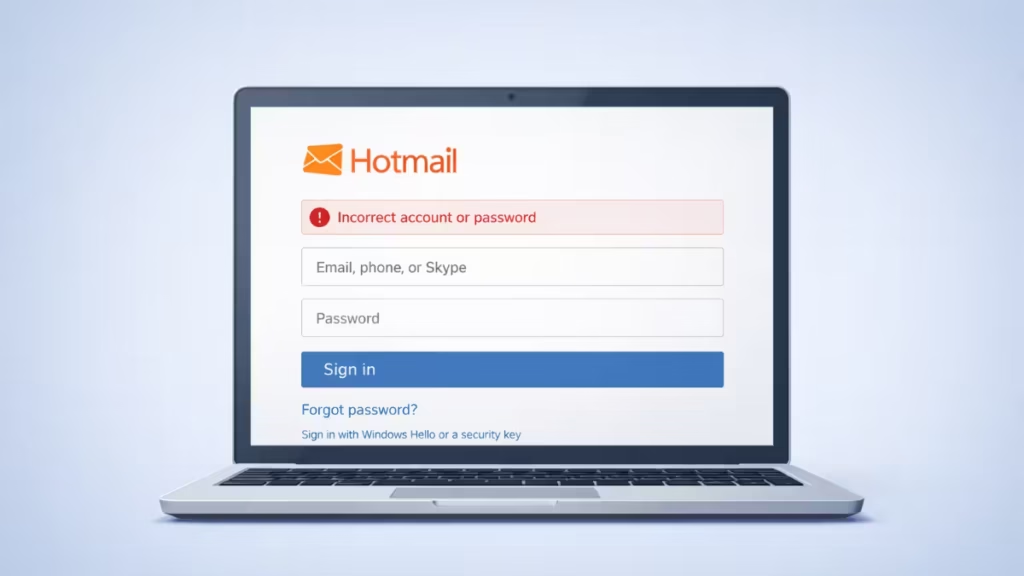
Why Your Hotmail Account Was Compromised Despite Using an Authenticator App
Before attempting recovery, you need to understand the situation clearly.
In many recent attacks, hackers:
- Access the account before the user resets the password
- Add their own authentication app
- Change or remove recovery options
- Lock the original owner out completely
Once this happens, password resets alone no longer work.
Why the Authenticator App Did Not Protect Your Account
An authenticator app only protects your account after it is enabled and secured.
See also: How to Fix Microsoft Authenticator Error 500121 (MFA Sign-In Failed)
Attackers bypass protection when they:
- Steal active login sessions (session cookies)
- Gain access before MFA activation
- Add their own authenticator first
After an attacker adds a new authenticator, Microsoft treats it as the primary verification method.
Signs Your Hotmail Account Is Fully Compromised
You are likely locked out if you see these signs:
- Repeated requests for authentication codes you never set up
- Recovery codes returning “temporary problem with the service”
- Draft emails reappearing with blackmail or Bitcoin threats
- Security info changed without your knowledge
- Login attempts blocked due to “too many tries”
These indicate attacker-controlled MFA.
Step 1: Stop Login Attempts for 24–48 Hours
This step is critical.
Microsoft automatically blocks recovery attempts after multiple failures. Continuing to retry:
- Extends the lockout window
- Reduces recovery success
Wait at least 24 hours, ideally 48 hours, before trying again.
Step 2: Use the Official Microsoft Account Recovery Form
After waiting, go to the official recovery page:
This is the only supported method for recovering an account locked by MFA.
How to fill the form correctly
- Use a new, secure email address for replies
- Submit from a device and location you used before
- Enter:
- Old passwords you remember
- Approximate account creation year
- Email subjects you sent recently
- Contacts you emailed frequently
Accuracy matters, but consistency matters more.
Step 3: Understand Recovery Code Errors
If you see this message:
“There’s a temporary problem with the service.”
It usually means:
- Microsoft rate-limited your attempts
- The account is under active security review
- The system blocked automated retries
This is not a bug you can fix locally.
Step 4: What If Microsoft Denies Recovery?
If Microsoft replies that it cannot verify ownership, the account is permanently lost.
Note:
- Microsoft cannot override or remove an attacker’s authenticator
- Support agents do not have manual access to MFA systems
At this stage, recovery is no longer possible.
Step 5: Start Damage Control Immediately
Even while waiting for recovery, secure everything else.
Change passwords on all linked services
Focus on:
- Banking and payment apps
- Social media
- Shopping accounts
- Cloud storage
- Developer or work tools
Never reuse the old email password.
Warn your contacts
Send a message from another account:
“My Hotmail account was compromised. Please ignore any messages from it and do not click links or attachments.”
This prevents phishing spread.
Check account linkages
Think carefully:
- Was this email used for subscriptions?
- Was it a recovery email for other accounts?
- Did it connect to OneDrive, Xbox, or business tools?
Secure those services immediately.
About Blackmail Draft Emails
Attackers often create draft messages claiming they will leak personal data unless you pay Bitcoin.
In most cases:
- The message uses a generic template
- No proof appears
- The goal is fear, not follow-through
Do not pay. Payment does not stop the attacker.
Step 6: Create a New Secure Email Account
If recovery fails, move forward safely.
When creating a new account:
- Enable an authenticator immediately
- Save backup codes offline
- Use a strong, unique password
- Never reuse the compromised email as recovery info
Treat the old Hotmail account as irreversibly compromised.
FAQs
Can a Hotmail account be hacked even with an authenticator app?
Yes. If an attacker adds their own authenticator or hijacks an active login session, they can lock the original owner out even when MFA is enabled.
Why does Hotmail keep asking for an authentication code I never set up?
This usually means the attacker added a new authenticator app. Microsoft then treats that app as the primary verification method.
Why does the recovery code show “temporary problem with the service”?
Microsoft rate-limits recovery attempts after multiple failures. The message indicates a security cooldown, not a local error.
Can Microsoft remove a hacker’s authenticator app?
No. Microsoft does not manually override or remove authenticators once they are added to an account.
Is my Hotmail account permanently lost if recovery fails?
Yes. If Microsoft cannot verify ownership due to attacker-controlled MFA, the account becomes unrecoverable.
Can emails be recovered after I regain access?
Not always. If the attacker permanently deleted emails and emptied folders, Microsoft cannot restore them for personal accounts.
Why do blackmail draft emails keep appearing in hacked accounts?
Attackers use automated templates to scare users into paying Bitcoin. These drafts usually do not mean data was leaked.
What should I do first if my Hotmail account is hacked?
Stop repeated login attempts, wait for the cooldown period, submit one recovery request, and secure all other accounts linked to that email.
Should I pay if the hacker demands Bitcoin?
No. Paying does not restore access or stop further abuse.
Should I report a hacked Hotmail account to authorities?
If personal, legal, or financial data was involved, reporting the incident helps with identity protection and future disputes.

