The Employees' Provident Fund Organisation (EPFO) portal is widely used by employees and employers to manage provident fund details, claims, and other related services. However, users occasionally encounter technical issues, such as the SQL Error Code 0, which prevents them from accessing their accounts or performing certain actions.
If you are facing this error, don’t worry—this guide will explain the possible causes and solutions to help you resolve the issue efficiently.
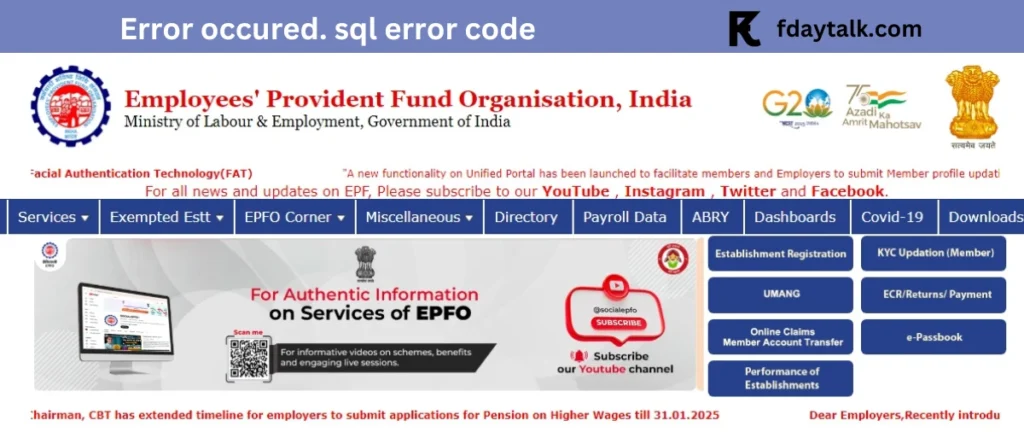
Reason for SQL Error Code 0
- Server-Side Issues: The EPFO system may be undergoing maintenance or experiencing technical downtime.
- Network or Connectivity Problems: An unstable internet connection may interrupt the communication between the user and the EPFO database.
- Browser Cache and Cookies: Corrupt or outdated cache files may cause login and transaction issues.
- Session Timeout: If the session expires due to inactivity, attempting to perform an action might result in this error.
- Incorrect User Input: Entering incorrect or incomplete details may sometimes trigger this issue.
How to Fix SQL Error Code 0 on the EPFO Portal
If you encounter this error, try the following troubleshooting steps:
1. Check EPFO Announcements
Before troubleshooting, visit the official EPFO website or their social media pages for any notifications regarding maintenance or known issues.
2. Verify Your Internet Connection
Ensure you have a stable and active internet connection. If possible, try switching networks or restarting your router.
3. Clear Browser Cache and Cookies
Overloaded cache files or outdated cookies may interfere with EPFO’s functioning. Follow these steps:
- Open your browser settings.
- Navigate to Privacy & Security.
- Click on Clear Browsing Data and select Cookies and Cached Files.
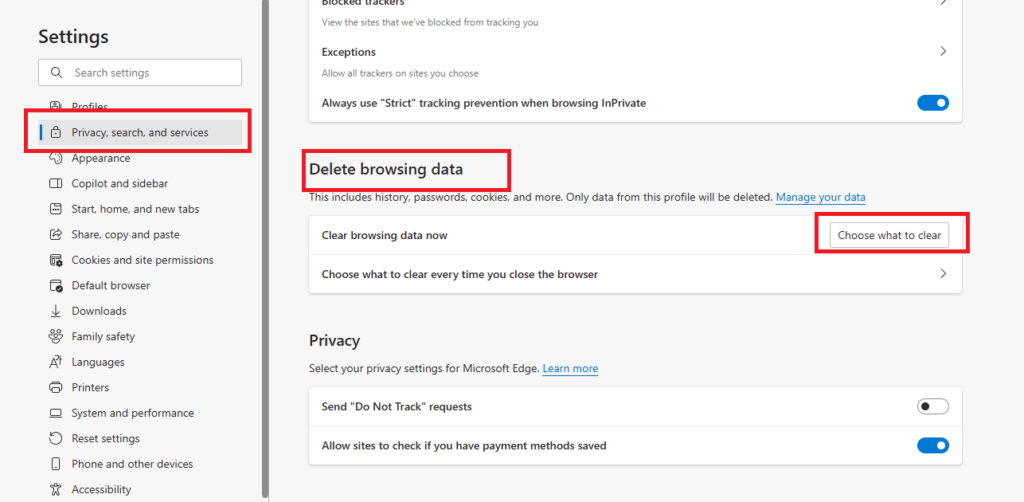
- Restart your browser and try again.
4. Use a Different Browser or Device
Sometimes, browser compatibility issues can cause unexpected errors. If you are using Google Chrome, try accessing the portal on Mozilla Firefox, Microsoft Edge, or another browser.
5. Restart Your Device
A simple restart can often resolve system-level issues and refresh network configurations.
6. Retry After Some Time
If the issue is on the server side, waiting for some time and trying again later may resolve the problem.
7. Contact EPFO Customer Support
If none of the above solutions work, contact EPFO’s support team for assistance. You can reach them through:
- EPFO Helpdesk: Visit https://www.epfindia.gov.in
- Toll-Free Number: 1800 118 005
- Regional EPFO Offices: Visit your nearest EPFO office for in-person assistance.
Conclusion
The SQL Error Code 0 on the EPFO portal can be frustrating, but it is usually a temporary issue. By following these troubleshooting steps, most users can quickly regain access and continue their transactions smoothly. If the problem persists, contacting EPFO support is the best way to get official guidance.